

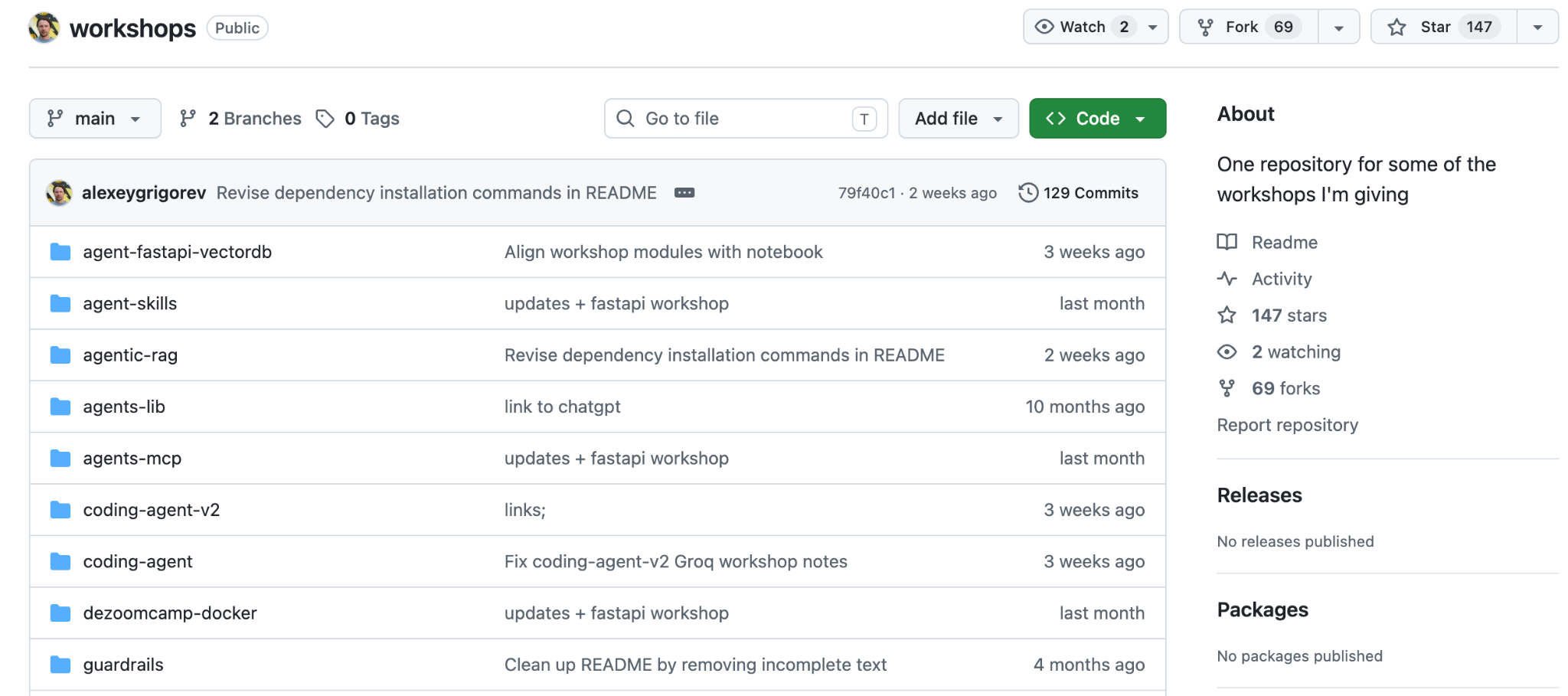
For a while, my Gen AI workshops have been scattered across different places. The recordings are on YouTube. The code is on GitHub. Some workshops I gave at conferences were never recorded, and the materials were stored in my archives, but never went anywhere afterward. Two of the more recent ones were published in Slack for AI Shipping Labs members.
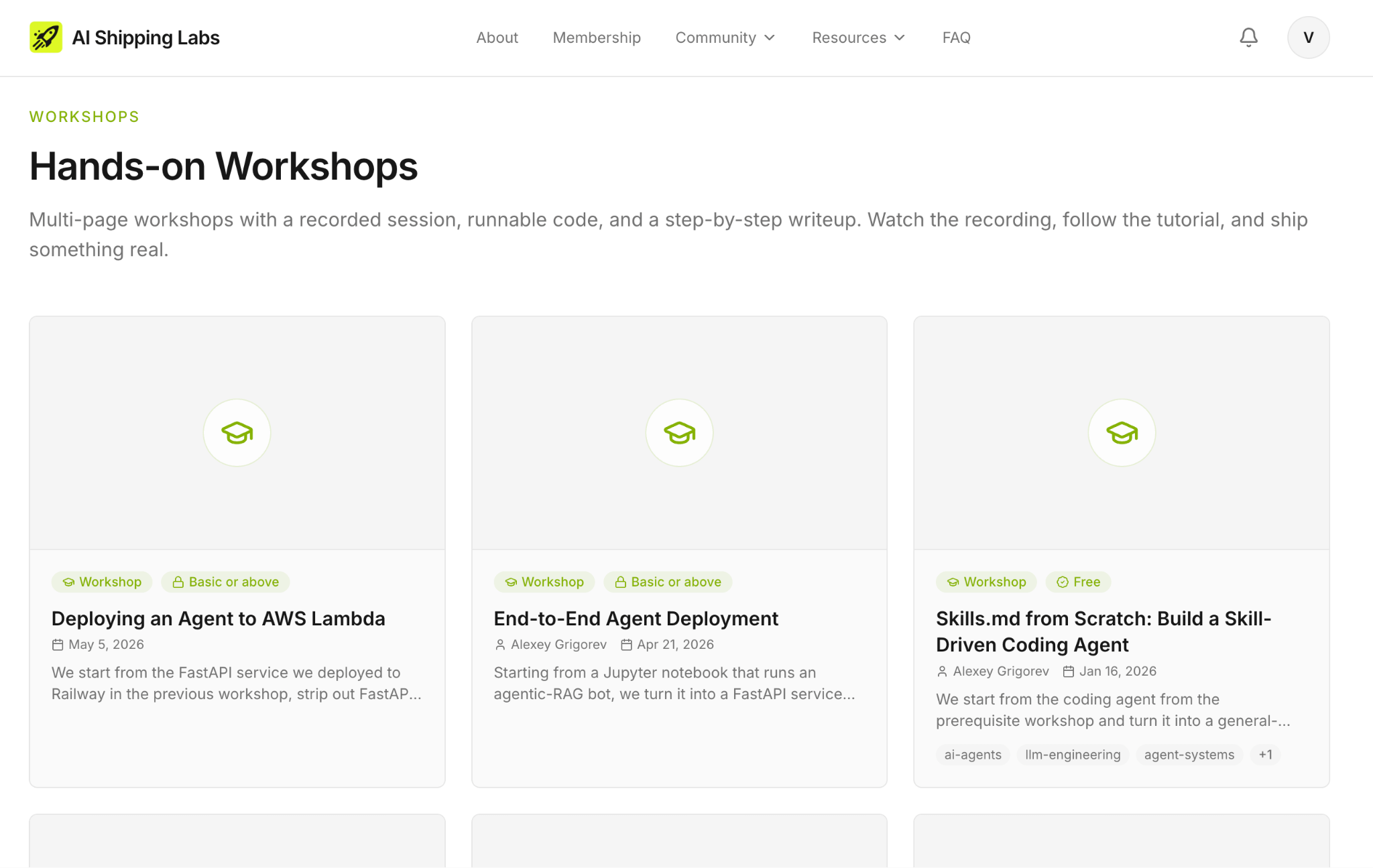
I decided to collect them all in one place and created the Workshops section on the AI Shipping Labs Website. You sign up once and get access to all of them.
In this post, I’ll share:
What I did to put the workshops in one place, and how this fits into the larger AI Shipping Labs platform update
How I reformatted the materials so they are easier to follow
The full list of workshops on the site, grouped by topic
How access works: what’s free and what’s part of membership
That AI Hero is now on the site too, in a new format
How I Worked on this Update
The workshops library is one piece of a larger update to AI Shipping Labs. To explain what changed for the workshops, I have to start with the platform.
The First Version of the Website and Why We Needed an Update
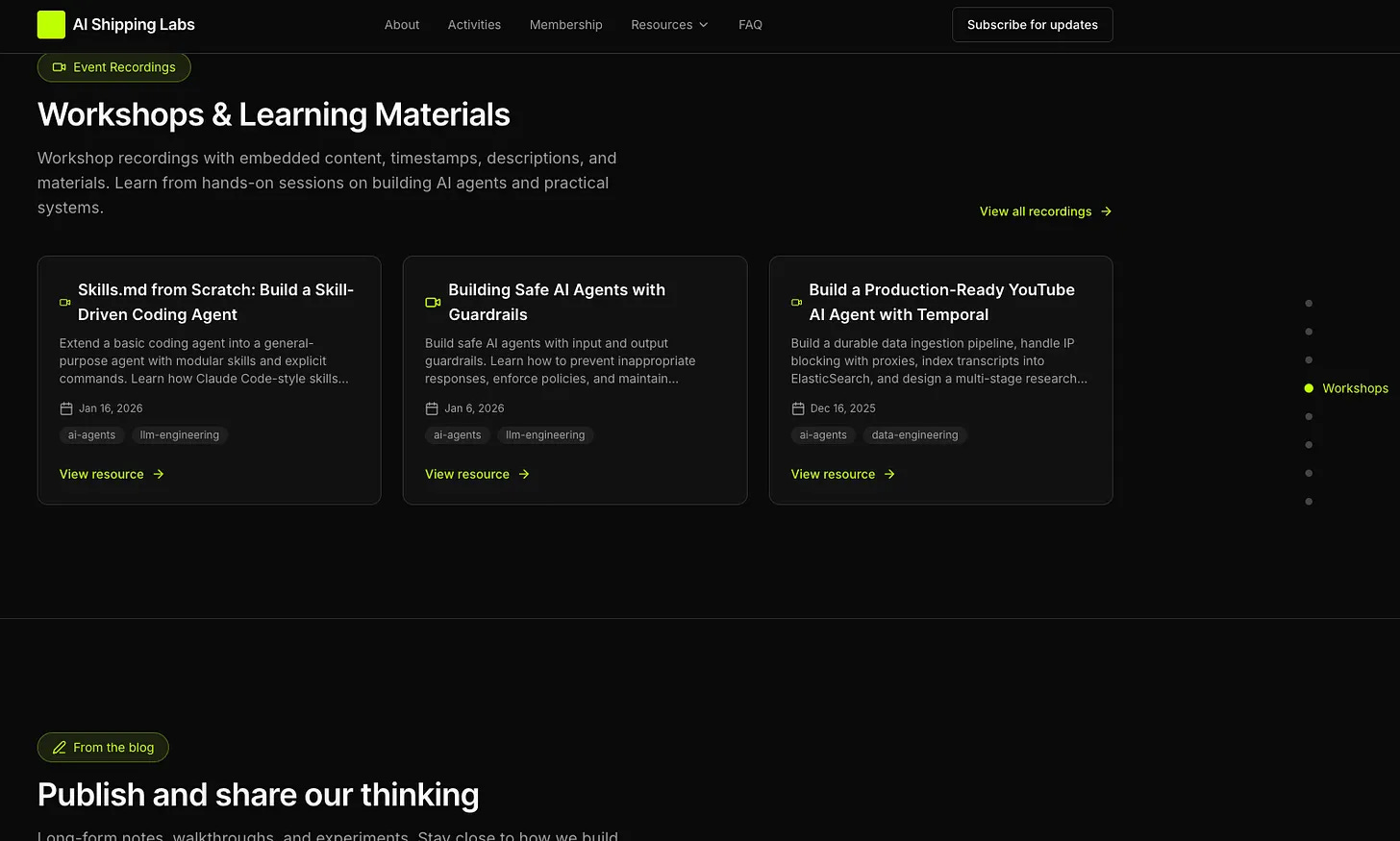
Until recently, AI Shipping Labs ran on a simple Next.js site that Valeriia built with v0 and Cursor. It was a landing page with a few resource pages, a newsletter form, and a checkout. As a first version, it was the right call as we wanted to see whether people would sign up before we built anything heavier. And more than 80 people did, by the way!
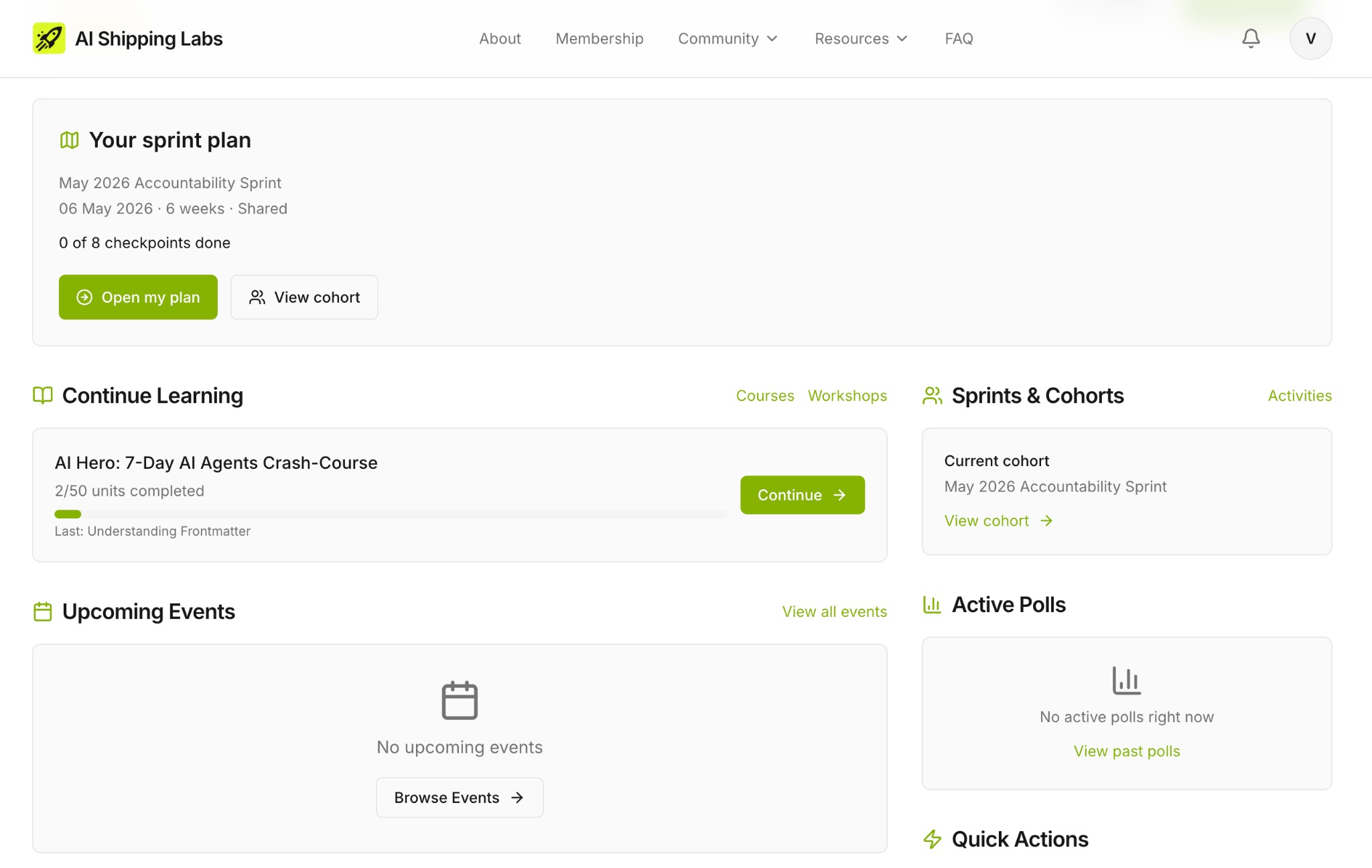
But this first version had no platform behind it. There was no way to gate content by membership tier, no way to register for events, no progress tracking, and no member profiles. If we wanted the community to have any of that, we needed a more sophisticated platform. So I started building one on Django, and I’ve been migrating the site piece by piece. The full story is in a separate newsletter:

Workshop Library Idea
The workshop library is the first major chunk of content to land on the new platform.
The first reason for that is consolidation. Instead of recordings on YouTube, code on GitHub, and notes scattered across various READMEs, everything is now in one place with a single sign-up.
The less obvious reason is the format. Once the workshops are on our platform, each workshop’s shape can change. They don’t have to be long README files anymore. They can be proper tutorials, with parts, navigation, progress tracking, and comments under each section.
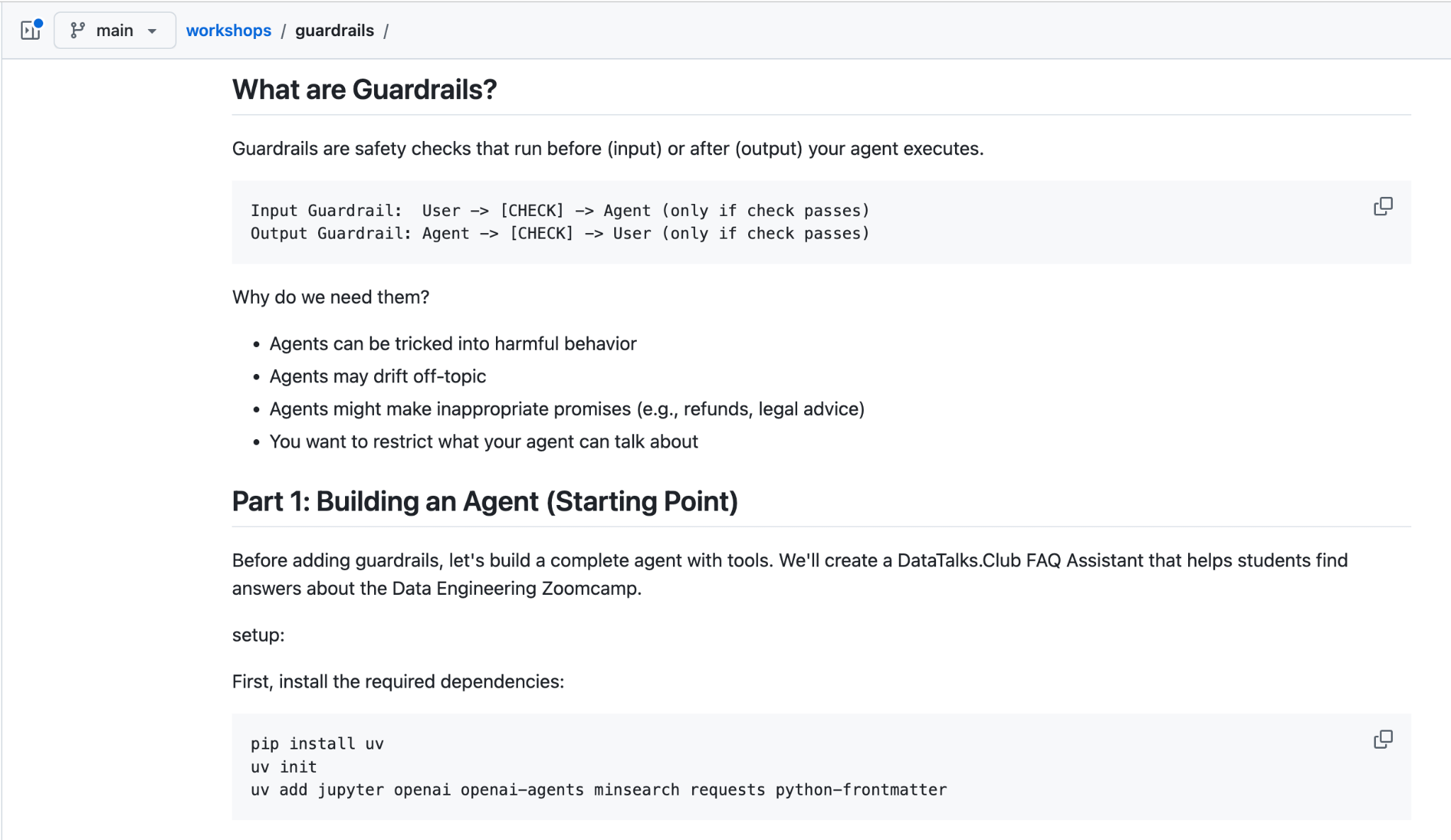
Each workshop used to come with one long README: code, text, links, screenshots, all on a single page. That format works if you already know the material and you’re using the README as a reference. It doesn’t work if you’re trying to learn the workshop from scratch because it’s hard for you to navigate where you are in the progression of the workshop. And there’s no natural stopping point that would allow you to approach a 1.5 h workshop in several learning sessions. You’re either reading the whole thing in one sitting, or you’re losing your place.
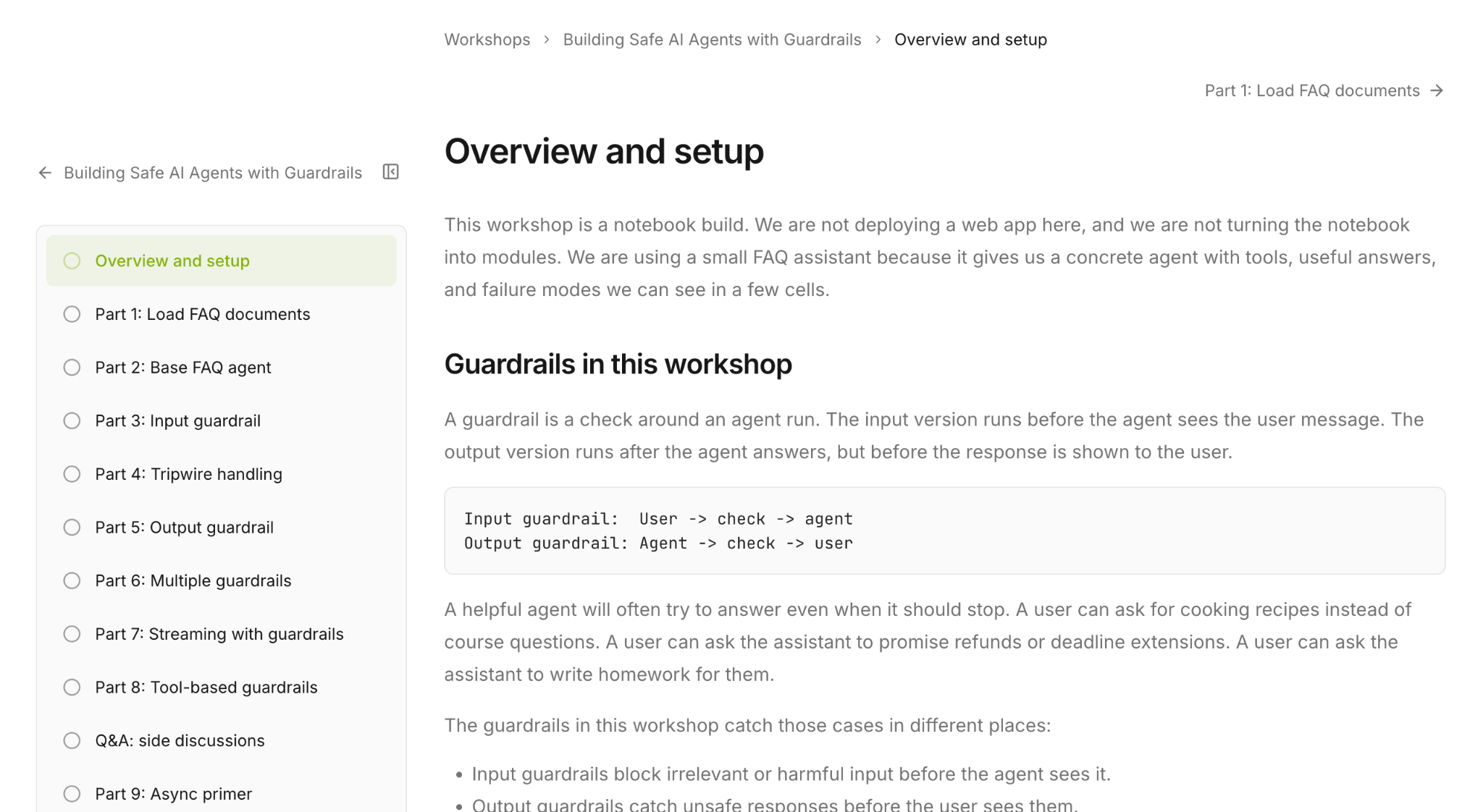
How I Reformatted Workshops into Structured Tutorials
I asked Claude Code to handle the reformatting. For each workshop, it took the existing README and turned it into a multi-part tutorial:
Split the content into logical sections
Lifted the headings into a structure that fits the platform
Added Mermaid diagrams where the architecture or data flow was easier to visualize than to describe.
I reviewed each result, fixed what didn’t land, and moved on. The agent did the repetitive structural work. I spent my time on the parts that needed judgment.
This is consistent with how I work on the platform overall. The only difference is that for bigger features like auth, access tiers, the event system, and the course pages, I use my agent team rather than a single agent.
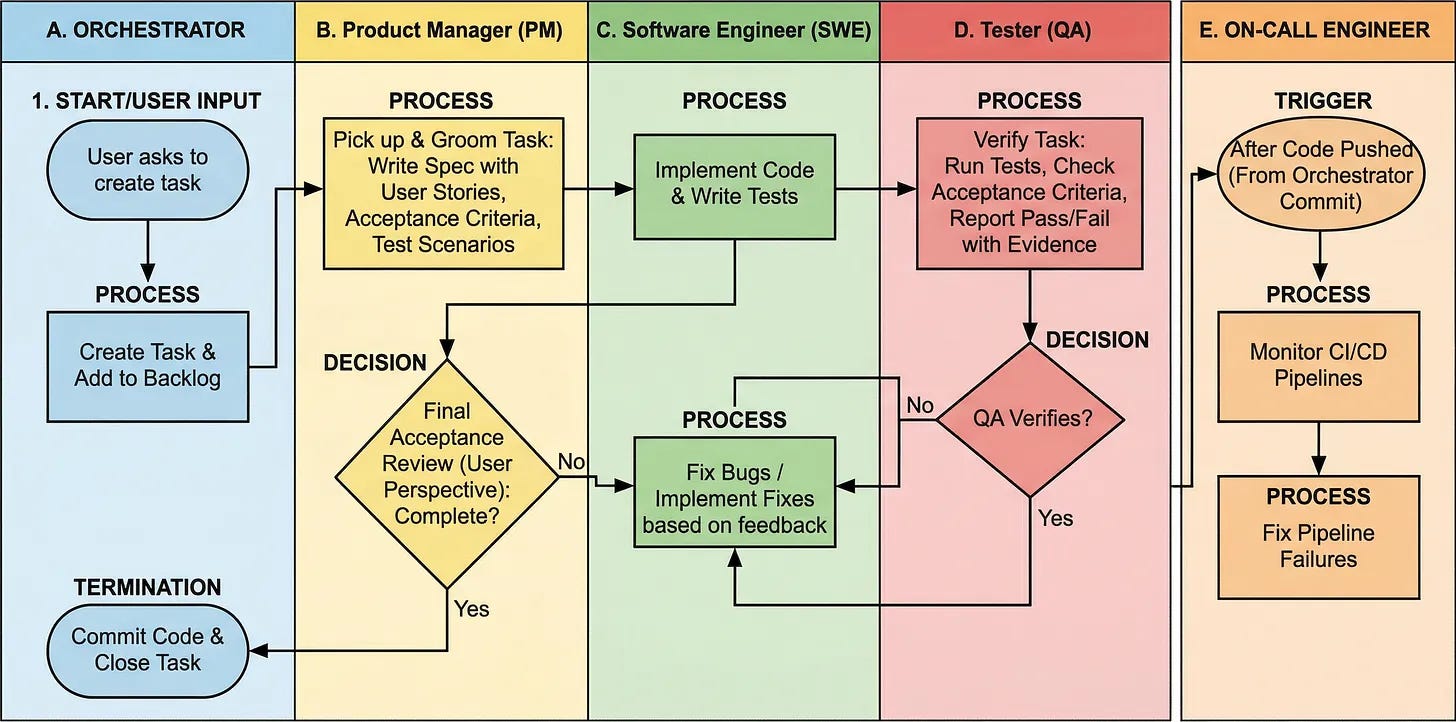
The pipeline: every task goes through PM, SWE, QA, and back to PM before commit
A Product Manager agent grooms the task into a spec with acceptance criteria.
A Software Engineer implements it.
A Tester verifies it against the criteria.
The PM does a final acceptance review before anything gets committed.
I wrote up the setup in detail here:

The workshop’s reformatting was a smaller, more contained job, so a single agent was enough. But the same agent team loop runs in the background for the rest of the site.
For task tracking, I use GitHub Issues. Each time a new issue is on the platform, the agent team processes it and implements necessary changes. I then review the changes and add comments or new issues to further improve the result.
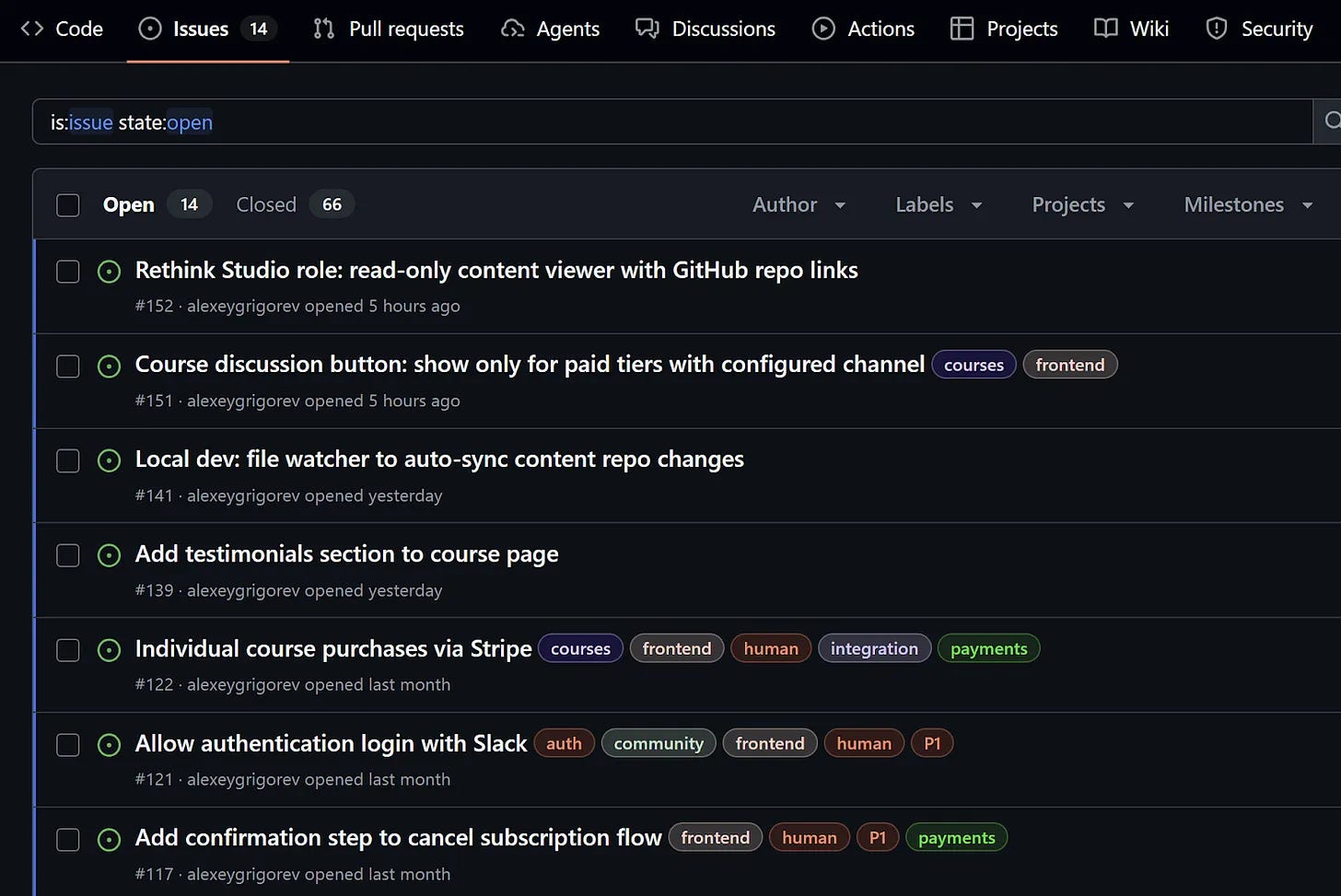
This is similar to how I initially started shipping features, using my smartphone to dictate issues on the go and using GitHub Copilot to implement what I needed. Full story is here:

Workshops on the Site
You can find the full list of 11 workshops on the AI Shipping Labs website.
Most of the workshops come with a video recording (some are from conferences and only include structured notes), structured notes broken into multiple parts, and links to related materials. Most are free with a sign-up. But the deployment workshops are part of membership.
Here’s what’s on the site, grouped roughly in the order you’d take them if you were starting from scratch.
Foundations: Search and RAG
Before agents, there’s retrieval. These two workshops cover the building blocks on which everything else depends.
1. Build Your Own Search Engine. Build a search engine from scratch over the DataTalks.Club Zoomcamp FAQ documents. Start with TF-IDF text search, add cosine similarity for ranking, then extend it with embedding-based semantic search. This is the foundation underneath every RAG system and most agents — once you’ve built search yourself, the rest of the stack stops feeling like magic.
2. Introduction to RAG and Agents. Build a classic RAG pipeline: index documents and retrieve highlighted snippets. Implement search() (returns snippets) and get_file (returns the full document). Let the LLM decide which tool to call and wire the tools into an agent. The final agent mirrors how humans read docs: search, scan snippets, open the promising one, use it to answer the initial question.
Building Agents
If you’ve never built an agent before, this is where to start. Each workshop builds a working agent from first principles and then evolves it, so you can see what each layer of abstraction actually gives you.
3. Building AI Agents with MCP, PydanticAI and OpenAI. Start with a plain search() function and a course FAQ dataset. Build an agent from raw OpenAI Responses API calls. Then rebuild the same agent with the OpenAI Agents SDK, then with PydanticAI, then expose the tools via MCP so they’re reusable across agents and IDEs like Cursor.
4. Build a Coding Agent: Python/Django Edition. Build a coding agent that scaffolds and modifies Django apps from a plain-language prompt. The agent uses a small set of file-system tools and a carefully designed system prompt.
5. Skills.md from Scratch: Build a Skill-Driven Coding Agent. Extend a basic coding agent into a general-purpose one using skills (modular capabilities loaded on demand) and commands (explicit user-facing shortcuts). The interesting bit: you reimplement Claude Code-style patterns in Python yourself, so you can see exactly how skills and commands work under the hood instead of treating them as a black box.
6. Coding Agent with Skills (2026 update). Build a coding agent from scratch: tool calls, an agentic loop, a skills system that loads reusable instruction files on demand, and a few practical patterns for keeping the agent under control. This is an updated version of the workshop that combines content from workshops 4 and 5, so I covered both building a coding agent and using skills and commands.
7. Build a Production-Ready YouTube AI Agent with Temporal. A deep-research agent over years of DataTalks.Club podcast transcripts. The focus of this workshop is on ingestion reliability and system design. By the end, you have an agent that answers questions over years of audio content with a fault-tolerant ingestion layer underneath.
Safety
Once your agent works, the next question is what happens when someone uses it badly. This is the only workshop in this group right now, and it’s a deep one.
8. Building Safe AI Agents with Guardrails. Take a working FAQ assistant and protect it with input and output guardrails, such as blocking off-topic questions and preventing the agent from making promises it shouldn’t (e.g., deadline extensions). The workshop ends with a framework-agnostic async pattern that runs guardrails in parallel and cancels the agent the moment a check fails. It works with any agent framework.
Deployment (Members-Only)
These two workshops are the most recent ones, and they cover deployment: getting from a working notebook to something running in production. Both are part of AI Shipping Labs membership.
9. End-to-End Agent Deployment. Take a FAQ chatbot from a Jupyter notebook to production. Start with a notebook that calls the OpenAI Responses API with a single search tool. Wrap it in FastAPI. Add a vanilla JS frontend with SSE streaming. Containerize with Docker. Deploy to Railway. Set up a GitHub Actions CI/CD pipeline. Each step is done alongside a coding agent, and the prompts are included verbatim so you can reproduce the workflow with any agent.
10. Deploying an Agent to AWS Lambda. Start from the FastAPI service deployed to Railway in the previous workshop. Strip out FastAPI. Replace it with a custom AWS Lambda runtime that handles both the static frontend and the streaming agent API. Ship everything as a single container image, deployed as a Lambda Function URL with SSE streaming. Most of the code is written by a coding agent (Codex), with the exact prompts quoted. Because this was a freestyle session, it also surfaces a lot of meta-discussion: how to work with agents, when to trust them, and when to slow down and read the code yourself.
AI-Assisted Development
One workshop, but a useful reference point if you’re trying to figure out which AI dev tool to actually use.
11. AI Coding Tools Compared. Compare ChatGPT, Claude, Claude Code, GitHub Copilot, Cursor, Lovable, and AI agents on one task: build a Snake game in React. You’ll understand the AI assistant categories: chat apps, IDE assistants, CLI agents, and project bootstrappers, so you can pick the right one for the task in front of you.
How to Access Workshops
Go to aishippinglabs.com/workshops, pick the workshop that best fits what you’re building right now, and start there. Sign up, and you have access.
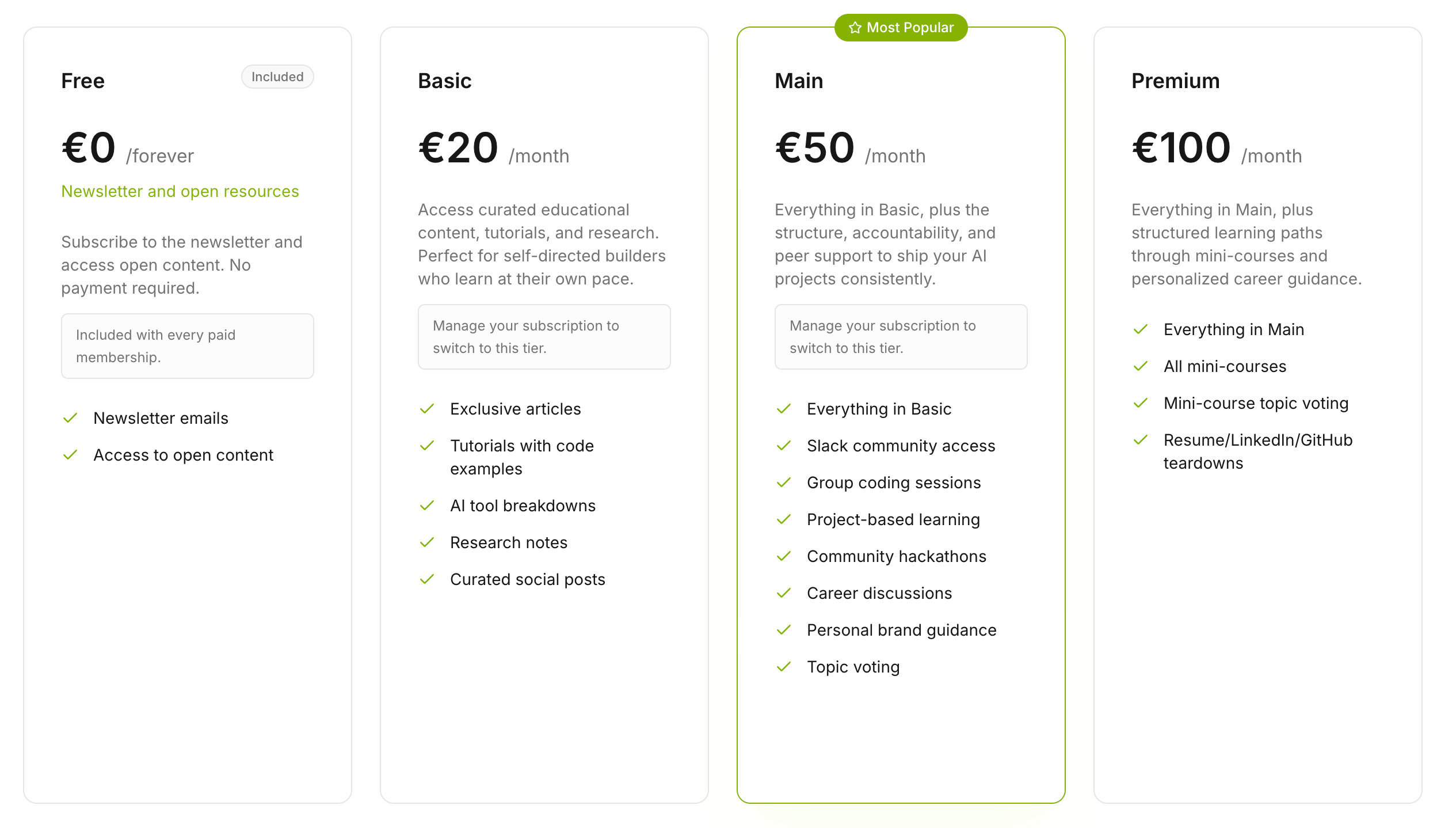
Most workshops are free. The two most recent ones, End-to-End Agent Deployment and Deploying an Agent to AWS Lambda, are part of the AI Shipping Labs membership. Written materials for both are included in the Basic tier (€20/month). Basic also gives you access to the rest of the paid library: exclusive articles, AI tool breakdowns, and research notes, which are still WIP, but we’ll soon start publishing the first pieces.
But if you want to get recordings of these workshops as well, they’re only available under Main and Premium plans. These plans also include community access, group coding sessions, mini-courses, and personal teardowns of resumes, LinkedIn, and GitHub.
Why are the open workshops behind a sign-up?
First, it lets you track your progress in your profile and mark specific parts as “Completed.” Second, we collect sign-ups so we know who is using the materials, and we can stay in touch with you and get feedback in the comments section.
AI Hero is on the Website Too
While I was working on the workshops, I also moved AI Hero to the site.
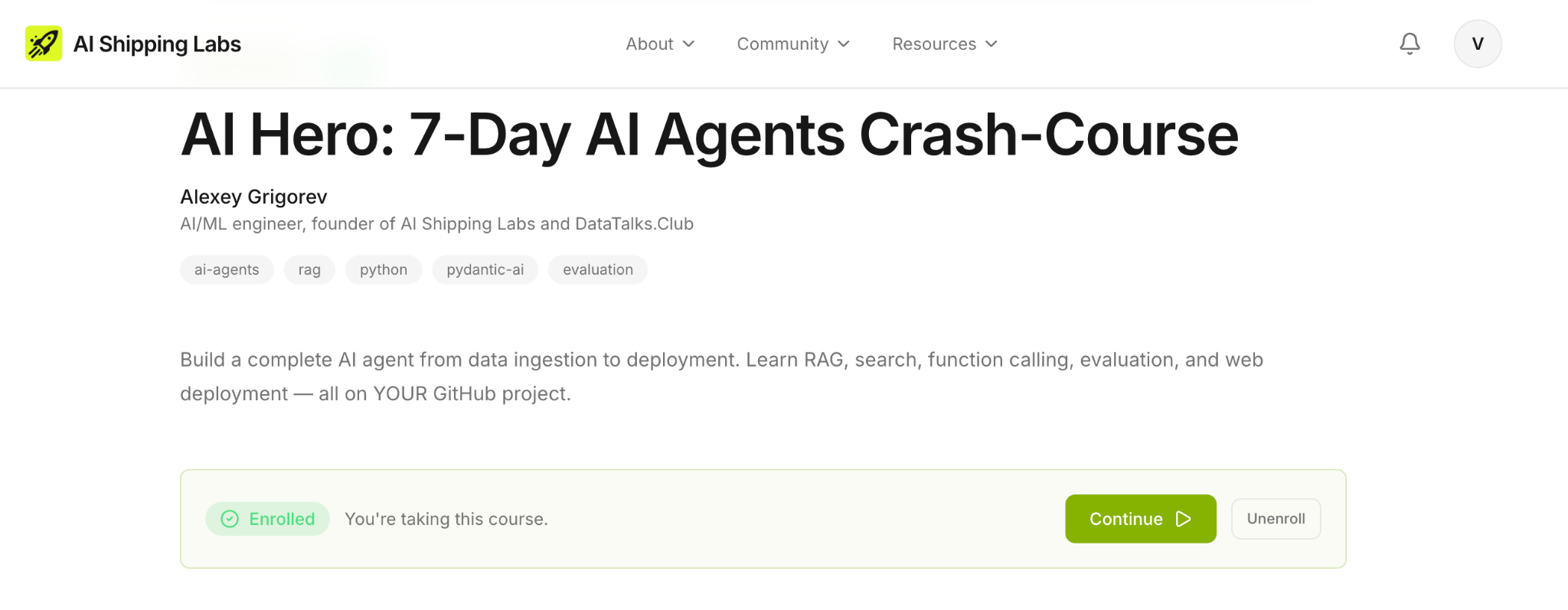
AI Hero is a free seven-day crash course on building a complete AI agent: RAG, search, function calling, evaluation, and web deployment, all applied to any GitHub project.
The course used to arrive in your inbox, one lesson per email per day. The email format had limits. There was no way to track which lessons you’d completed. If you had a question on day 3, your only option was to email me. If you wanted to come back to day 5 three weeks later, you had to dig through your inbox.
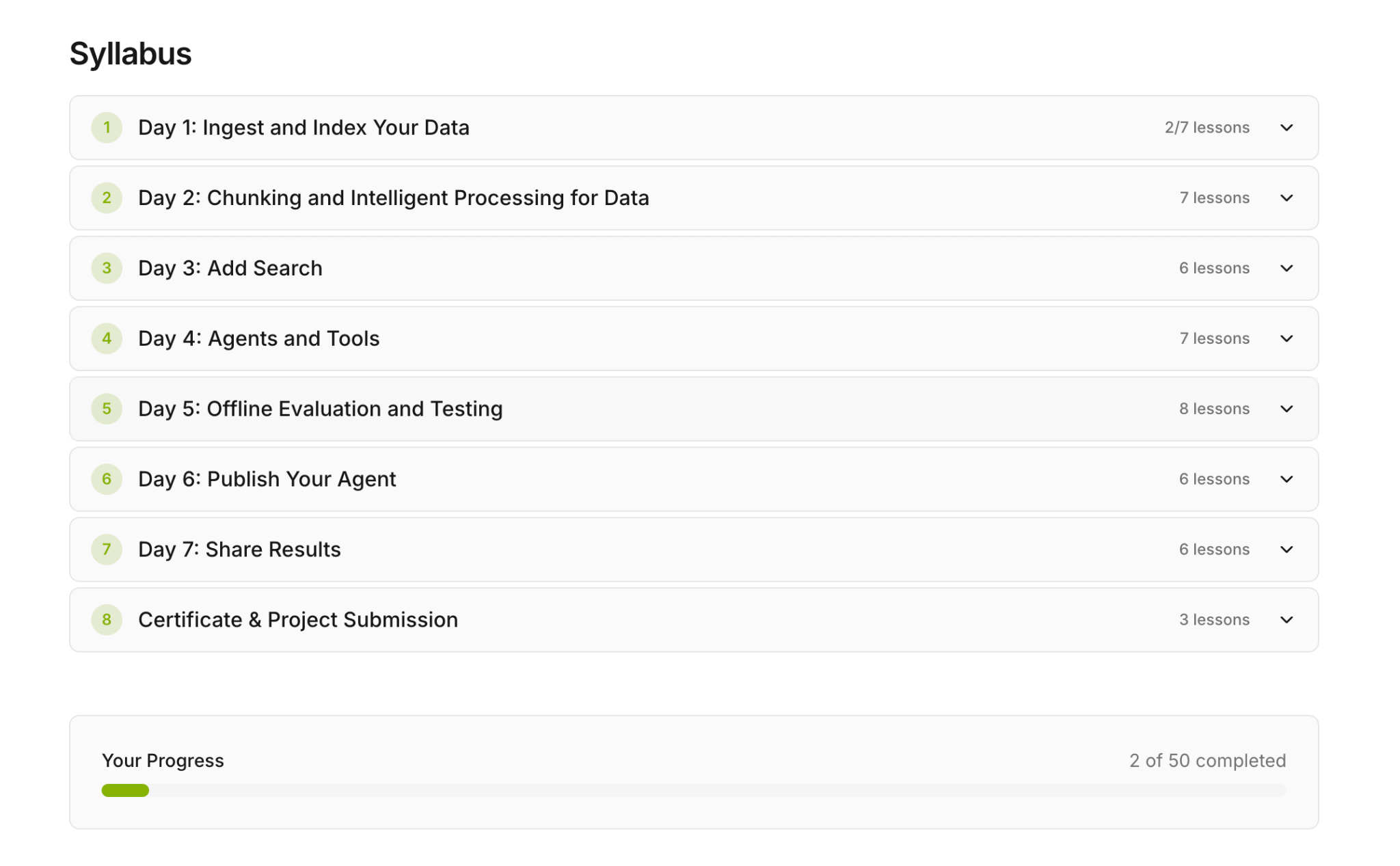
Now it’s a proper course on the site. Each of the seven days is its own page. Every lesson has a comments section where you can ask questions. You can track your progress from your profile. There’s a certificate at the end, with a project submission and peer review step to earn it. It’s still free.
If you’ve been meaning to try it, this is a better way to take it.
What I’ve Been Working On Recently
1) Sprint 1 at AI Shipping Labs Continues
We’re moving through the first sprint at AI Shipping Labs along with 27 participants. This Wednesday, we had our 2nd weekly live standup where participants shared progress, insights, and blockers.
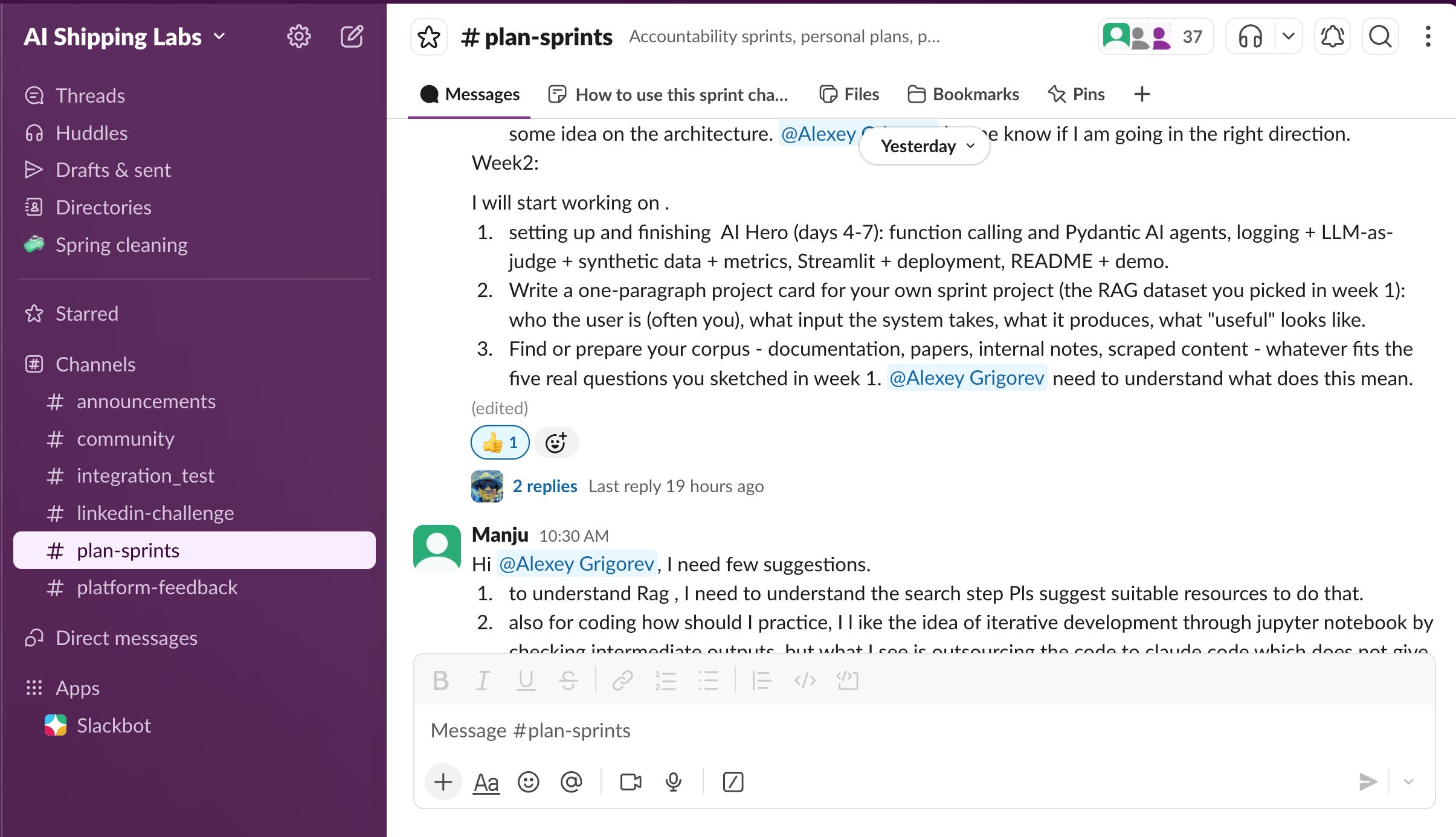
Their projects cover a wide range. Some people are shipping their first end-to-end AI project. Others are operationalizing something they already built: adding evals, deploying a recommender, and putting CI/CD and monitoring in place around an existing project. A good chunk is building domain-specific RAG systems, like chat with your notes and syllabus ingestion from PDFs.
2) DataTalks.Club Admin UI Redesign with Codex
Last week, I asked a team of Codex agents to update the DataTalks.Club course management platform: migrate the UI to Tailwind and refresh the design. We iterated on the UI together, and I’m quite satisfied with the results. There was also some work on the internal admin part — course admin is now even easier.
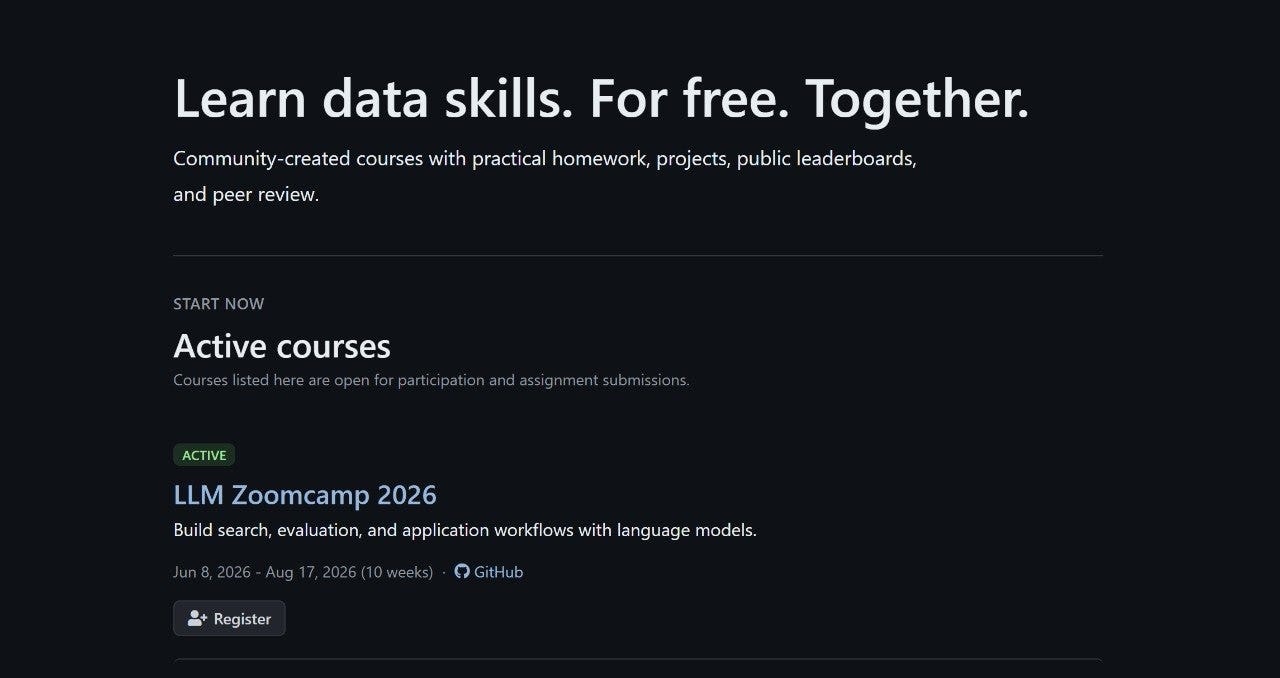
I’m taking advantage of Codex’s 2x limits while I can, so I’ve been running things in parallel. I was traveling last week and managed to do all of this on my phone while enjoying the Harz Mountains.
3) DataTalks.Club Migrated to Rustkyll
I finally migrated the DataTalks.Club site to Rustkyll — a fast, drop-in replacement for Jekyll, written in Rust. It reads the same source files as Jekyll (Markdown with YAML front matter, Liquid templates, YAML data files, collections) and produces equivalent HTML output, just much faster.
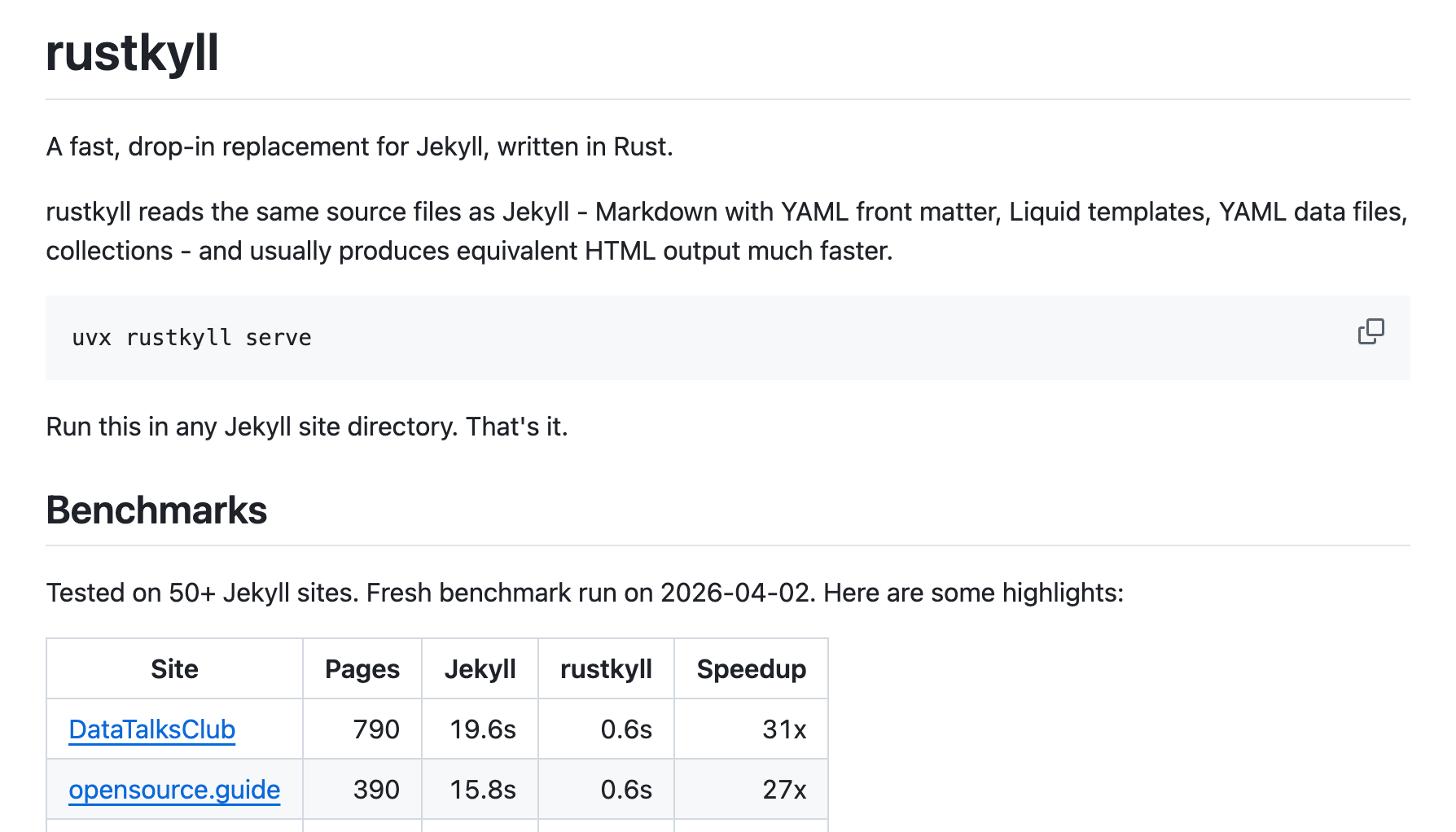
The local build went from about 2 minutes to roughly 1 second, a ~120x speedup. In GitHub Actions, the build itself went from 22 seconds to about 1 second, a 20x improvement. The CI workflow as a whole only got about 1.5-2x faster overall because most of the CI time is spent on container setup and other prep, not the build itself. Most of the 20x build win is hidden behind CI overhead.
Still, locally, the build is much faster, which makes iterating on the site much less painful.
Tools
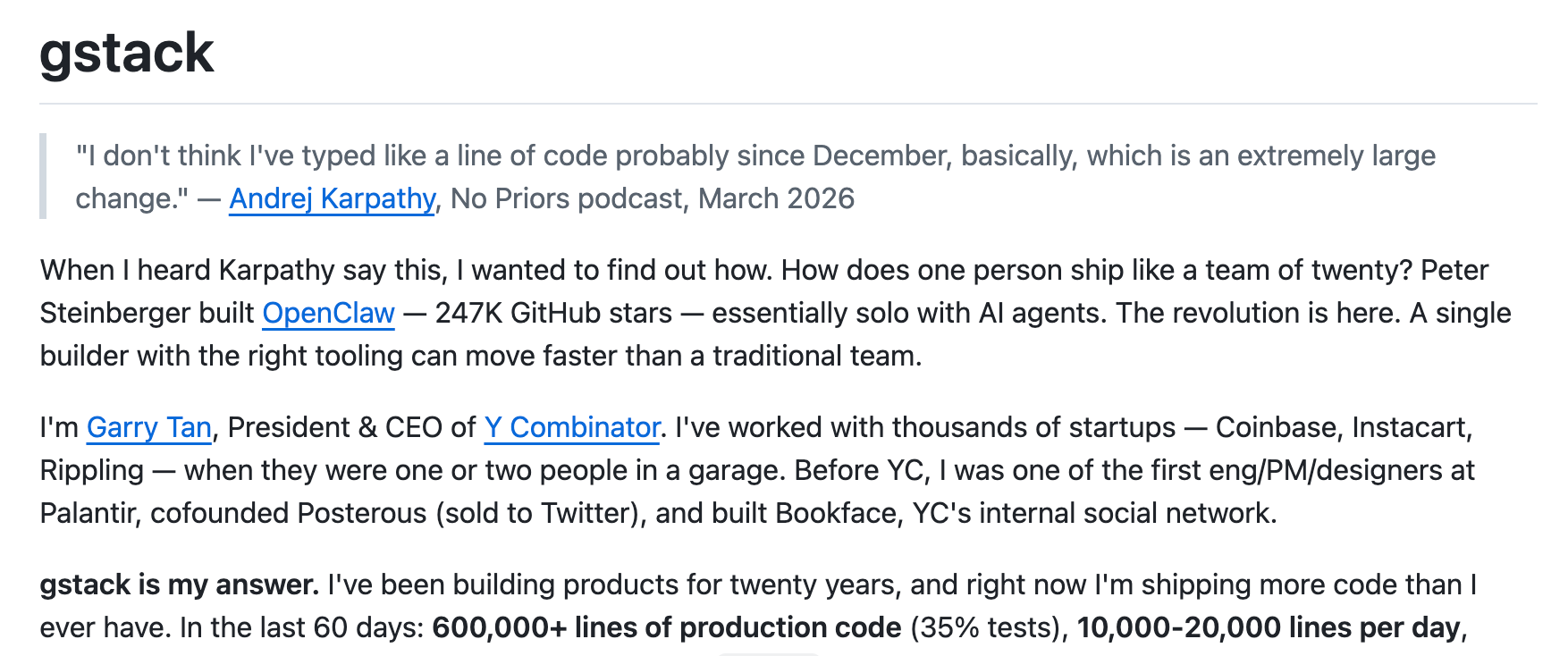
gstack is a collection of opinionated Claude Code slash commands that transform a single AI assistant into a team of specialists, such as a CEO, an engineering manager, a release engineer, and a QA engineer. Developed by Y Combinator president Garry Tan, it offers commands like /plan-ceo-review for product thinking, /review for thorough code review, /ship for one-command PR creation, and /browse and /qa for automated browser-based testing with screenshots. It serves as a helpful reference for structuring Claude Code custom commands for multi-role development workflows.
Insanely Fast Whisper is an opinionated CLI tool that transcribes audio files on-device using OpenAI’s Whisper models, powered by Hugging Face Transformers, Optimum, and Flash Attention 2. It can transcribe 150 minutes of audio in under 2 minutes on an Nvidia A100, supporting batched inference, word timestamps, and speaker diarization via Pyannote. It works on NVIDIA GPUs and Apple Silicon Macs, supporting multiple Whisper checkpoints, including distil-whisper variants.
Resource
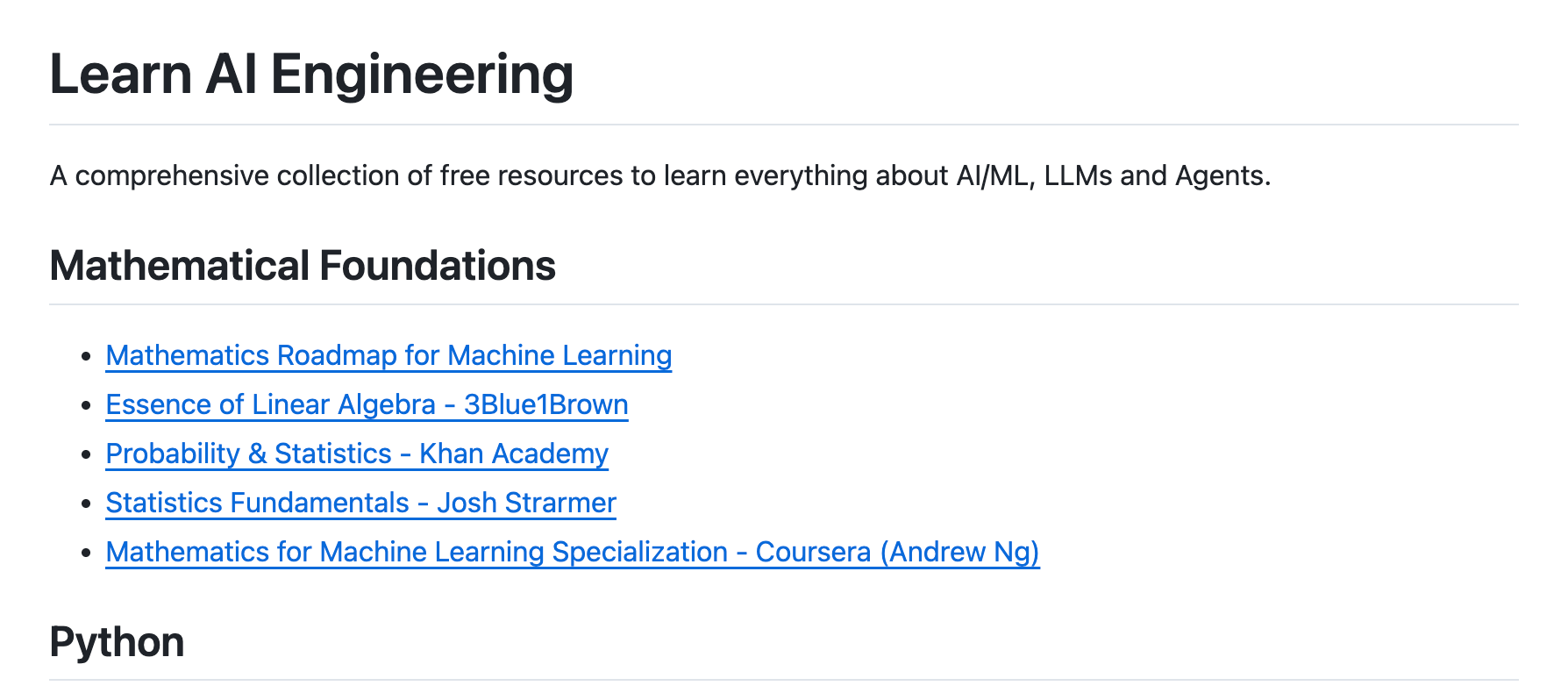
Learn AI Engineering is a curated collection of free courses, articles, tutorials, and videos that teach AI and LLMs from scratch. It covers fundamentals, ML, deep learning, generative AI, LLMs, prompt engineering, RAG, agents, and MCP, sourcing from Coursera, Hugging Face, deeplearning.ai, and Stanford. With nearly 5,000 GitHub stars, it offers a structured path for anyone interested in AI engineering without paid courses.
Edited by Valeriia Kuka