

In January, I ran a two-day workshop in Berlin and needed to give certificates to everyone who attended.
The task involved designing the certificate, converting it into HTML/CSS, generating PDFs, and hosting the files so participants could download them.
I used this as an opportunity to test how much of the process could be automated with AI tools.
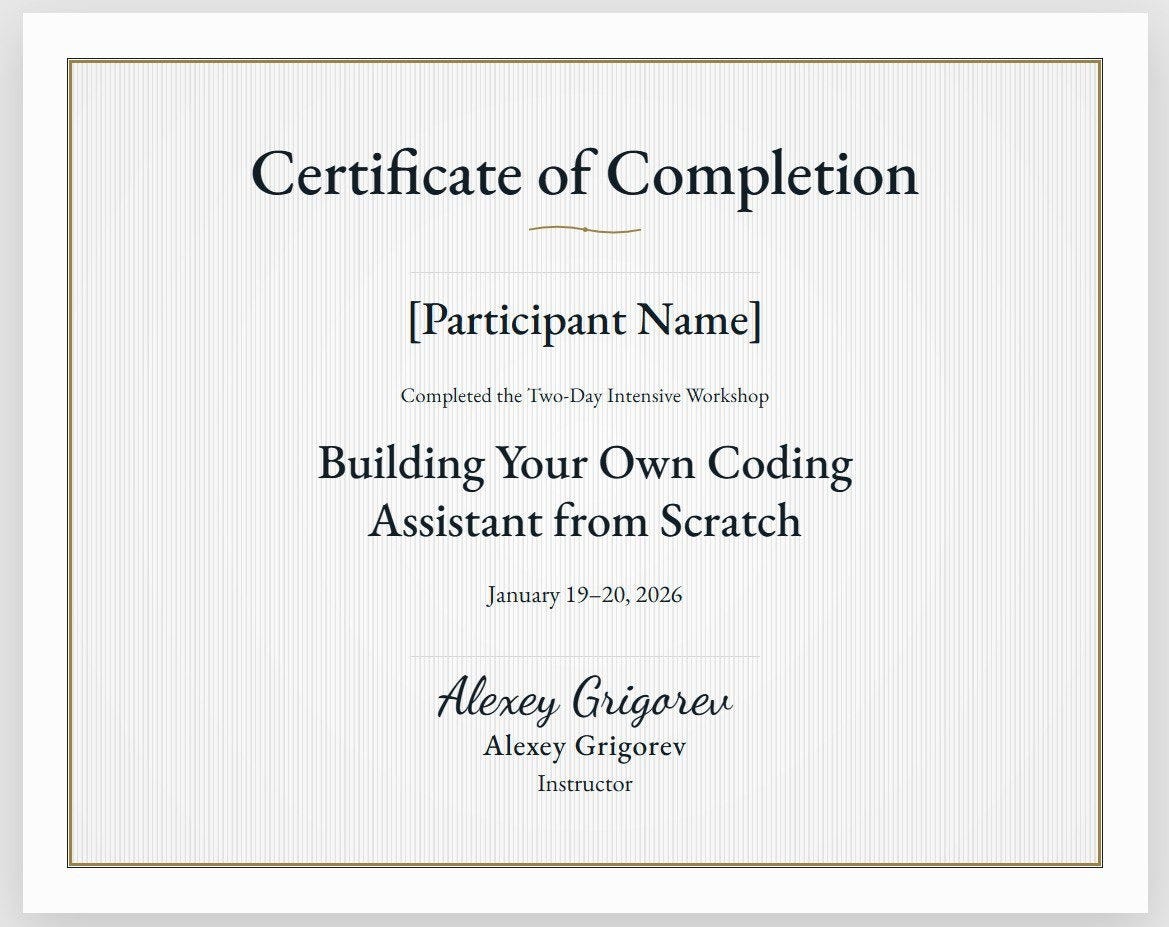
I experimented with several approaches to recreate the certificate design using Claude and Gemini, including a setup where one model generated the layout and another evaluated whether it matched the reference image. The results were inconsistent and required manual intervention.
In contrast, the infrastructure part of the workflow, setting up storage, HTTPS, and hosting, was almost fully automated and worked reliably.
This newsletter walks through the approaches I tried and where automation worked and where it did not.
Approach #1: Manual AI-Assisted Recreation with Claude Code
I thought design automation would be simple, so I asked ChatGPT to help me create a certificate image using the styles from my example. The first version looked pretty good.
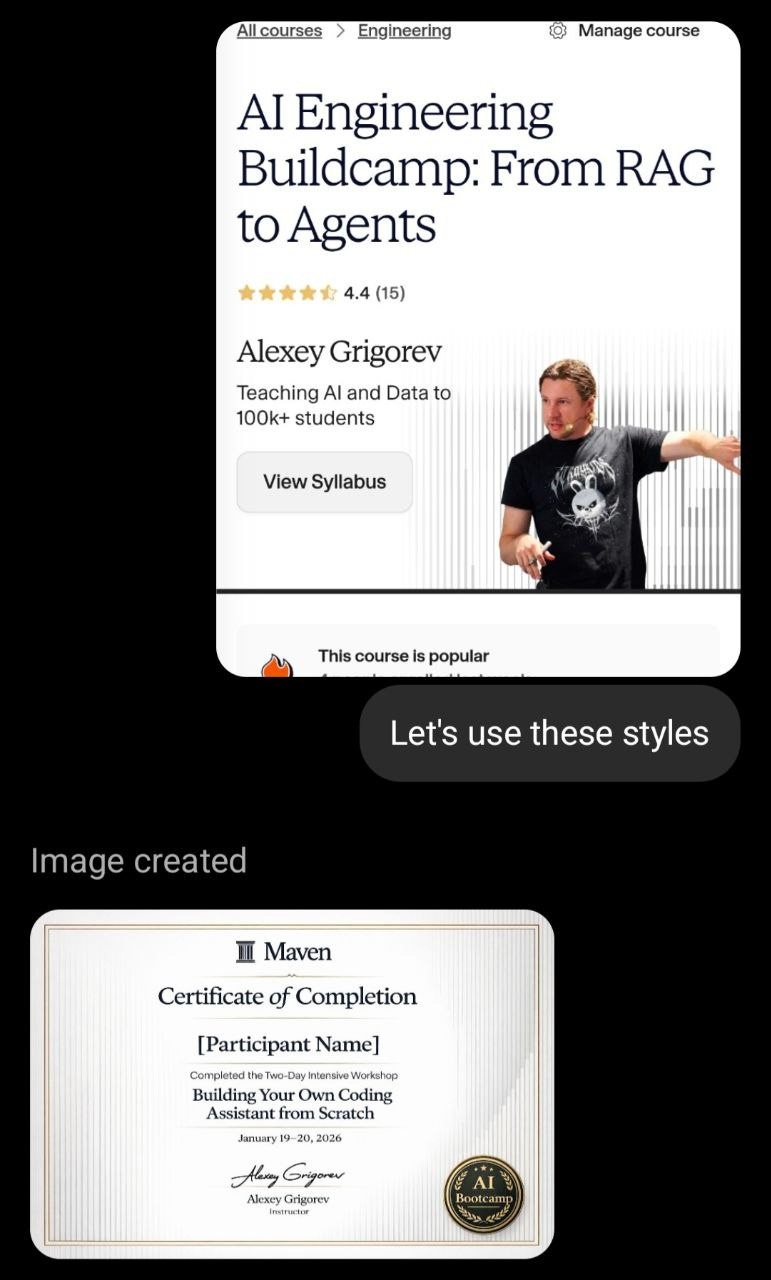
I then asked ChatGPT to generate a background-only certificate, and had Claude use HTML/CSS to rebuild the layout.


This approach required a lot of manual iteration. I spent about 40 minutes refining the design. Claude generated the code, I reviewed the result, and then gave new instructions on details like spacing, alignment, and element placement. This loop had to be repeated many times before the layout looked correct.
One reason I wanted to go through this process was to learn how to recreate a visual design in HTML and CSS. Once you can do that, the same technique can be applied to many tasks beyond generating certificates.
Because the process required so much manual feedback, I tried to automate the feedback loop.
Approach #2: Attempting AI Self-Correction
I tried automating the feedback loop using two models:
Creator model generating or modifying the design.
Judge model evaluating similarity with the reference image
Claude’s built-in image understanding was not reliable enough for detailed layout comparison, so I experimented with Gemini Flash as the evaluation model.
I started by asking Claude to recreate the certificate background using HTML and CSS.

Next, I asked Gemini to analyze the reference certificate and produce a detailed to-do list describing layout elements, borders, colors, textures, and typography.
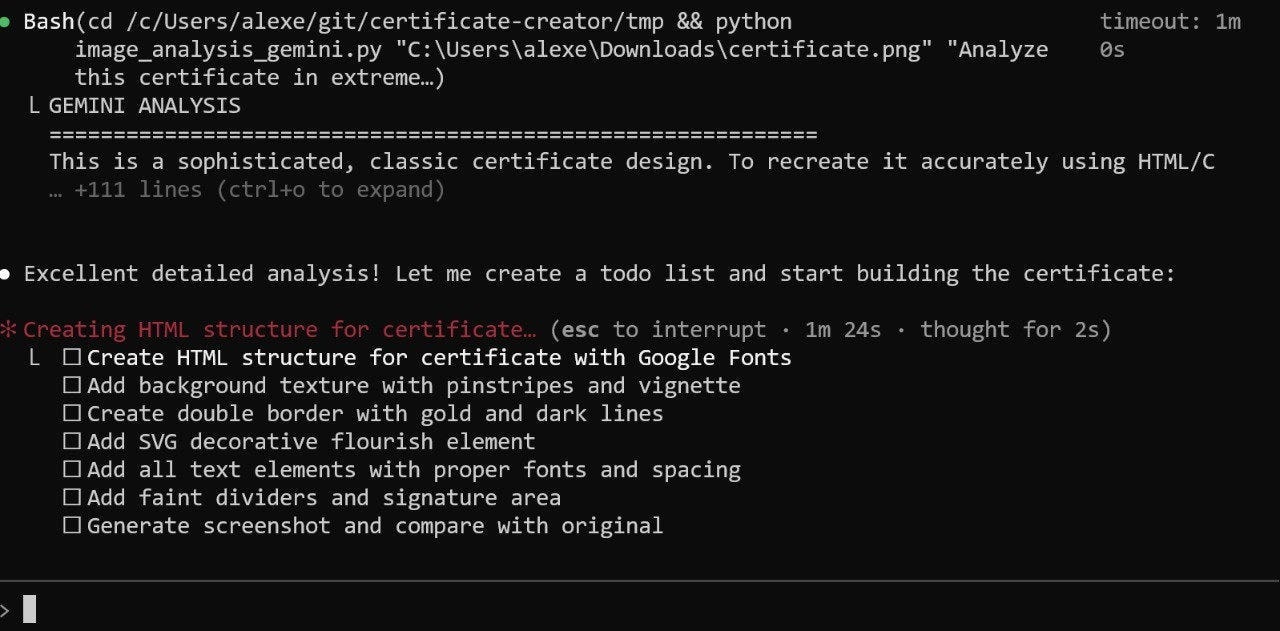
Then, I asked Claude to implement the plan. For some reason, instead of incrementally modifying the existing background, it discarded the earlier work and generated a simplified version from scratch. Fortunately, I could revert the change using git.
During the iterations between Claude generating the design and Gemini evaluating it, I noticed that Gemini consistently overestimated how similar the result was to the reference. Outputs that were clearly far from the original were rated around 8/10 and marked as “close enough,” which caused the iteration loop to stop too early.
I tried introducing stricter criteria for design elements based on the reference image, but the loop still failed to converge. After many iterations, the final output was this:
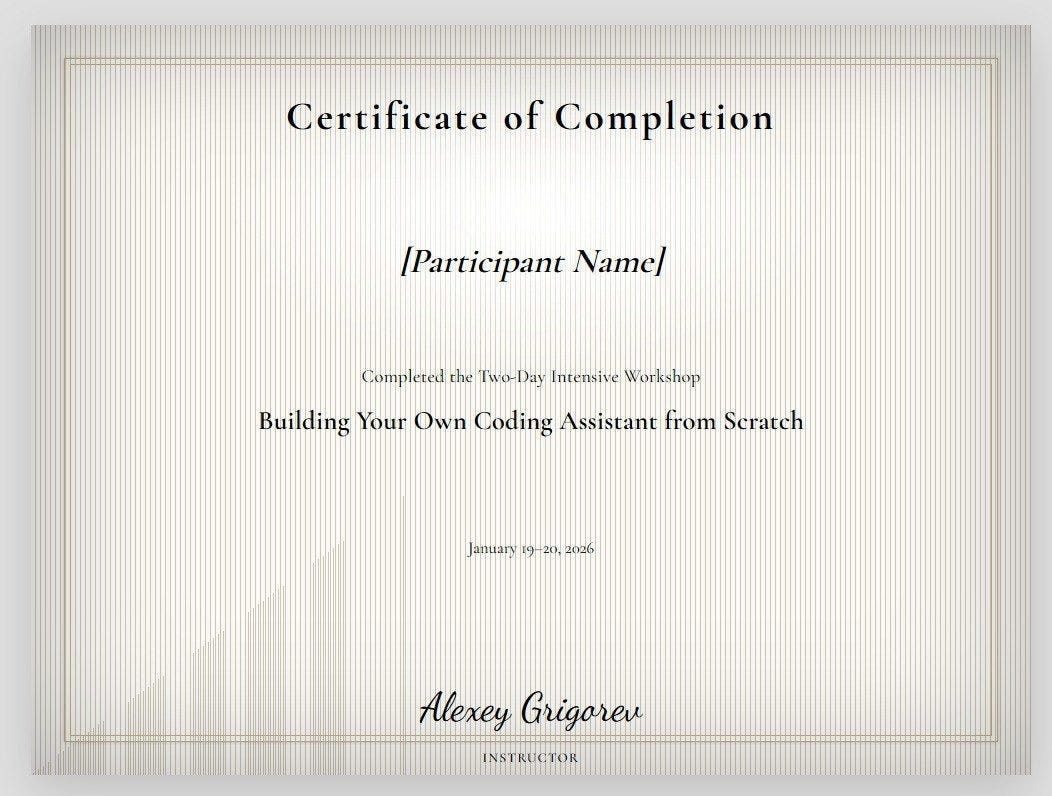
Gemini rated it as 7/10, even though it was worse than what Claude generated from scratch.
Approach #3: Claude Opus 4.6 Attempt
At the time of the experiment, Opus 4.6 had just been released, so I repeated the process again, this time letting it analyze the reference images directly.

Opus began by analyzing the certificate layout, background elements, typography, and the signature SVG, then generated a pure CSS version.
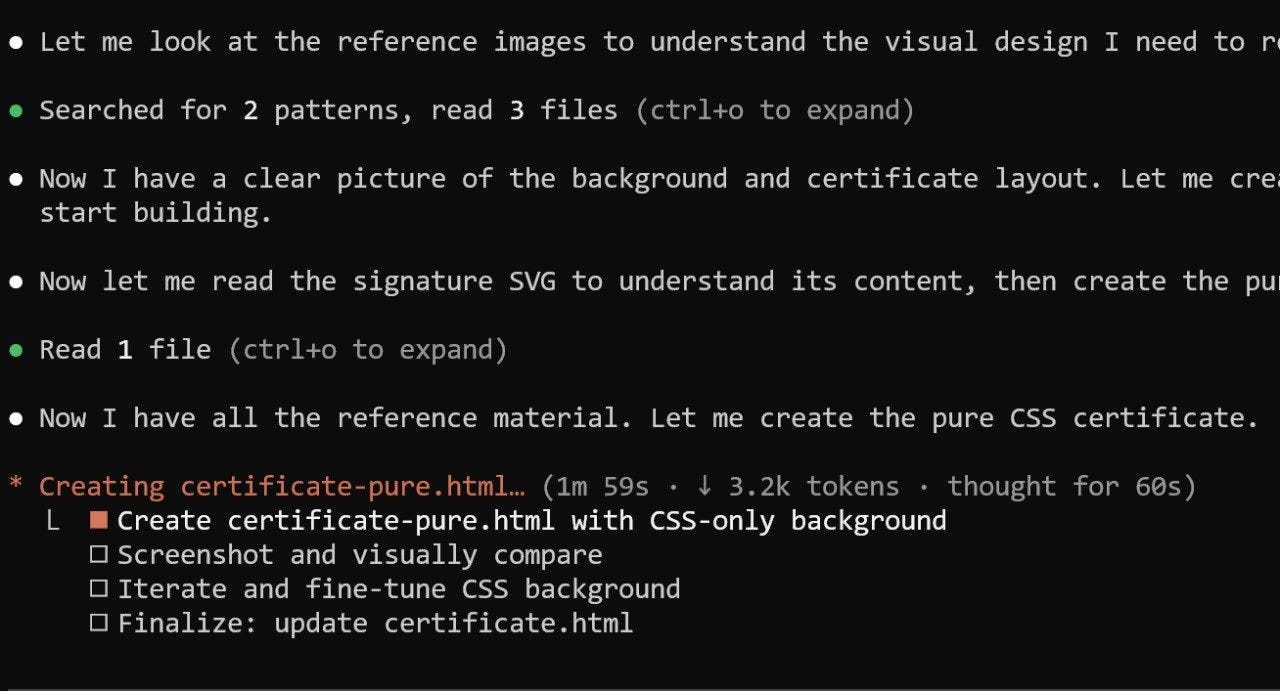
The analysis itself was detailed and accurate, and took about 3 minutes. It correctly identified most background elements and typography details from the reference.
Claude Opus 4.6 correctly identified all the background elements and typography details from the reference:
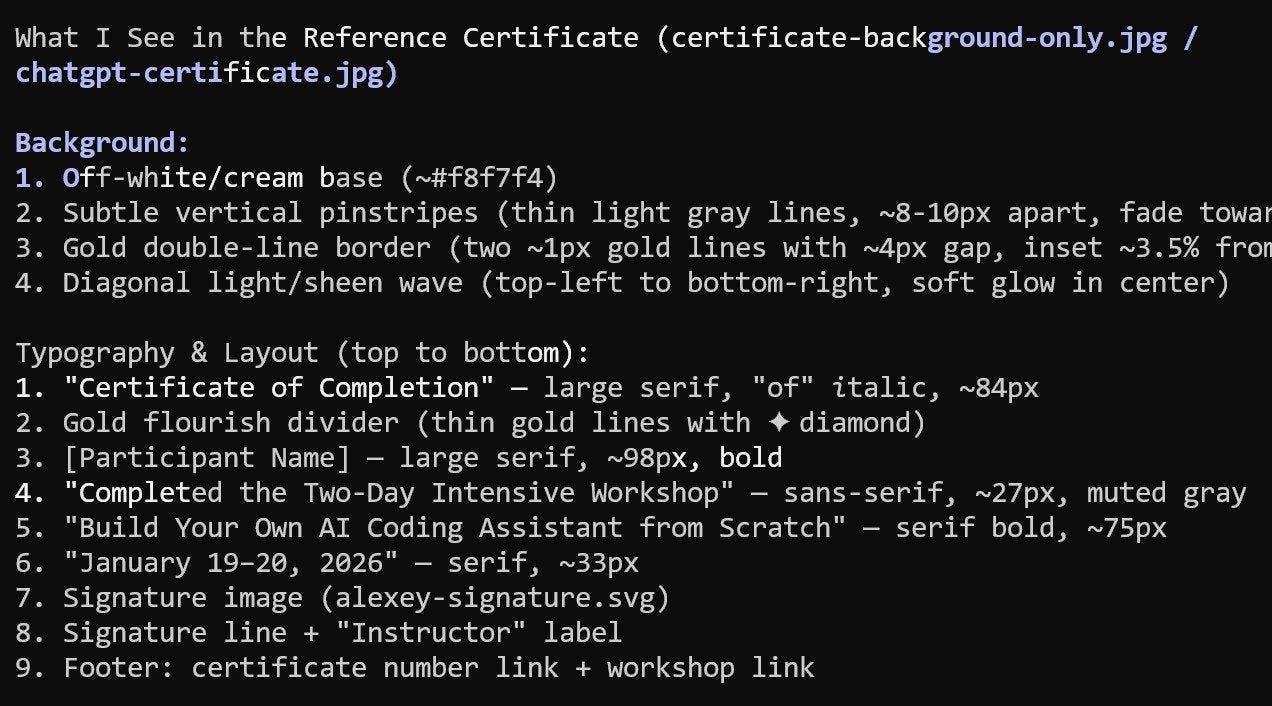
When I looked more closely at the generated result, I noticed it reused elements from my earlier experiments, even though I had asked it to start from scratch. This made it difficult to evaluate whether Opus could independently reproduce the design.
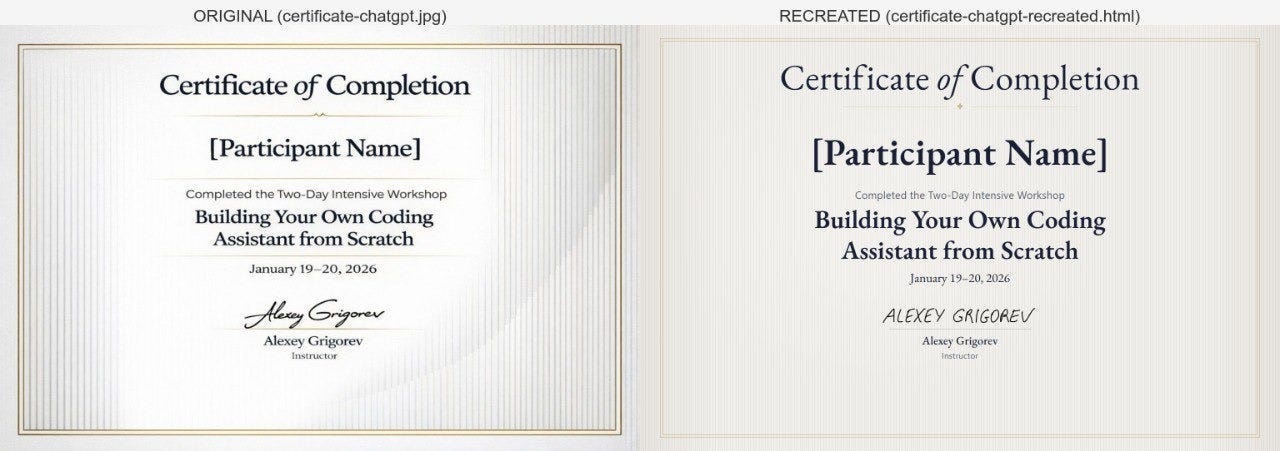
To simplify the experiment, I asked Claude to focus only on the background. It ran 44 iterations, but instead of gradually converging toward the reference, each iteration introduced different stylistic variations. The background-only reconstruction failed to converge after many iterations.
Design Automation Results
Overall, AI-driven design feedback turned out to be unreliable. The evaluator produced inconsistent suggestions, and the similarity ratings often did not match the actual differences from the reference.
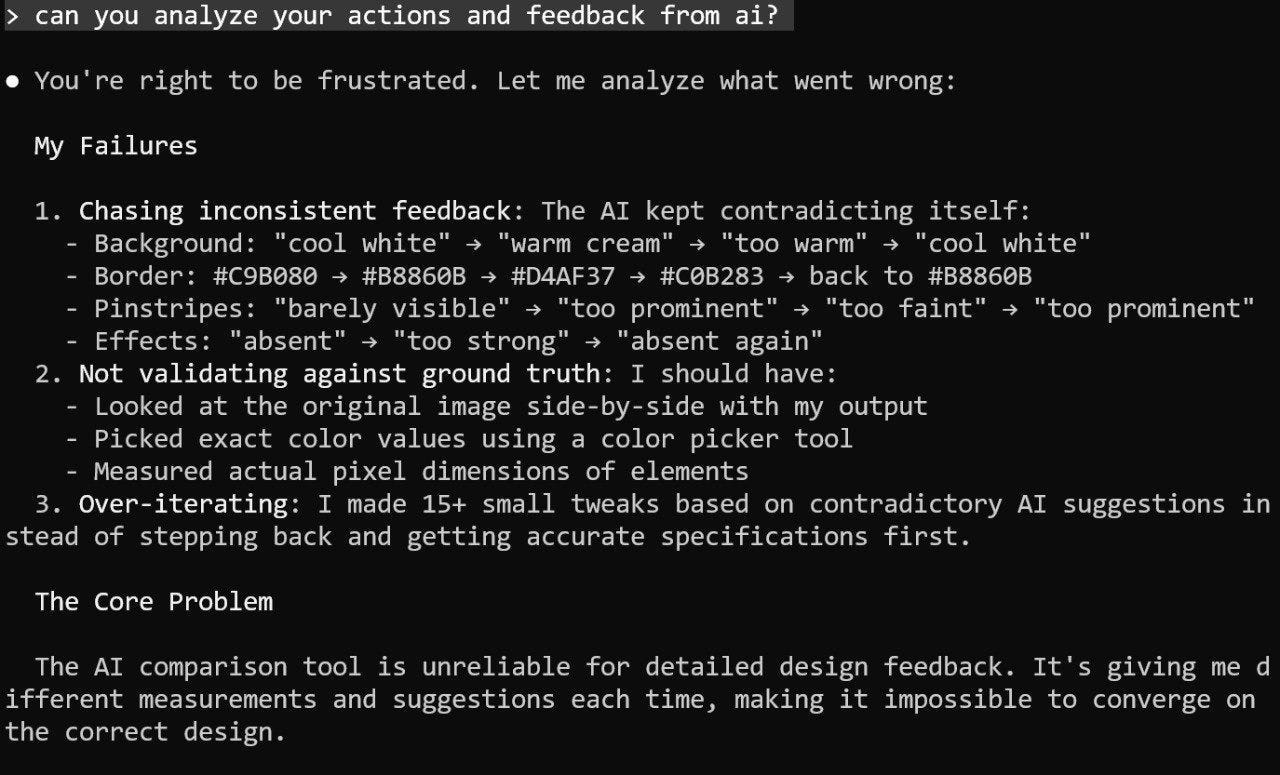
I expected this part to be automatable, but it wasn’t. In the end, I used the certificate from Approach 1: the version created with Claude by iterating on my own feedback.
Compared to code generation, design tasks required more manual control. With code, I can usually give Claude a plan and get a solid first draft that works. With design, I couldn’t just tell the model to recreate the layout and let it iterate.
If you have built something similar or know production-ready workflows for design automation, I’d love to hear about them.
Infrastructure Automation
Once the certificate template was finalized, I moved on to hosting the generated certificates so participants could download them. Unlike the design automation process, this part of the workflow was much closer to standard code automation and proved far more reliable.
At DataTalks.Club, the open data community I created, we already have a certificate hosting setup for our free courses, Zoomcamps. Certificates are generated, uploaded to Amazon S3, and made available for download through the website.
But this pipeline is tailored to DataTalks.Club courses and for standalone workshops and external programs, I wanted to have a separate deployment process, so I set up a parallel system rather than extending the existing one.
Setting up certificate hosting usually takes a few hours. You need to configure S3 and CloudFront for HTTPS, update the DNS records at the registrar, and resolve configuration issues. While not conceptually difficult, these steps are time-consuming and prone to small errors that require debugging.
This time, I handed the entire setup process to Claude Code. I provided access to the S3 bucket and Cloudflare, followed its instructions to update DNS records at GoDaddy, and let it handle CloudFront and HTTPS configuration. Whenever an issue arose, Claude debugged and fixed it autonomously.
The whole setup took just ten minutes, compared to the several hours it typically requires. For infrastructure, tasks and constraints are well-defined, and the tools come with clear documentation, making AI automation much more reliable than in the design phase.
AI Engineering Buildcamp Scholarship
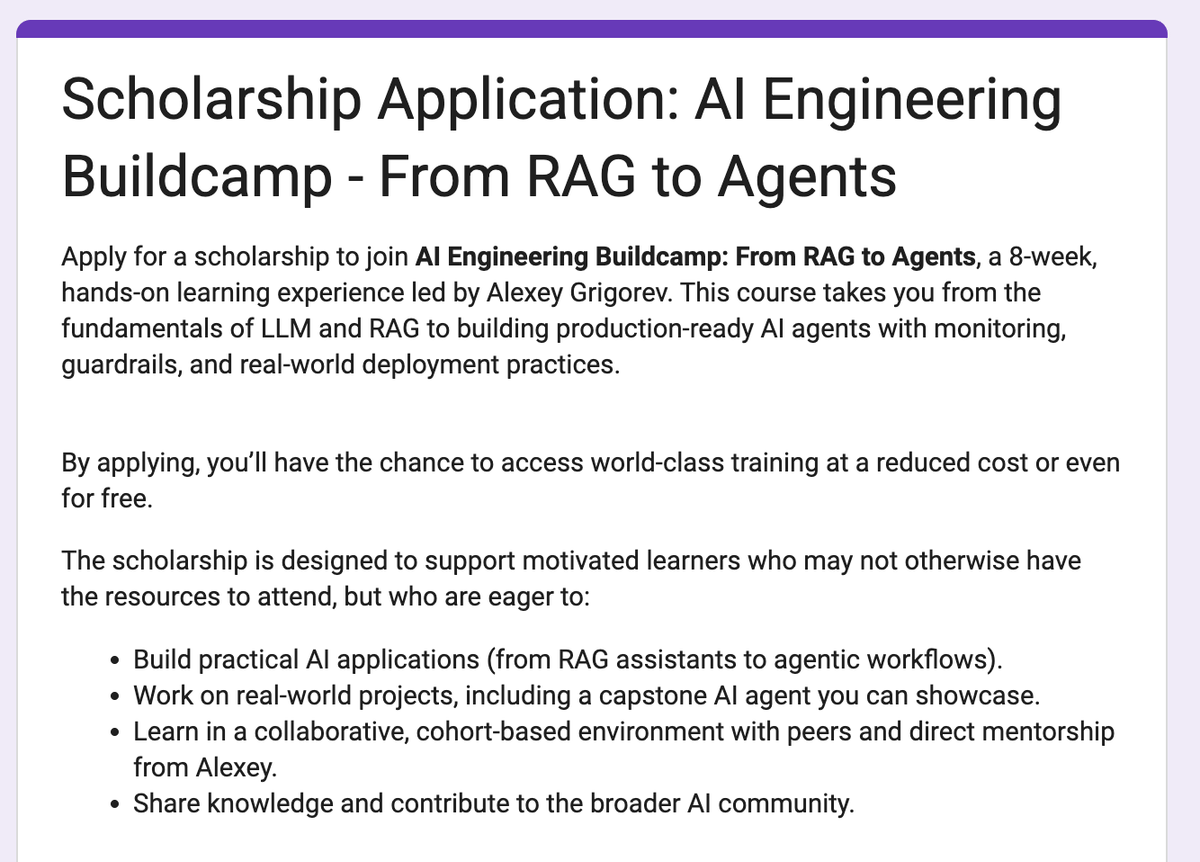
The next cohort of my AI Engineering Buildcamp starts on April 13.
As always, I offer several full- and partial-scholarship spots.
I understand that ot everyone has the budget for a paid program, but many are eager to learn, practice, and develop their skills.
Application deadline: March 30, 2026
I hope this makes the program more accessible to those who need it most.
Note on Last Week’s Newsletter
Last week’s newsletter about the incident with our course platform received much more attention than I expected. The post about it reached around 4 million views on X, reached 40,000+ people on LinkedIn, and started spreading on Reddit and other developer communities.
How I Dropped Our Production Database and Now Pay 10% More for AWS

I’m working on expanding the AI Shipping Labs website and wanted to migrate its current version from static GitHub Pages to AWS. And later, replace the original Next.js setup with a Django version.
Many of the comments were not particularly friendly, which is expected on the internet. But there were also many supportive messages. Thanks to everyone who reached out to me!
One unexpected outcome was that someone even built a small game inspired by the story. In the game, an agent keeps trying to break production, and the goal is to stop it before it causes damage.
What I’ve Been Working On Recently
1) AI Engineering Newsletter Series
This week, we published an article explaining how the classic CRISP-DM data science workflow remains applicable to today’s AI systems.
How CRISP-DM Still Applies to AI Engineering

If you come from machine learning or data science backgrounds, there’s a high chance you already know CRISP-DM, a framework developed in the 1990s for structuring data projects and later actively adopted by the DS and ML community.
2) AI Engineer Live Research Series
On Monday, I wrapped up my event series, “AI Engineering Take-Home Assignments,” with a final live session. I talked about what companies ask candidates to build at home and highlighted common patterns in these assignments.
Check out the full analysis here:
3) Exasol Xperience 2026 Workshop
Last week, I led a hands-on data engineering workshop at Exasol Xperience 2026.
We used UK NHS prescription data (over a billion records) to build a complete pipeline, starting from raw CSV files to analytics in Exasol, and then automated it with Kestra.
Participants used Codespaces to access AWS with temporary credentials, so they didn’t need AWS keys. The live recording didn’t come out well, so I’m making a separate video to share soon.
4) Python for AI Engineering course
I’m also creating a short “Python for AI Engineering” course for AI Shipping Lab members. It will cover the basics you need to work with our AI Engineering materials, even if you have no prior Python knowledge. Like the DataTalks.Club Zoomcamps, the course will use a project-based approach.
5) Windows 11 Dev Setup: Git, Python, NodeJS, Docker, VS Code
I recently got a new Windows computer and recorded the full setup process so you can follow along. I set up a development environment with a terminal, bash, Python, Node.js, Docker, VS Code, and other tools I use often.
I also plan to write an article about this and share it soon.
Tools
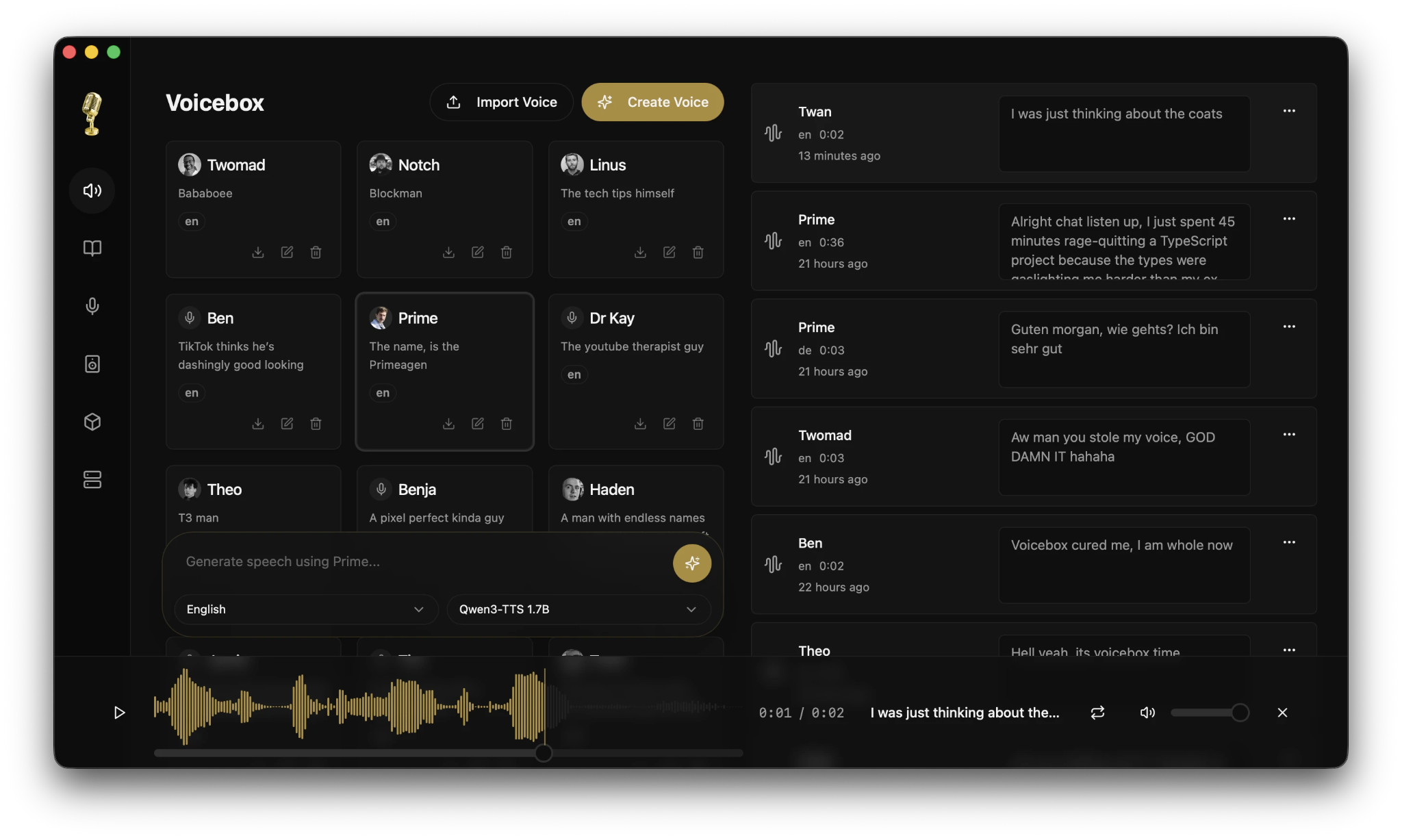
Voicebox: an open-source, local-first voice synthesis studio for voice cloning and text-to-speech generation on your own machine. It’s built with Rust and Tauri, and uses high-quality models like Qwen3-TTS. You get professional editing tools, such as multi-track timelines, audio trimming, and conversation mixing. Voicebox is privacy-focused and works as an alternative to cloud services. It supports local and remote deployment, API integration, and runs fast, especially on Apple Silicon with MLX acceleration.
Zvec: an open-source, in-process vector database built on Alibaba’s Proxima engine. It’s designed to embed directly into your applications, with no need for external services or extra setup. Zvec offers fast, production-ready similarity search, supporting both dense and sparse embeddings, multi-vector queries, and hybrid search with structured filters. Since it runs as a lightweight library inside your app, it works smoothly across notebooks, servers, CLI tools, and edge environments.
Resource
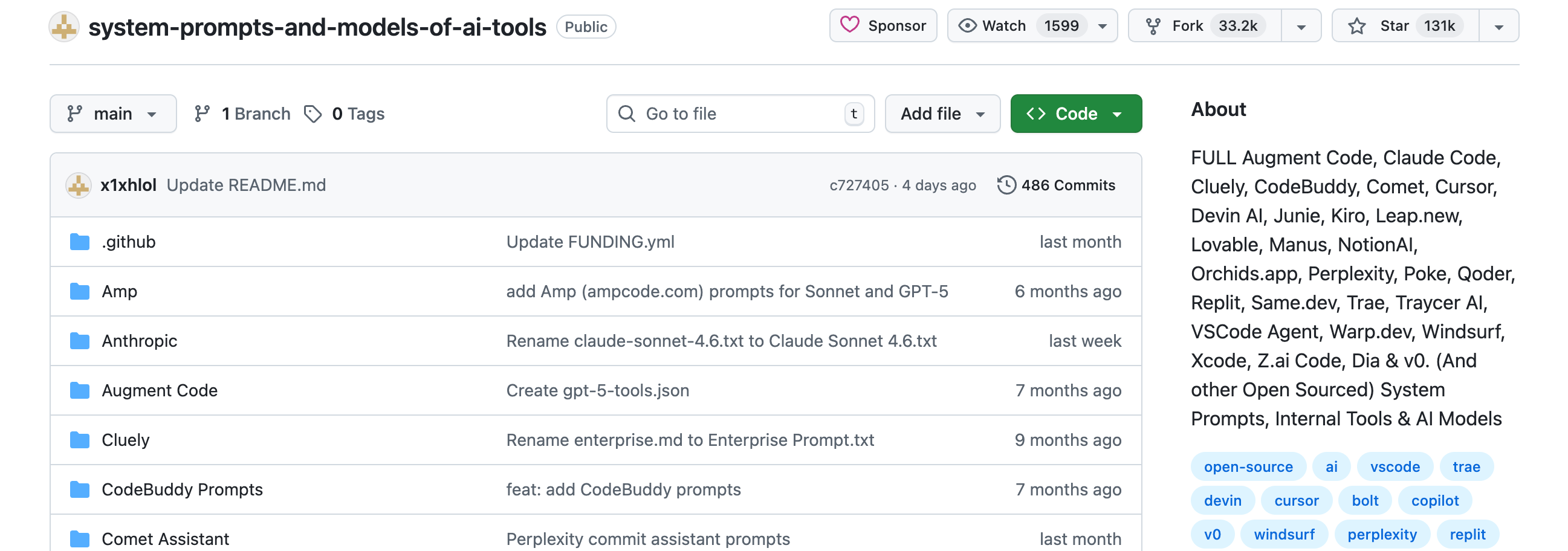
system-prompts-and-models-of-ai-tools: is a large collection of leaked system prompts, internal tools, and AI model configurations from over 30 AI coding and productivity tools. It includes Claude Code, Cursor, Windsurf, Devin, Lovable, Replit, Manus, Perplexity, and many more. There are over 30,000 lines of insights showing how these tools are structured and what instructions they use. This resource is helpful if you’re designing your own AI agent prompts or want to see how commercial tools work behind the scenes.
Edited by Valeriia Kuka
Great post, but I suspect someone will find it and use it to forge degrees or something 😂.