

My child has very specific interests and information requests. He asks me to find books on narrow topics like metals or signal sirens, and most of the time, such books don’t exist. Or they exist, but not as kids’ books.
So I built a system to generate such books for him. It all started with an experiment with ChatGPT. When I validated the need for a more automated, complex approach, this project evolved into an automated pipeline that uses AI to generate the entire book.
In this post, I’ll share:
How the first book about metals started the project
Why direct ChatGPT generation was not enough
How I used coding agents to create the first books
Why I later built a dedicated book generator
How the current pipeline plans, writes, formats, and packages books
How audio, EPUB, and Amazon KDP outputs are generated
What happened when I tried to publish one of the books on Amazon
The First Request: a Book About Metals
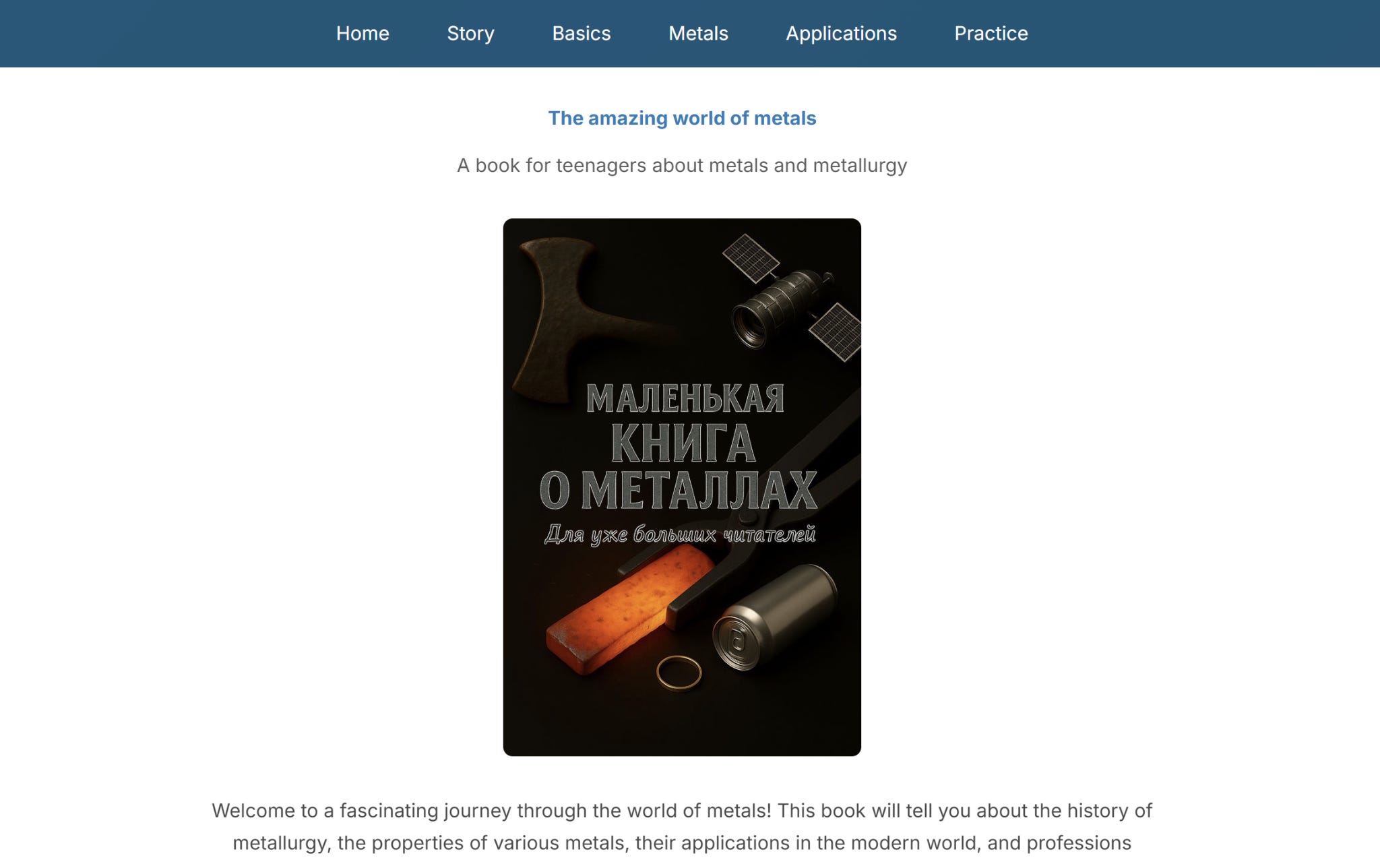
His first request was a book about metals. He wanted to know what metals are and how they are used. He only cared about a specific list: palladium, tin, magnesium, titanium, beryllium, lithium, and tungsten. He told me exactly which properties to describe. ChatGPT suggested adding a few other metals to complete the picture, and my son agreed. We planned one chapter per metal to cover its history, extraction, and uses.
We could not find a book like this, and he wanted to listen to it at bedtime. I first tried generating the book directly with ChatGPT. We iterated on a table of contents. I asked the model to write the first chapter, but the result was very poor. ChatGPT alone didn’t work.
I then considered coding agents. They are good at planning and executing. My normal approach to building applications is to iterate on a design with ChatGPT and delegate the implementation to a coding agent. I figured the same pattern should work here. I could use ChatGPT to generate the table of contents and let the coding agent write the actual book.
Iterating with Coding Agents on the Metals Book
My son and I finalized the outline. I handed the plan to the coding agent. The first version was rough. The agent wrote bullet points instead of prose. Coding agents are likely tuned for documentation rather than narrative writing.
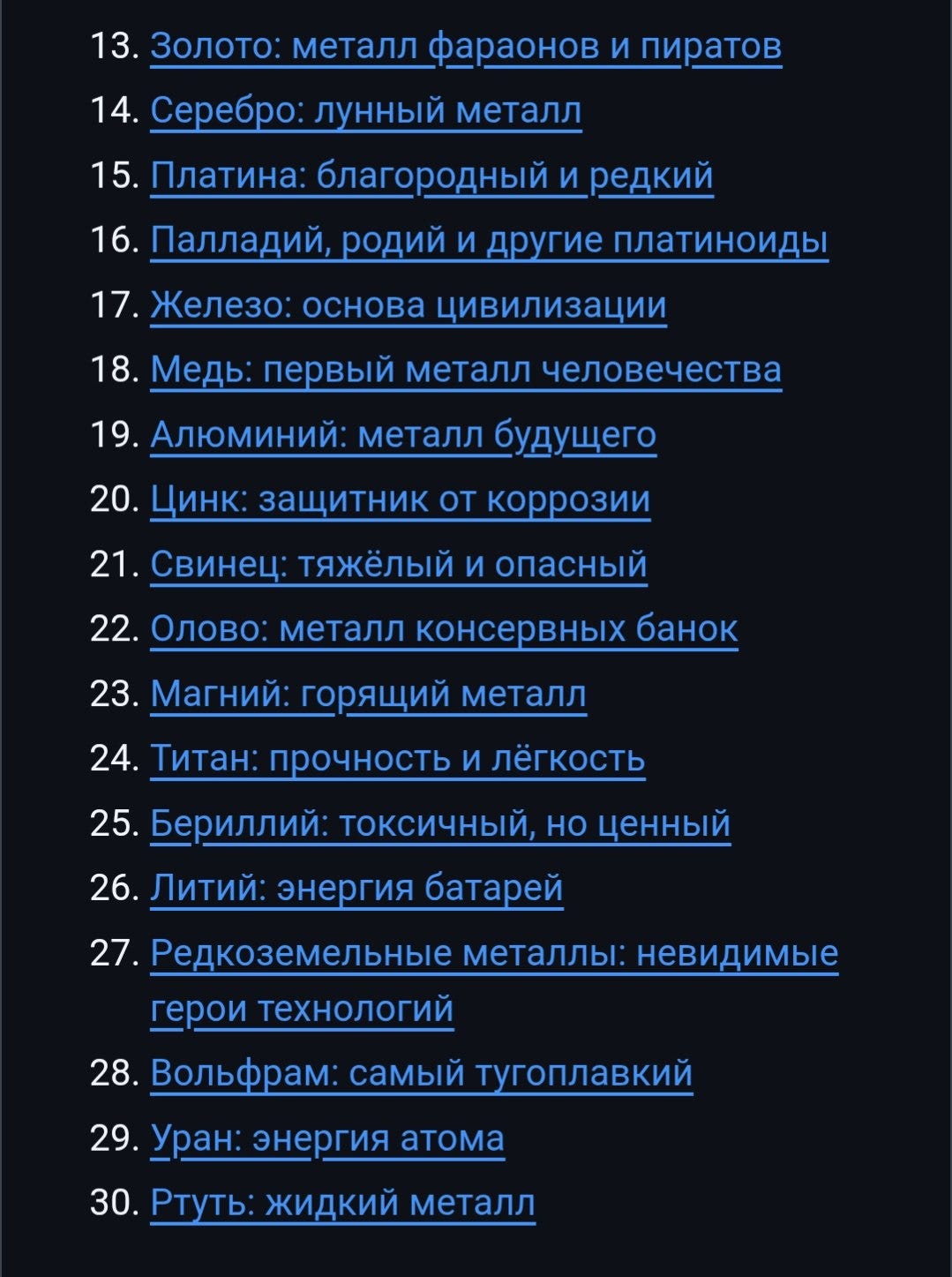
I tightened the prompt and explicitly asked for normal prose. I managed the process just like my regular coding projects. I created a GitHub issue, let the agent work on it, reviewed the result, and created the next issue. This is the same approach I use when coding from my smartphone. I described it in one of my previous newsletters:

Another problem was context limits. The agent didn’t finish the task. If I asked it to rewrite the whole book in proper prose, it would rewrite the first five chapters and stop because “it was tired.” I had to push the agent to finish the entire text repeatedly.
In parallel, I asked the agent to set up automation. I wanted to publish the book as a website first so I could read it in the browser. I added EPUB output later simply because I found it interesting. The automation worked well. The text for the metals book required a lot of manual guidance, but my child liked the final result.
The published book lives at https://alexeygrigorev.com/little-book-of-metals-ru/. Source code: github.com/alexeygrigorev/little-book-of-metals-ru.
Second Book: Gallium and Potassium Alloys
Halfway through the metals project, my son decided he was only interested in two specific metals: gallium and potassium. He specifically wanted to read about their alloy because it has unusual properties. We made a separate book for that topic.
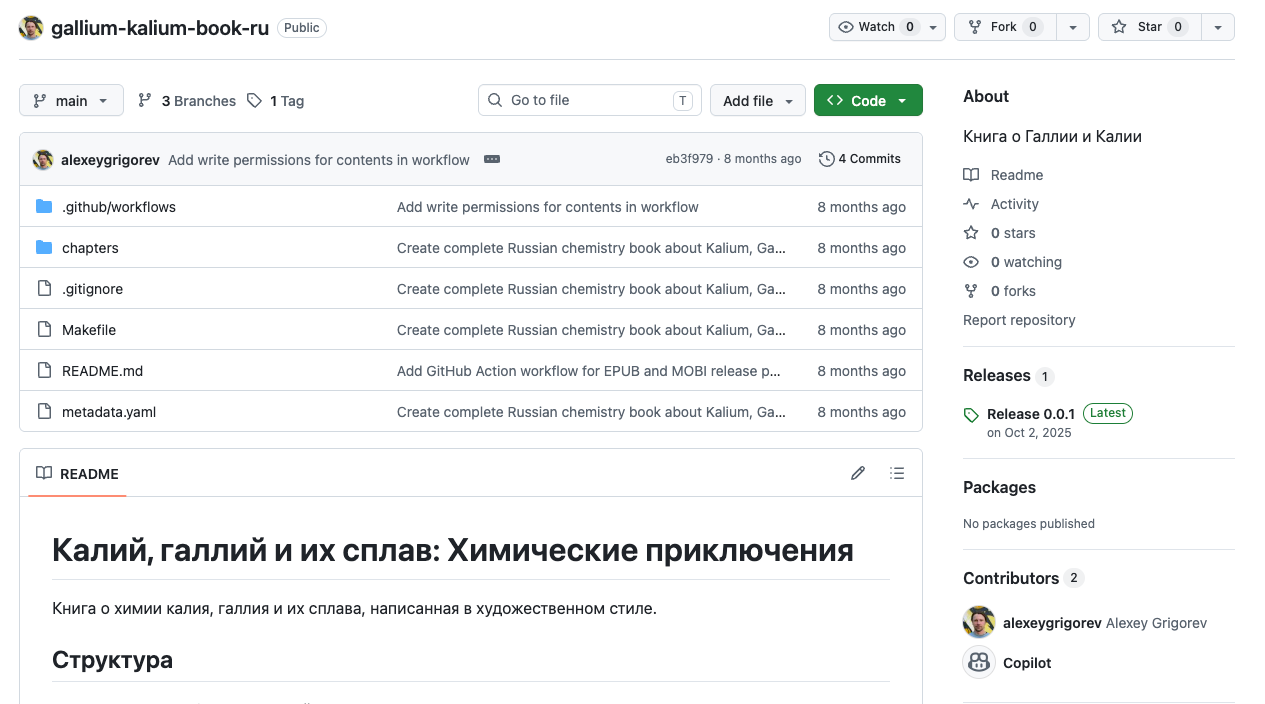
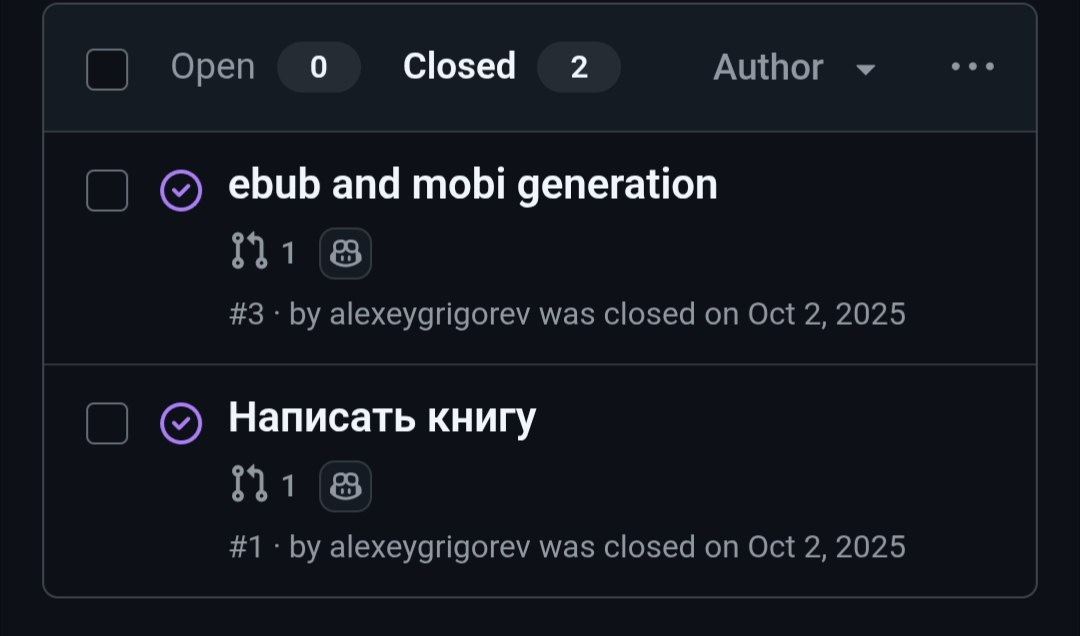
By that point, I understood the workflow. I put exactly what I wanted directly into the first prompt. The experience from the metals book paid off immediately. The book came out well on the first attempt. The entire project required just two GitHub issues. One issue was to write the book. The second issue was to add EPUB and MOBI publishing.
The two closed issues in the gallium-kalium book repository: “Написать книгу” (write the book) and “epub and mobi generation”.
Source code: github.com/alexeygrigorev/gallium-kalium-book-ru.
Third Book: Conifers
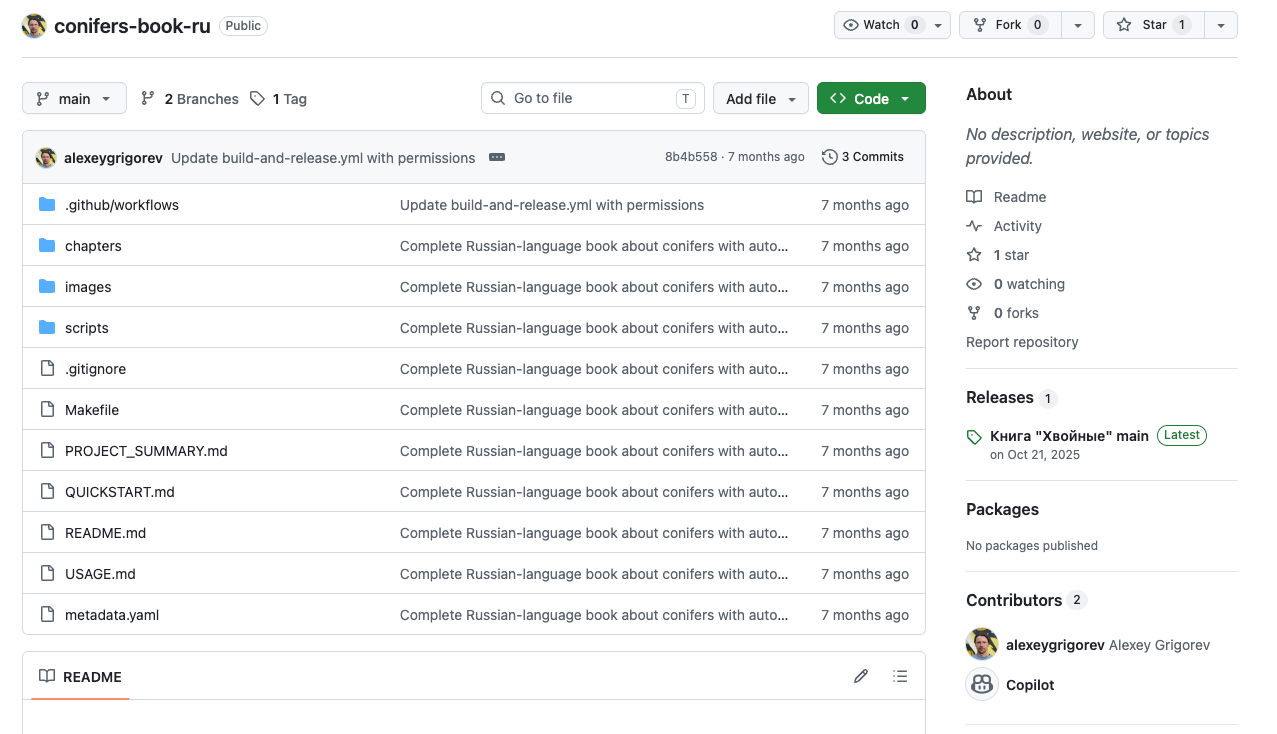
Later, my son wanted to learn more about conifers after studying them in school. By then, the workflow was standard. We discussed the topic with ChatGPT, built a plan, created a GitHub issue, let Copilot work on it, and received the completed book.
Source code: github.com/alexeygrigorev/conifers-book-ru.
Building a Specialized Book Agent
After the third book, I realized a general coding agent like Copilot was not the best tool. I decided to build a dedicated program for two reasons. First, I needed a use case for my course participants to show how to build specialized agent systems. Second, I suspected a specialized agent would produce better narrative text than models tuned for code.
I built the program to compare GPT, Claude, and a newly released Gemini model. My evaluation was informal. I simply read the books with my child and picked the best text. Gemini produced the best results.
The hypothesis proved correct in practice. The specialized agent wrote better prose than the general coding agents.
The workflow settled into a standard plan-then-execute pattern, identical to what I teach for code:
Iterate in a chat interface to finalize the table of contents.
Convert the chat output into a structured YAML plan containing chapters, sections, and bullet points.
Run a loop over the plan using
for chapter in plan: generate_chapter(...). Each iteration receives a compressed summary of prior chapters to maintain context without passing the entire text.
Many Books Since
I started by redoing the metals book just to test the new pipeline. Since then, the system has successfully handled several highly specific requests. These included a book on warning sirens, a guide to how fireworks work, and a book dedicated entirely to cable-driven mechanisms such as funiculars.
How the Book Generator Works
The repository provides an end-to-end pipeline for planning and generating books. It starts with an interactive planning step, converts the plan into a typed YAML file, generates chapters from that plan, and then produces audio, EPUB, and Amazon Kindle Direct Publishing print artifacts.
You can use the system through either a Streamlit interface or command-line scripts. The main design pattern is plan first, then execute. The book structure is decided upfront, and the later generation and publishing steps use that structure as their source of truth.
1. Plan Generation
The first stage is interactive because the system treats the book structure as something to review before text generation begins.
You launch the Streamlit interface with make ui.
In the UI, you enter a topic and select a book size, such as Small, Medium, or Large. Then you start a chat with Gemini 3 Pro Preview. The model streams a draft book plan into the interface.
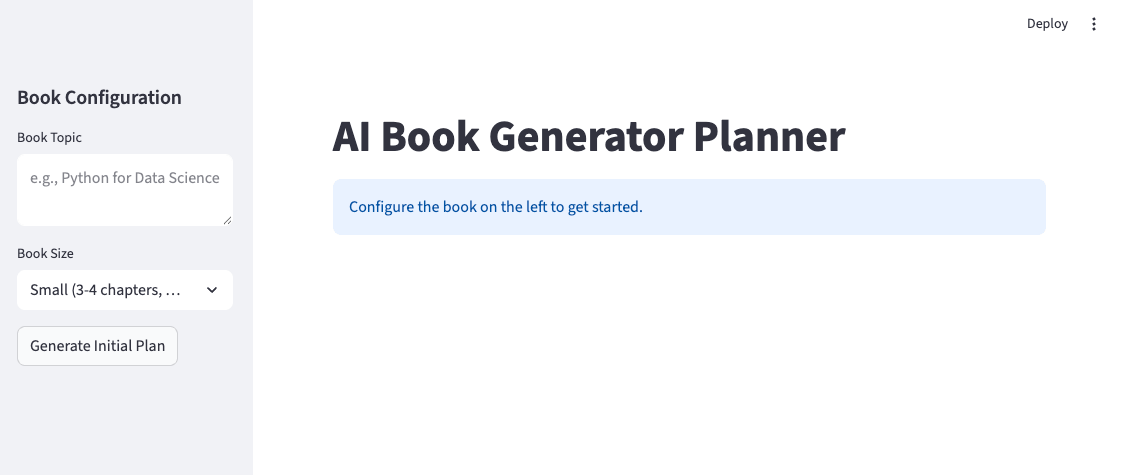
make uiYou can refine the plan through chat. Each refinement call sends the current plan, along with your new feedback, back to Gemini, so the model updates the existing outline rather than starting from scratch.
When the outline looks good, you click: “Ready - Create Structured Plan”. This moves the workflow from freeform planning to structured execution. For headless runs, there is a command-line alternative. You run uv run python -m chapter_based.plan -p books/mybook/input.txt to build the plan from a text file instead of the Streamlit chat.
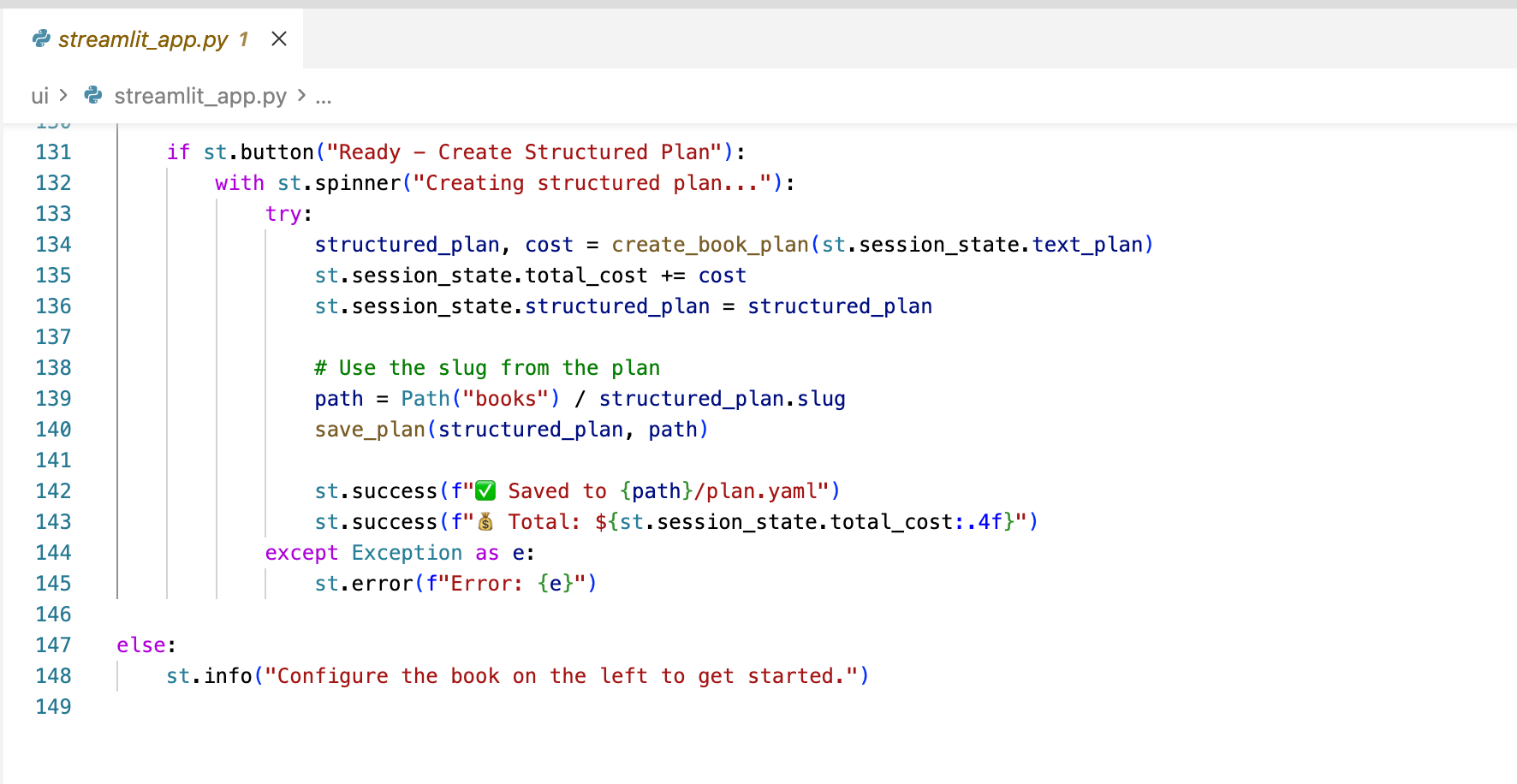
2. Structured Plan Creation
The freeform chat plan is useful for humans, but the generator needs a predictable structure. The next step converts the outline into a typed plan that the execution scripts can read.
The system sends the finalized plan to Gemini one more time and requests JSON output using response_mime_type=”application/json” and a schema generated from the Pydantic BookPlan model. The structured output is saved to books/<slug>/plan.yaml.
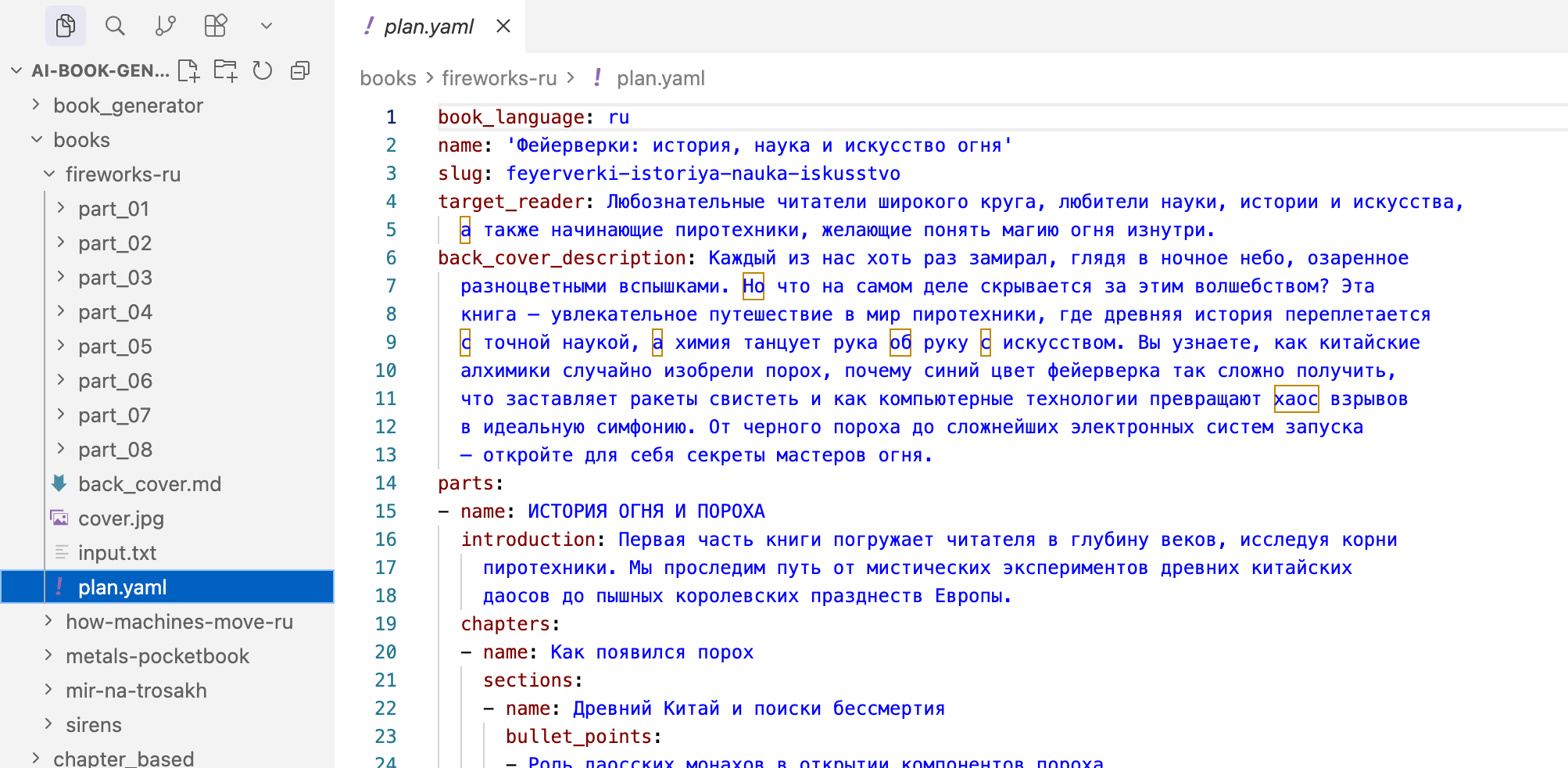
Here how a slice of the YAML structure looks like:
name: My Book
slug: my-book
book_language: ru
parts:
  - name: Part One
    introduction: ...
    chapters:
      - name: Chapter Name
        bullet_points:
          - point one
          - point two
This plan.yaml file is the contract between planning, writing, audio generation, and publishing. The writing scripts use it to generate chapters. The publishing scripts use it for metadata and structure. The cover pipeline uses it for back-cover text.
This separation is important because it allows the planning interface to change without rewriting the execution pipeline, provided it still produces the same structured plan.
Per-part introductions and back-cover text also come from fields already present in the plan and don’t require extra model calls during generation.
3. Chapter-by-Chapter Execution
Once plan.yaml exists, the writing scripts no longer need the chat history. They use the structured plan as the source of truth.
If you use the command line, you run uv run python -m chapter_based.execute mybook. There is also a Makefile command: make generate-book.
The repository contains two generation implementations:
book_generator/: section-based generation. It uses more LLM calls per chapter and gives finer-grained control, which is useful for longer books.chapter_based/: chapter-based generation. It makes one call per whole chapter and usually produces 3000 to 5000 words per chapter.
The chapter-based path is the cleaner illustration of the pipeline.
The script chapter_based/execute.py loads the YAML file, flattens the parts into a single list of chapter specifications, and iterates through them.
For each chapter, the script builds a book progress string with the full chapter list:
Completed chapters are marked with
[x].The current chapter is marked with an arrow.
Remaining chapters are marked with
[ ].
Gemini receives this outline together with the bullet points for the current chapter. It does not receive the full text of previous chapters. Cohesion comes from the upfront plan, not from passing actual prior chapter text into each generation call.
This makes the quality of the initial plan important. The plan needs enough structure to keep chapters aligned across the whole book.
4. Audio Generation
After the markdown chapters exist, the same book folder can be used to generate audio versions of the content. I added that part because my son sometimes wants to listen to the books rather than read them. The implementation uses Gemini text-to-speech because its voice quality was better than that of the previous setup used in a separate AI bedtime stories project.
You can start text-to-speech generation with make tts BOOK=... The script book_generator/tts.py calls models/gemini-2.5-flash-preview-tts and uses the default voice, Charon. The script wraps the returned PCM audio into a WAV file and uploads it directly to an S3 bucket.
Generation runs in parallel with ThreadPoolExecutor. It also uses a cost lock and a skip-if-already-generated check, so existing audio files aren’t regenerated unnecessarily.
A separate script, scripts/convert_wav_to_mp3.py, converts WAV files to MP3. It uses ffmpeg and produces MP3 derivatives for distribution.
Publishing Process
The publishing scripts also use the generated markdown and the same plan.yaml, so EPUB and print output don’t depend on how the text was generated.
There are three main publishing commands.
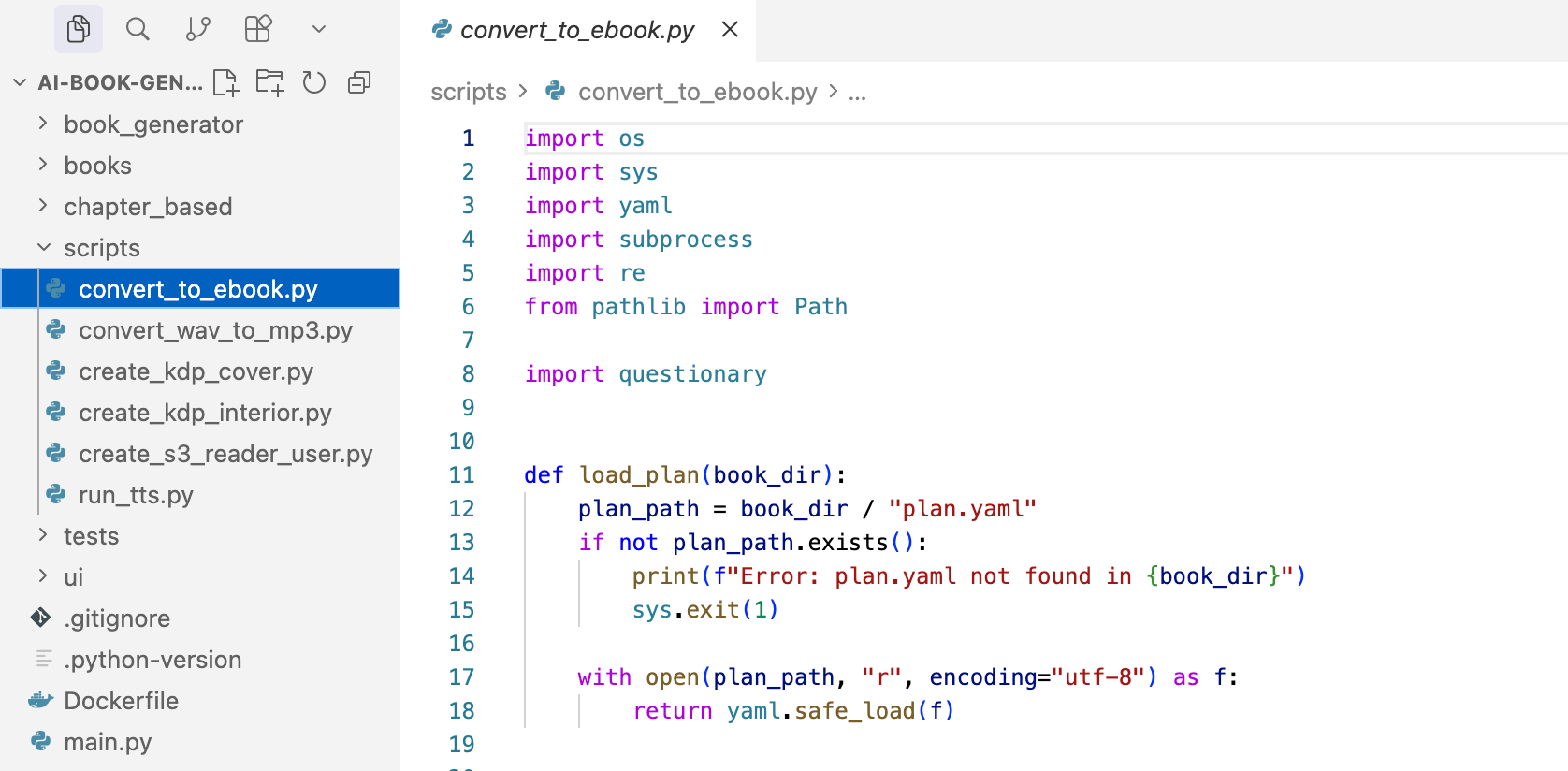
make ebook BOOK=...publishes the book to EPUB.scripts/convert_to_ebook.pyaggregates the markdown files and adjusts heading levels so chapter headings fit the EPUB structure. It then calls Pandoc with title, author, language metadata, and an optional cover image. The output is an EPUB file.make kdp-interior BOOK=...publishes the book to KDP interior PDF.scripts/create_kdp_interior.pyaggregates the markdown files and renders it through XeLaTeX inside a Docker image for reproducibility. The output is a KDP-ready interior PDF with 6 by 9 inch trim size, mirror margins, gutter, DejaVu fonts for Cyrillic, and a generated table of contents. The resulting file is kdp_interior.pdf.make kdp-cover BOOK=...publishes the book to KDP cover PDF.scripts/create_kdp_cover.pybuilds a wraparound print cover with ReportLab. It lays out the back cover, spine, front cover image, and bleed area. The back-cover description comes from plan.yaml. The spine width is calculated from the page count using pages * 0.0025 inches. The resulting file is kdp_cover.pdf.
Cost Tracking and Operational Conventions
The generator tracks cost during planning and writing because book-length generation can involve long contexts, multiple chapter calls, retries, and optional asset generation.
The function calculate_gemini_3_cost uses the November 2025 Gemini pricing tiers, including the standard tier and the over-200k-context tier. It also bills “thoughts” tokens as output tokens.
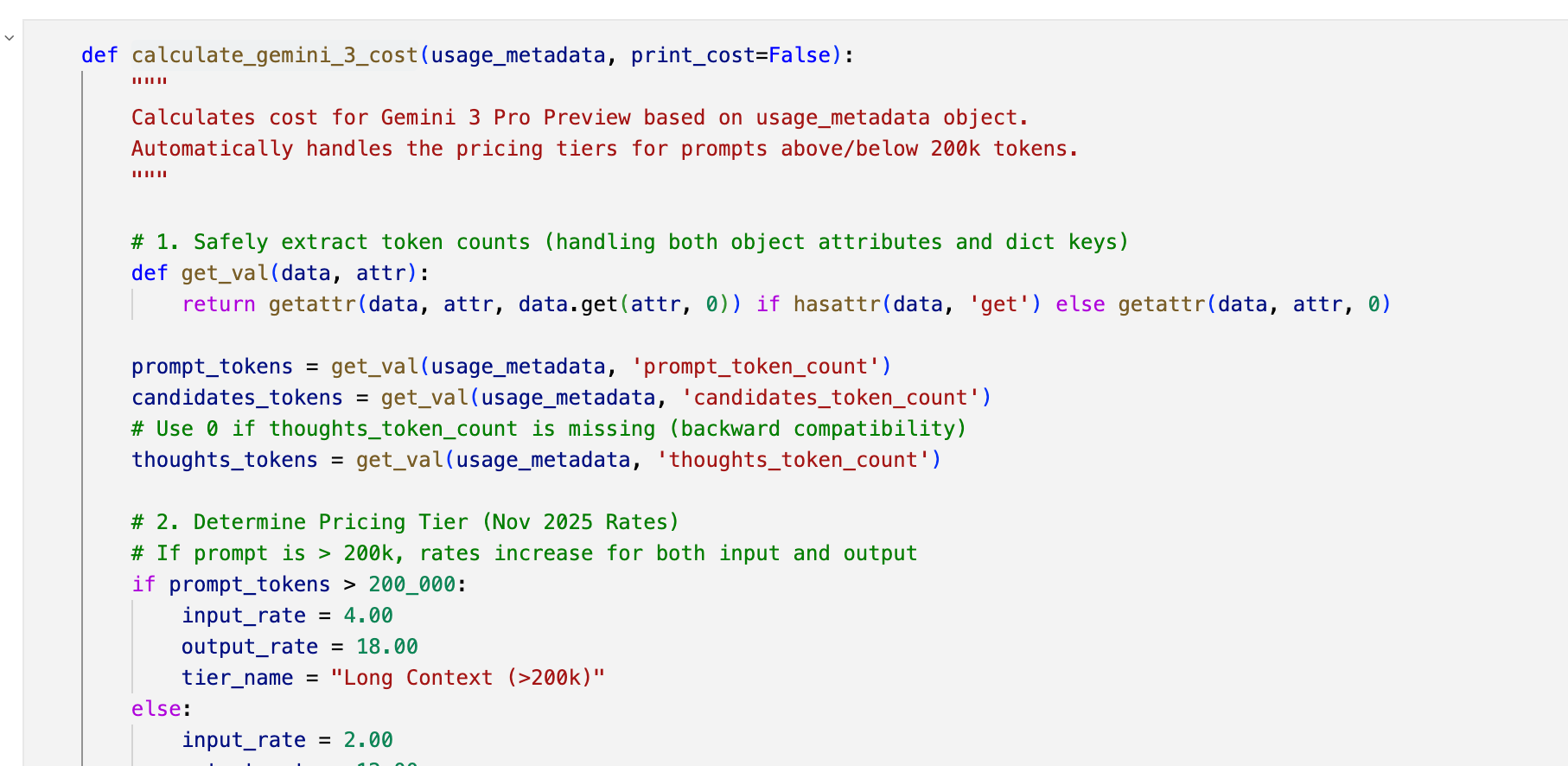
A CostTracker accumulates cost during generation. In the Streamlit UI, the running total is shown live while the plan is drafted and refined. During text generation, the terminal output also reports incremental costs as chapters and sections are produced.
Because generation can take time and cost money, the system writes each artifact to a predictable location and checks whether it already exists before regenerating it.
Chapter output is written to paths like books/<slug>/part_01/01_chapter.md.
A typical book folder contains:
books/<slug>/
  plan.yaml
  back_cover.md
  cover.jpg
  part_01/
    01_chapter.md
    02_chapter.md
  part_02/
    01_chapter.md
  book.epub
  kdp_interior.pdf
  kdp_cover.pdf
The scripts infer where to read and write files based on naming conventions such as books/<slug>/, part_XX/, and predictable artifact names.
The generation script checks whether a chapter file already exists. If it does, the script skips that chapter on rerun. A _ready sentinel file in the book folder marks the book as complete and tells the system not to modify it anymore. Per-step *_exists checks prevent the system from regenerating artifacts that already exist.
All later steps use the same book folder and the same plan.yaml. Planning, writing, audio generation, and publishing are connected through files rather than through one large process. This design choice and operational convention make the pipeline idempotent and resumable: if a run is interrupted, it can continue from the missing pieces instead of starting from the beginning.
The Makefile wires the workflow together:
make ui

  -> chat and create structured plan
  -> make generate-book
  -> make tts BOOK=...
  -> make ebook BOOK=...
  -> make kdp-interior BOOK=...
-> make kdp-cover BOOK=...Example Generation Run
During generation, the terminal output shows what the system is working on and how much each step costs. This makes the generator easier to monitor during long runs. It also makes cost visible while the book is still being produced, rather than only after completion.
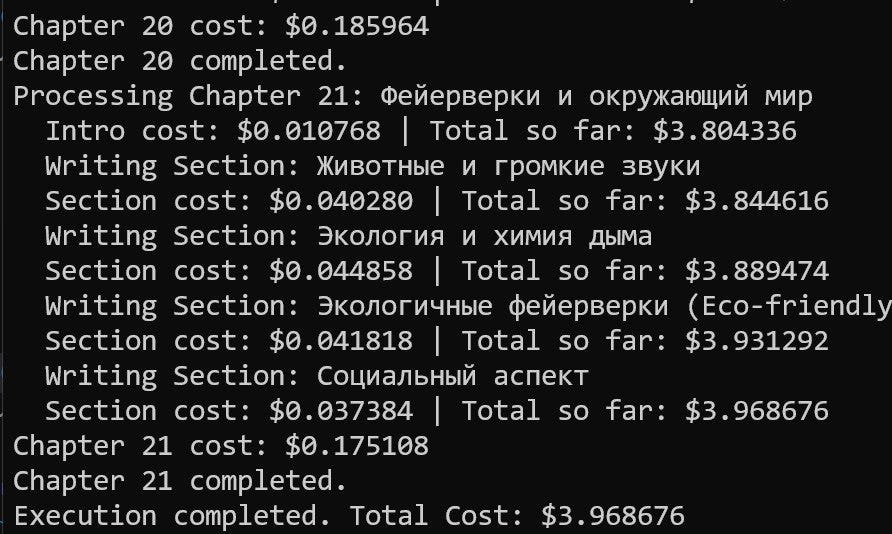
This number is useful as a benchmark, but it should not be treated as a fixed estimate. The final cost depends on the model, book length, context size, retries, and which optional steps are included. Gemini Flash has not been tested yet for this workflow, so it isn’t clear how much quality or cost would change with a cheaper model.
Cost and Quality
A fully generated book costs less than $5 in one run. The exact number depends on the book and the generation settings, but it gives a practical order of magnitude. The system currently uses Gemini 3 Pro for book generation. This is more expensive than using a smaller or faster model, but in these experiments, the output quality justified the cost. For a personal book to be read repeatedly, that cost may be acceptable.
The quality was good enough from the early experiments to make the project worth continuing. Books about metals and sirens were useful at home and readable enough. That observation led to the publishing experiment. If the books were useful privately, it was reasonable to test whether they could also be packaged for external readers.
Publishing Experiment and Project Value
The project started as a way to generate books for private reading. Over time, the quality was good enough to raise another question: could these books be prepared for actual publication?
That changed the scope of the pipeline. It was no longer enough to generate markdown chapters; it needed to produce files that matched real publishing requirements: EPUB for ebooks, a formatted interior PDF for print, and a full-wrap cover PDF for Amazon KDP.
That is why I added the publishing scripts, convert_to_ebook.py, create_kdp_interior.py, and create_kdp_cover.py, I mentioned above to test the full publishing flow end to end. This test validated the production pipeline, but it didn’t validate demand.
The technical pipeline can produce a book package, but publishing files isn’t the same as selling a book. The book I tested has been on Amazon for about five months. So far, it has sold zero copies.
Uploading a generated book to Amazon isn’t enough on its own. Selling requires a separate layer of work: market research, niche selection, positioning, search optimization, metadata, reviews, and promotion.
The project is still useful, but its current value is mostly personal and technical. It works as a system for generating books for private reading and as a practical experiment in automated publishing. Turning it into a commercial workflow would require audience research and marketing work outside the generator itself.
What I’ve Been Working On Recently
1. AI Shipping Labs First Sprint
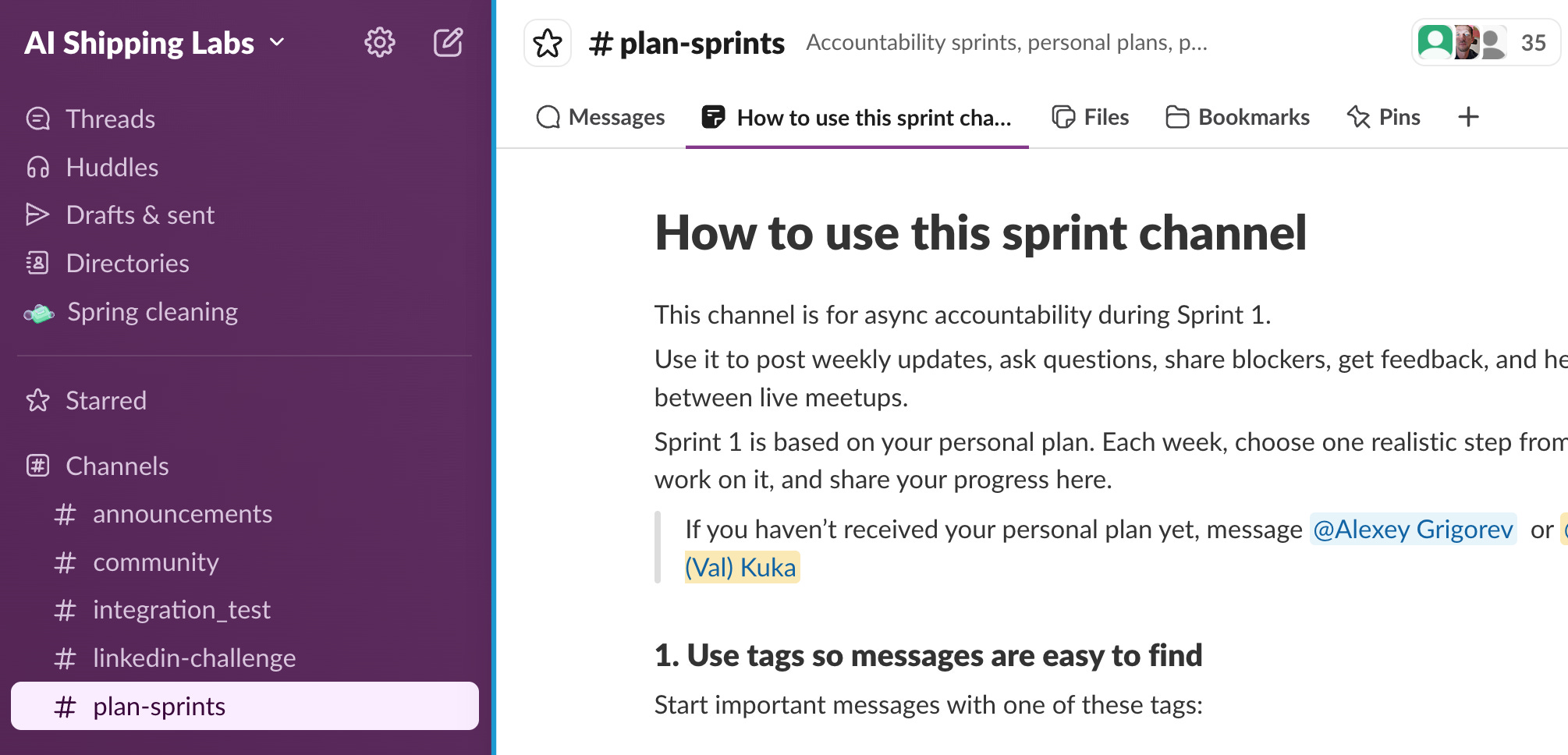
We launched Sprint 1 at AI Shipping Labs.
It’s a 6-week accountability sprint where members work on their projects, meet weekly, share progress, discuss blockers, and receive feedback.
For this sprint, Valeriia and I created 25+ personal plans. Each plan is based on the person’s background, goals, and current situation.
2. Freestyle Workshop at AI Shipping Labs
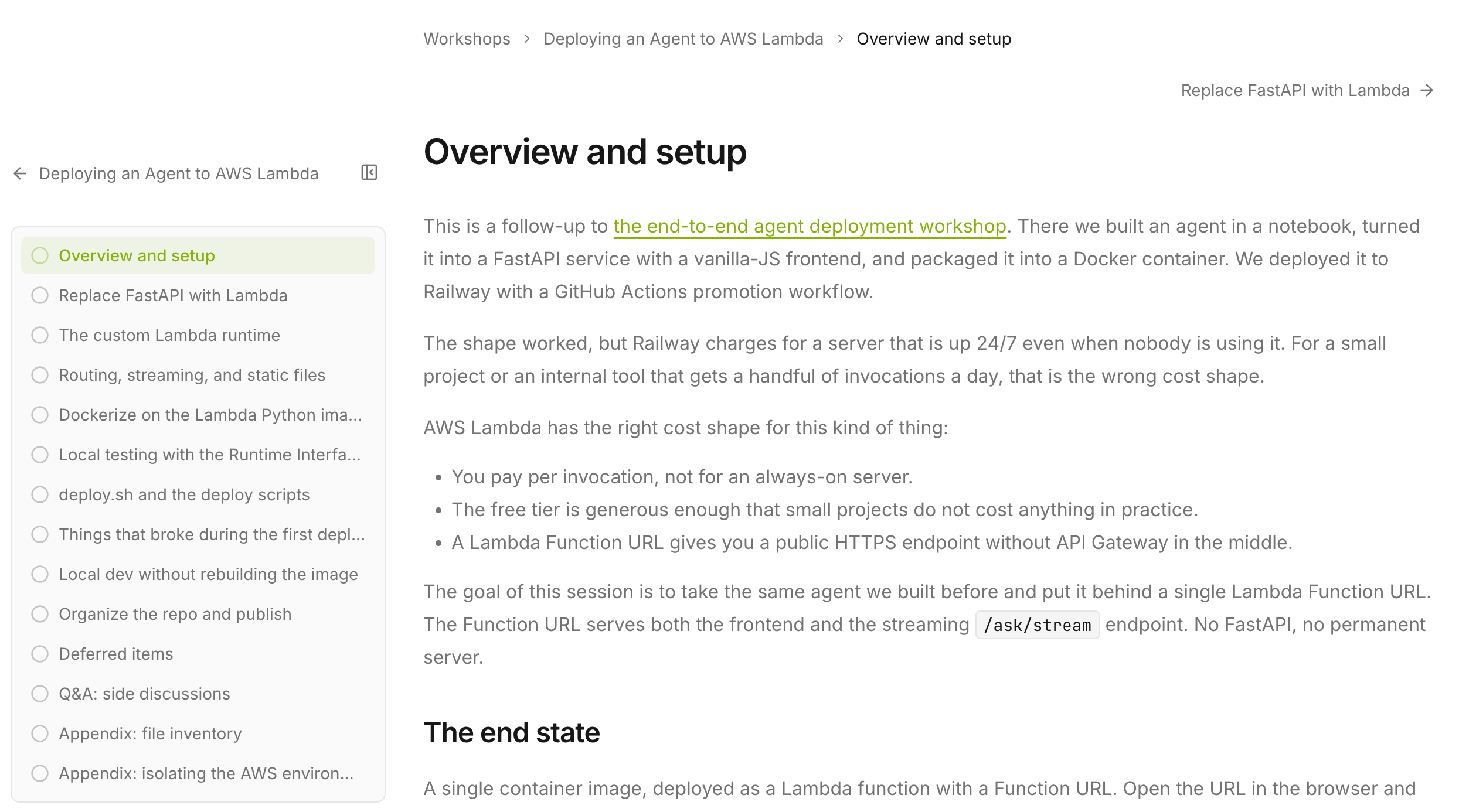
I also ran another freestyle workshop at AI Shipping Labs.
In this format, people come with their own ideas or problems, and we try to implement something together. This time, we looked at how to deploy an app to AWS Lambda.
I wanted to figure this out for a while. Services like Render are convenient, but they are not really serverless. If you deploy something there, the server runs continuously, and you keep paying for it.
For small, low-traffic projects, it doesn’t always make sense. Lambda is a better fit because it runs only when needed.
I upload recordings and notes from my workshops to the new AI Shipping Labs website. To get full access to workshop materials, join the community.
3. New Website for AI Shipping Labs
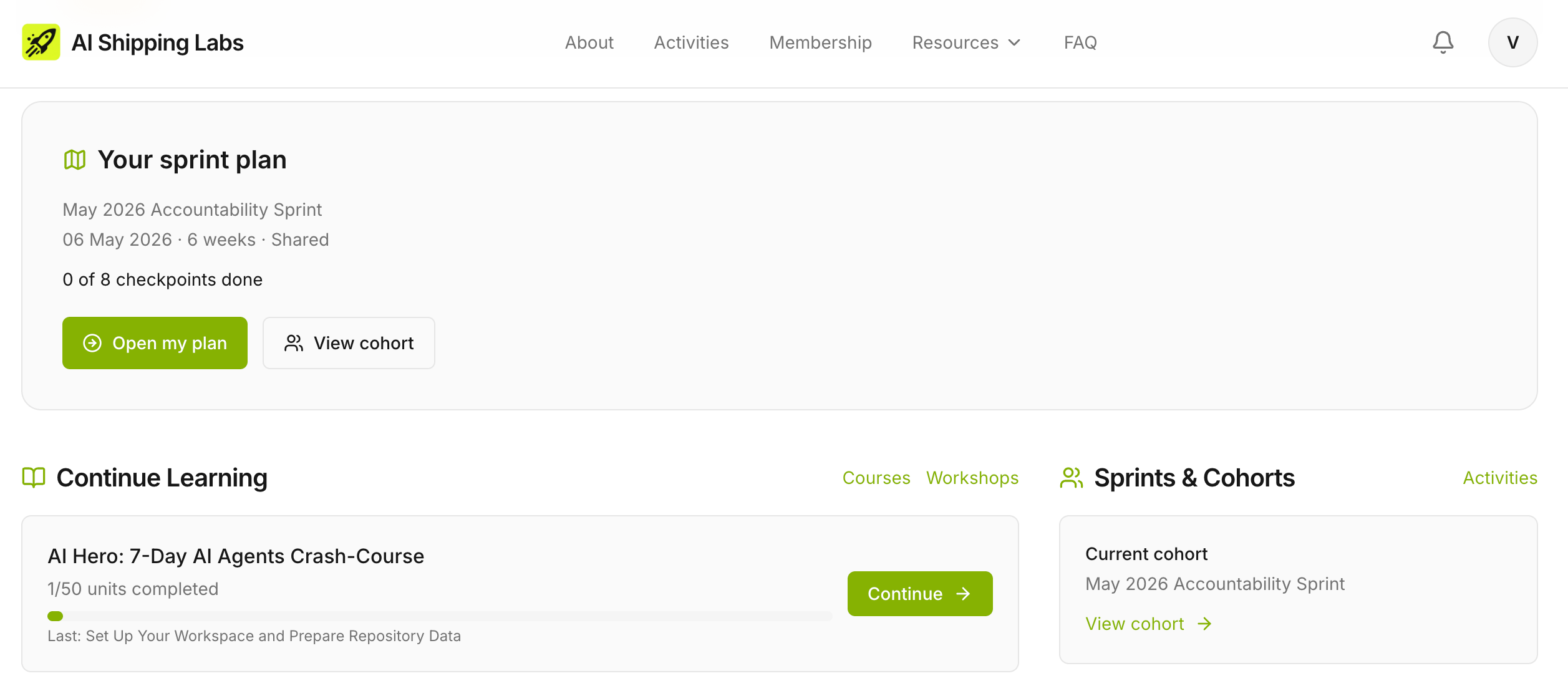
I finally migrated the AI Shipping Labs website from Next.js to Django. There is still a lot to do, but the new Django version is now live.
You can already sign up for free, track your progress, and access some free resources, like the AI Hero course.
4. Data Makers Fest in Porto
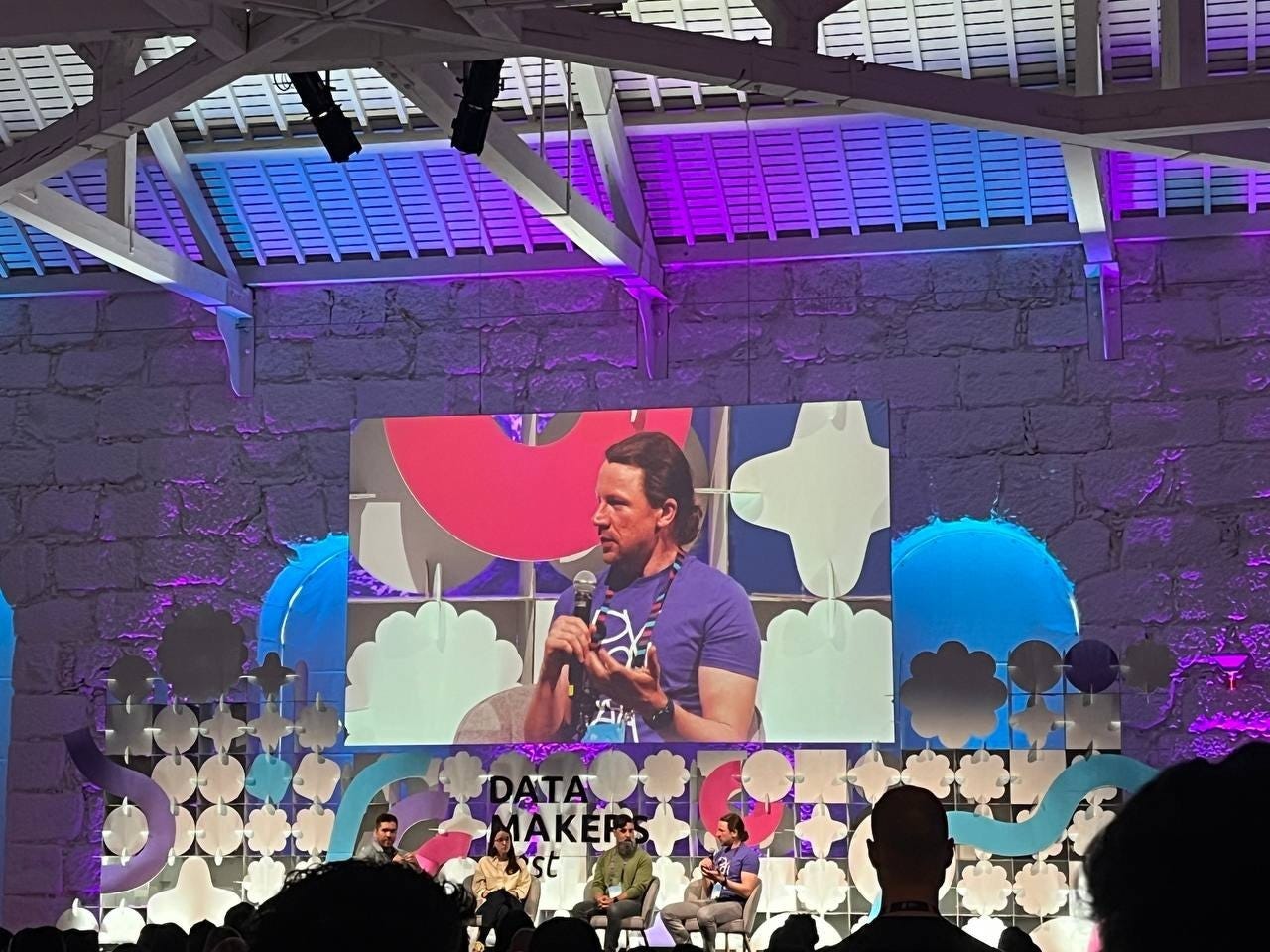
I was at Data Makers Fest in Porto this week.
On Monday, I ran a workshop called “Introduction to Agentic RAG.” For this workshop, I took the first two modules of LLM Zoomcamp on RAG and agents and simplified them as much as possible into a stripped-down introduction to agentic RAG.
The difficulty level was intentionally introductory because it works well for people new to the topic who want to understand the main pieces first.
The next day, I joined a panel in the morning and answered questions from the audience. Later, I moderated a session on production LLMs.
I also recorded several interviews with people at the conference. The podcast episode based on these interviews is still in preparation and should go out in a couple of weeks.
Tools
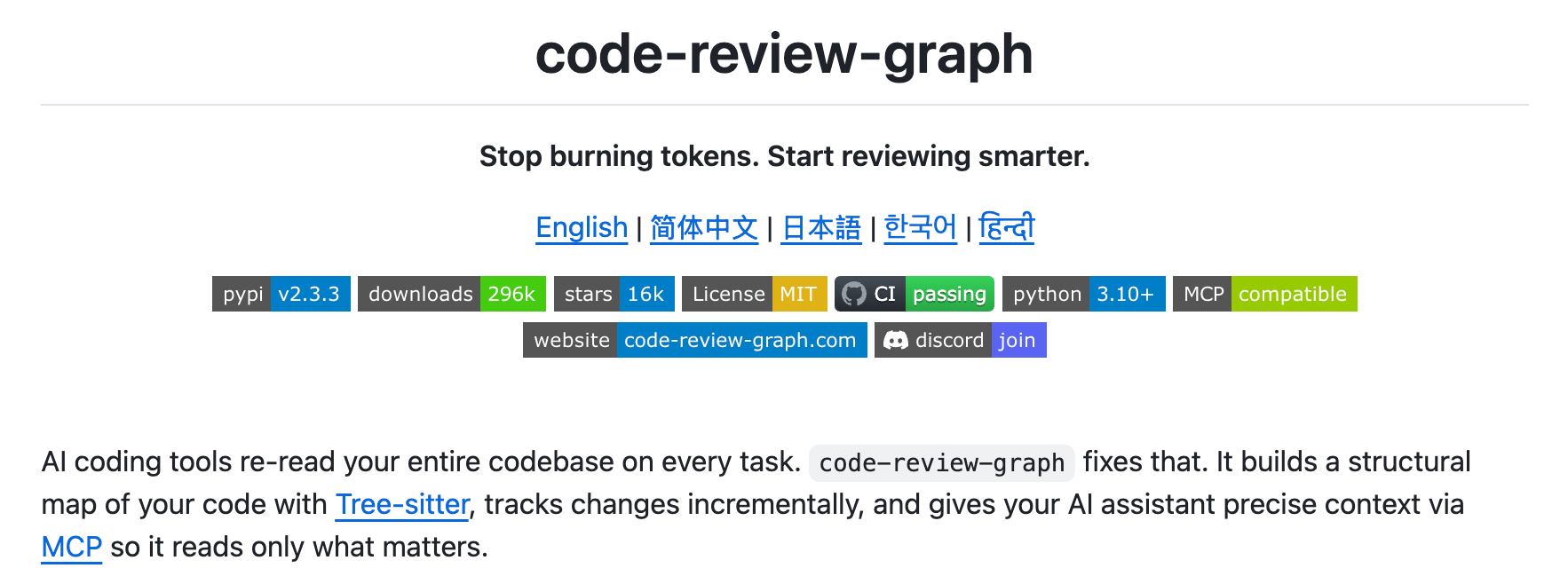
Code Review Graph is an MCP-based tool that builds a local knowledge graph of your codebase so AI coding assistants read only what matters during code reviews. It uses Tree-sitter to parse your code into a structural map of functions, classes, imports, and their relationships, then performs blast-radius analysis on changes to identify the minimal set of affected files. The tool supports 19 languages, updates incrementally in under 2 seconds, and benchmarks show an average 8.2x reduction in tokens compared to naive full-file reads.
Career-Ops is an open-source, AI-powered job search system built on Claude Code that turns your terminal into a full job search command center. It evaluates job offers using a structured scoring system, generates ATS-optimized, tailored CVs as PDFs, automatically scans 45+ company career portals, and tracks everything in a single pipeline. The author used it to evaluate 740+ job listings, generate 100+ personalized CVs, and land a Head of Applied AI role.
Resource
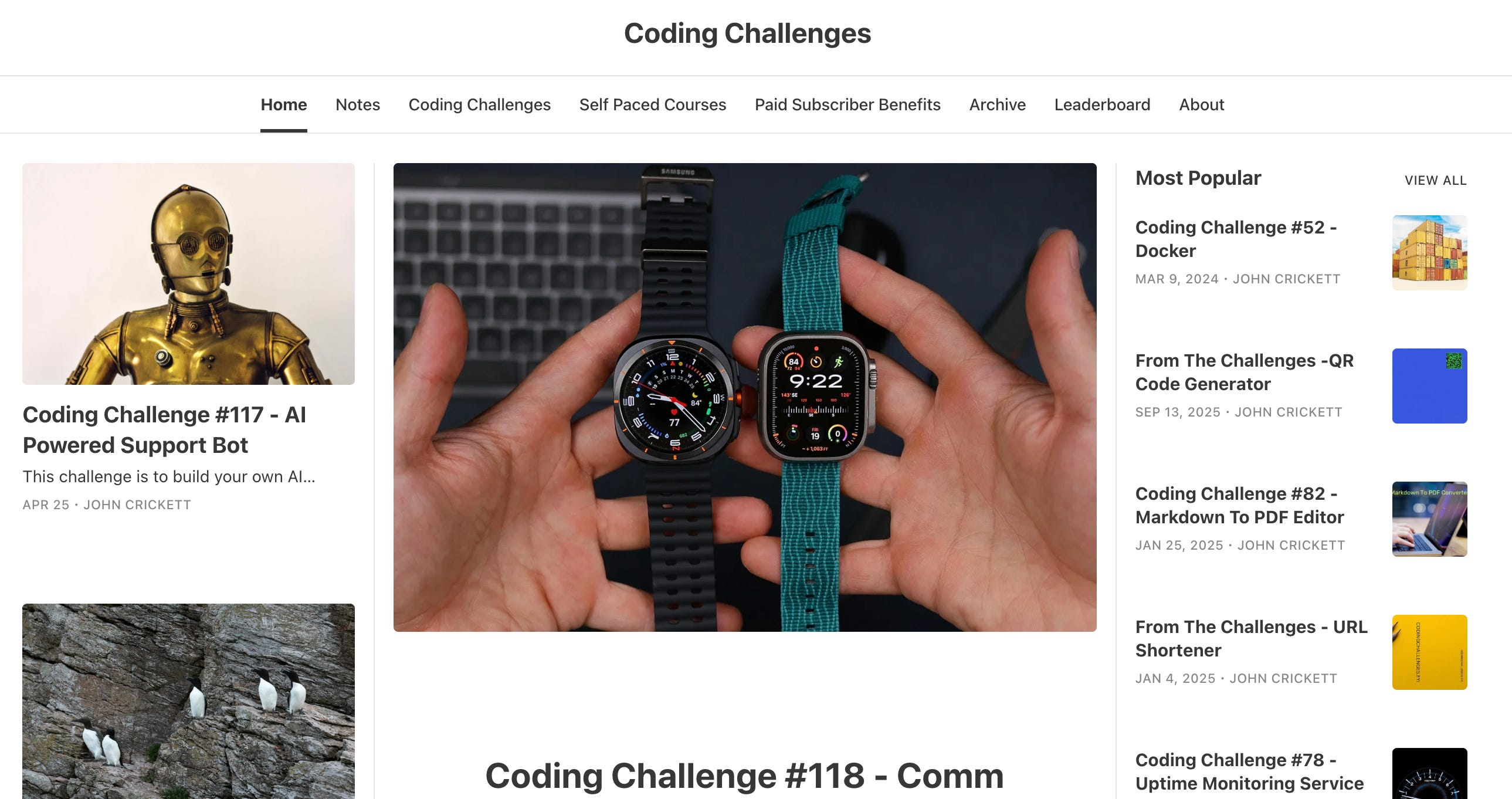
Coding Challenges is a weekly newsletter by John Crickett that publishes hands-on project challenges designed to help software engineers level up by building real-world tools. Each issue walks through rebuilding well-known software from scratch - things like awk, gzip, Docker, an ebook reader, a Loom clone, or AI agents and coding assistants - giving you a concrete, scoped project to practice on. With over 92,000 subscribers and 100+ challenges in the archive, it is a great source of project ideas for anyone who learns best by doing.
Edited by Valeriia Kuka
All that just to please your son without earning a single cent on Amazon 😆. I’ve wanted to do this for a while, but in Vietnamese instead of Russian.