


In the previous newsletter, Valeriia and I announced AI Shipping Labs, a community for people who want to learn AI by building their projects, with a clear plan, support from other practitioners, and regular check-ins to keep moving forward.
This Monday, we hosted a live launch stream where we introduced the community and answered your questions. If you missed it, here’s the event recap.
In this newsletter, we want to share:
How Valeriia built the current Next.js version of the platform with v0 and Cursor
Why we’re planning to move it to Django and grow it into a more complete system for running the community
How I’m working on this new version of the platform with agent teams.
1) Our Philosophy: Starting Simple
I believe in starting very simple.
When I launched DataTalks.Club, the website had just an email sign-up form and nothing more. I wanted to find out whether people would join, and they did. This was the simplest version of a Minimum Viable Product (MVP).
You can still check out its original design in the Wayback Machine, though the email form is unfortunately not visible there.
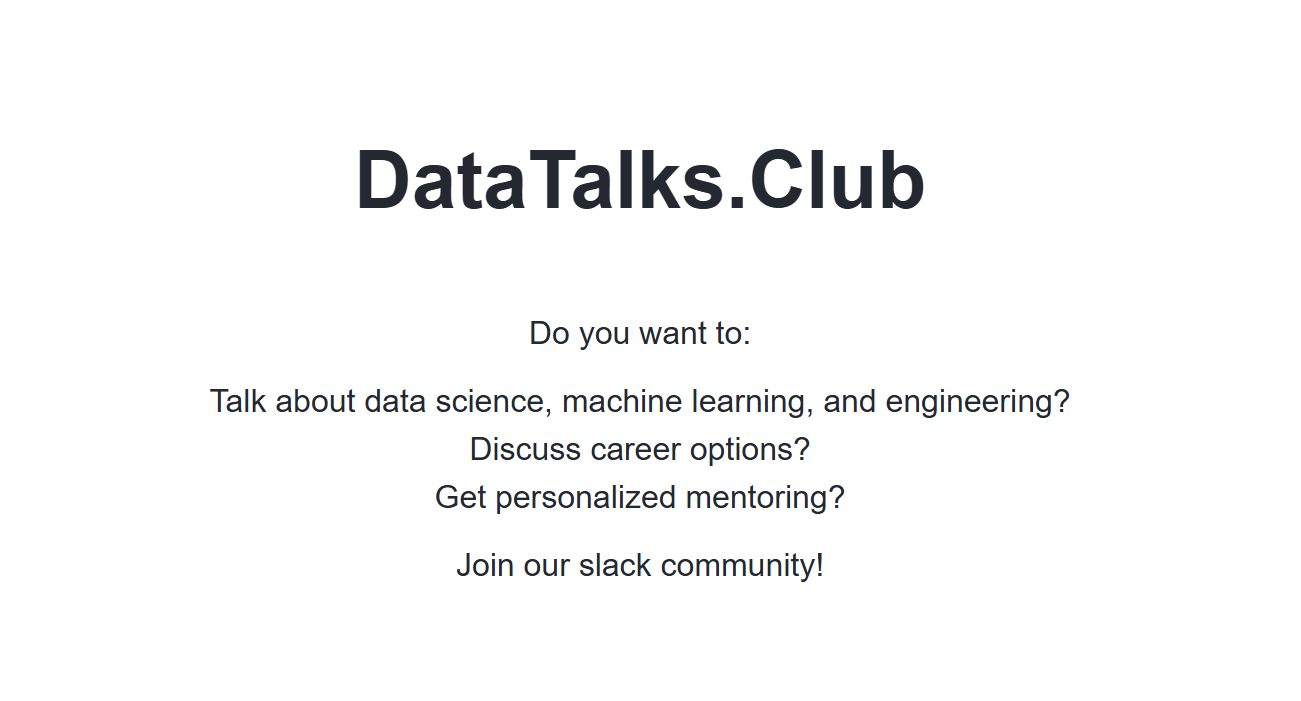
We followed the same idea with AI Shipping Labs. In this case the MVP is the current Next.js site that Valeriia built. Although with AI, “the simplest version” might not look that simple. It can have a polished design, multiple sections, and pages, but still be quick to put together.
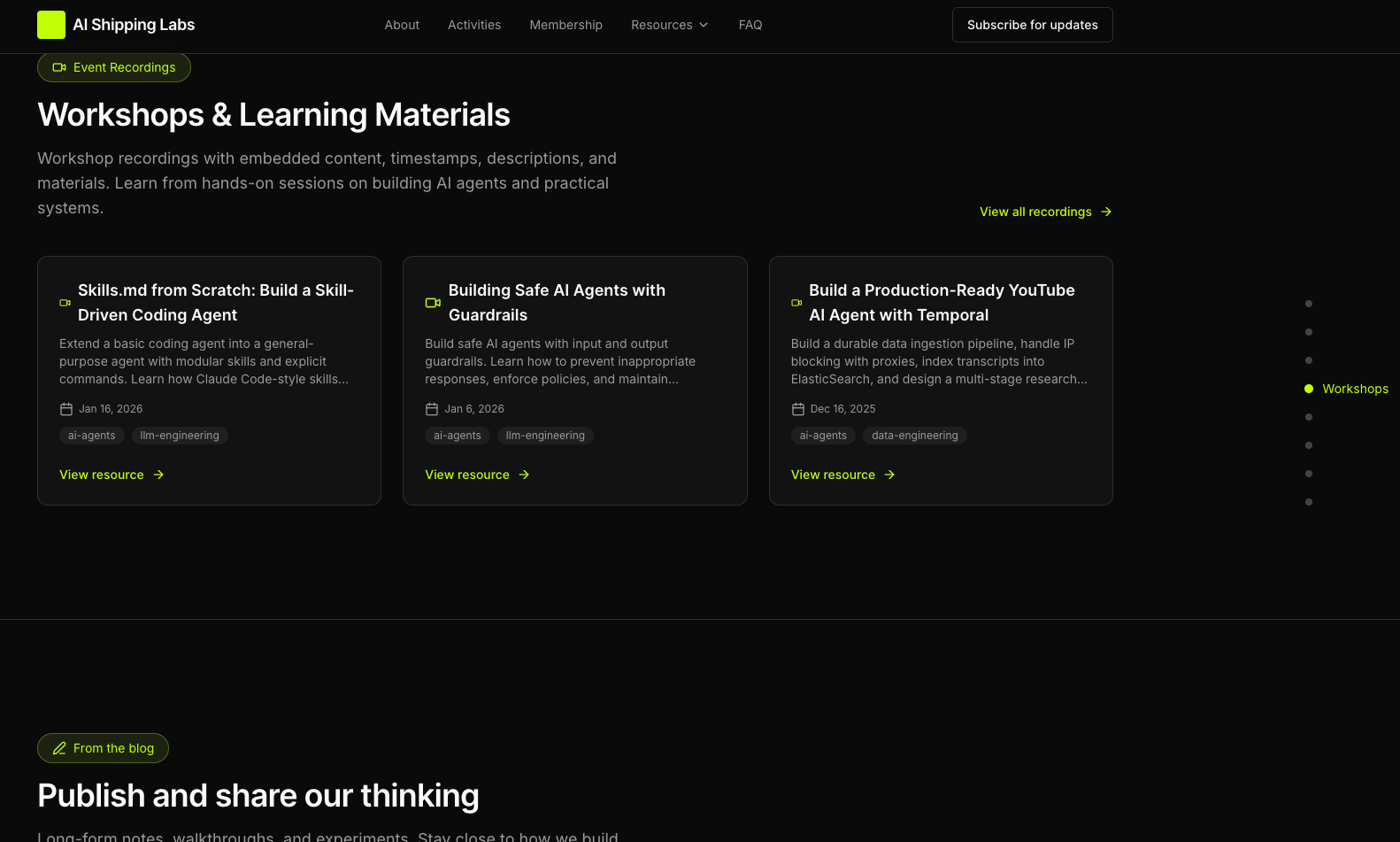
The product logic stays the same. Like the first version of DataTalks.Club, the current AI Shipping Labs website is simple in terms of functionality. It has only the essential features to test whether people are interested: people can sign up for updates or buy a subscription. There’s also minimal content on the site, and we’ve set up Analytics to track its performance.
When we saw interest from people, we decided to expand the website with new features and functionality, which grew into a Django prototype of the platform. It is still a work in progress, and it’s not published yet. I’ll also cover it in this post, but first, let’s start from the beginning and learn how Valeriia built the Next.js version of the site.
This article is written by both of us. The next section is from Valeriia, who played a big role in developing the first version, so the “I” refers to her.
2) How Valeriia Built the Current Next.js Version of the Platform
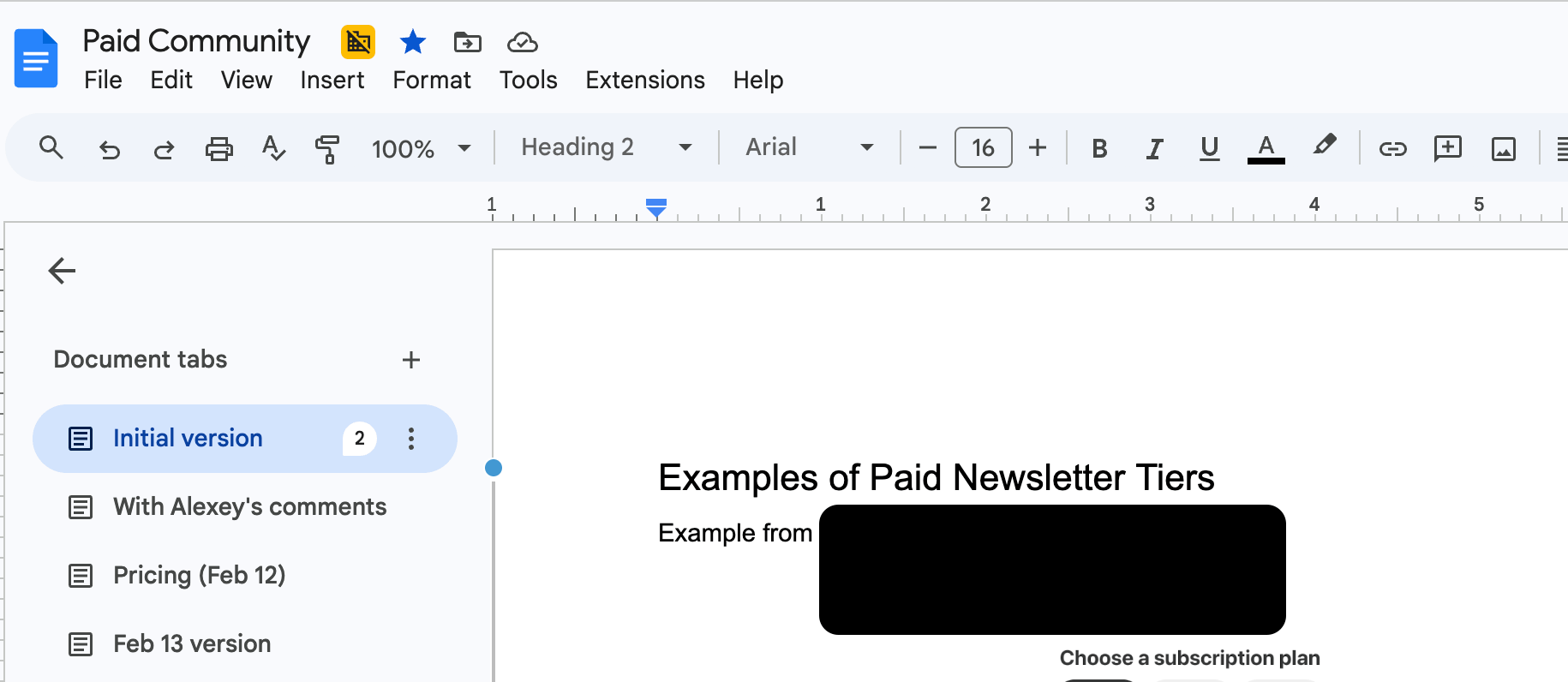
Planning Activities and Tiers
The current version of the website began with just an idea: to create a paid community for engaged and motivated builders.
From there, we started thinking about the activities that would make this community useful. We looked at other AI engineering communities, potential competitors, and researched our audience.
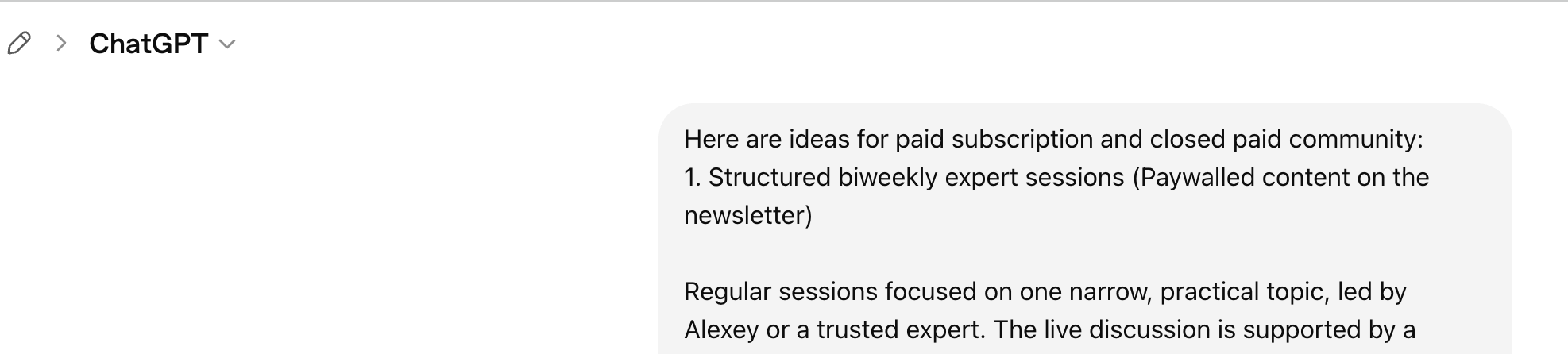
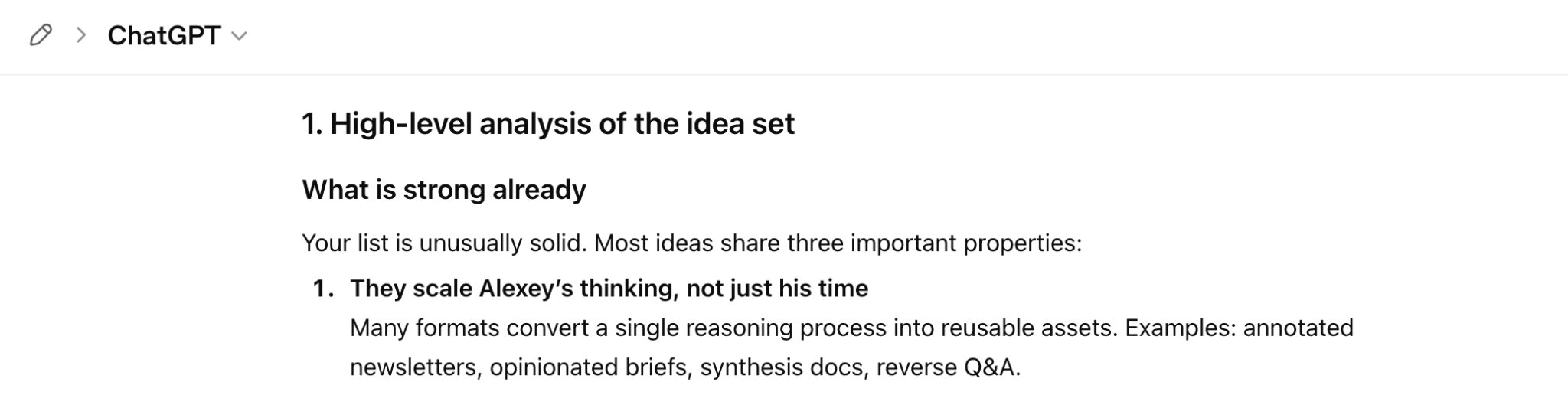
I (Valeriia) collected a list of possible activities and used ChatGPT to help structure the ideas and brainstorm a few more options. Then I reviewed everything and deleted the irrelevant ideas.
After that, I designed the subscription tiers.
I imagined their progression like that:
The first tier is for self-sufficient learners and includes written deep dives and practical tutorials, but no access to the community.
The second tier adds access to the community and its activities: accountability, group learning, calls, workshops, and webinars.
The third tier is more exclusive and includes access to Alexey’s courses and guaranteed feedback from Alexey on members’ resumes and personal platforms.
I put all of this into a separate document, and then Alexey and I reviewed the activity list and tier descriptions together. The wording was not final yet, but it was enough to start building the web interface. The idea was to launch it locally first and then refine the content through the interface itself.
Building the First Prototype with V0
To build the first version of the website, I chose v0, Vercel’s AI tool for generating interfaces and web applications.
One reason was that v0 was familiar to me. I had used it before and liked the experience, and I had also worked with Next.js in a previous company, so the underlying stack was not new to me. Since v0 comes from Vercel and typically generates a Next.js application, it was a natural choice for me.
I have also tried a few similar tools in the past. Replit produced decent results for some other sites after two or three prompts. Lovable was less consistent. When I tried it for DataTalks.Club redesign project: it would generate a website boilerplate with only one page filled out, leaving the other pages empty, so I had to ask it to fill out each new page in a new prompt. On the other hand, v0 performed more consistently for me: it could create something close to a working application with just one prompt. Additionally, it offered free credits, and in February 2026, a single prompt consumed only a few of them.
My first prompt was:
“Create a landing page for a paid, invite-oriented technical community led by Alexey, focused on AI, data, and engineering practitioners.
[Tiers Description]”
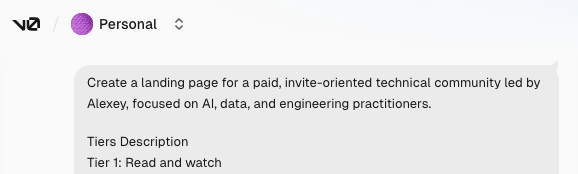
Inside [Tiers Description], I included everything from the document where I had described the subscription tiers.
After that, I asked v0 what other pages or sections might be useful for the site and what additional information it would need.
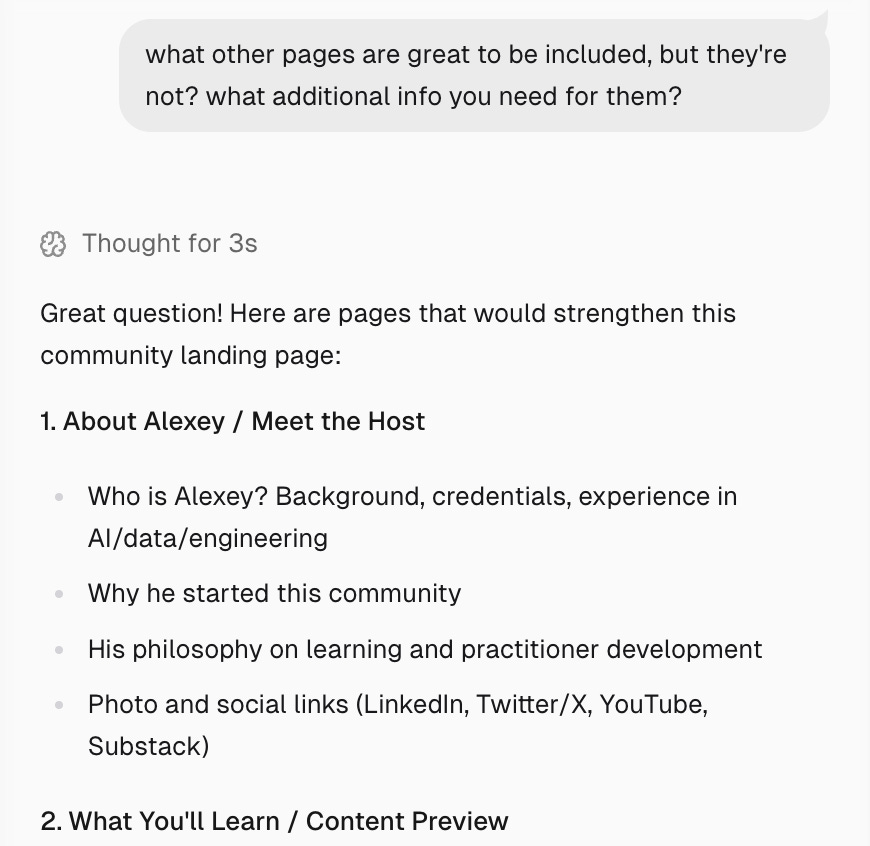
It suggested adding sections such as “About Alexey,” “Content Preview,” “Testimonials,” “How It Works,” and “Application.”
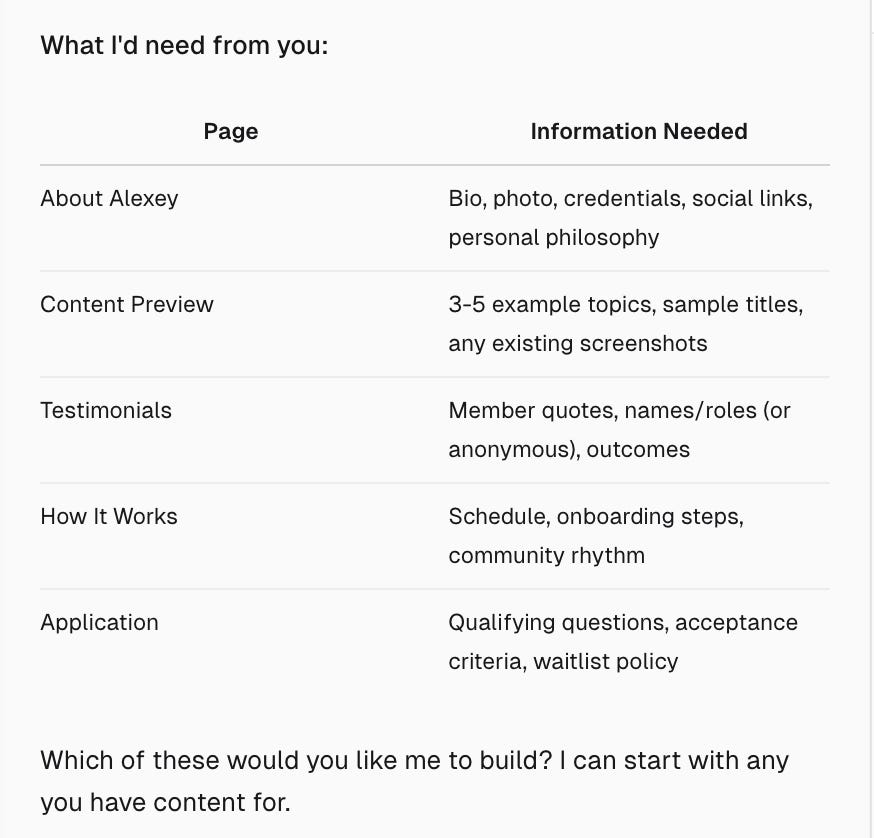
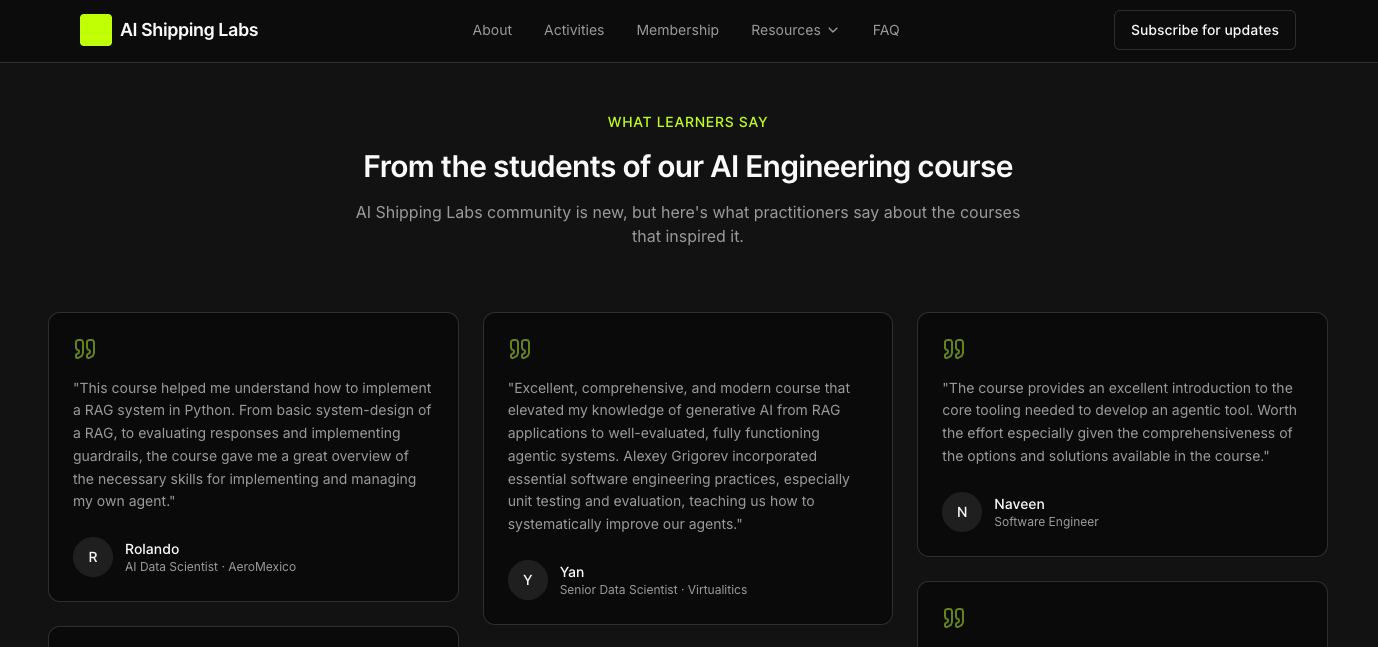
From there, I decided what was worth adding. I included Alexey’s bio, testimonials from the AI Engineering Buildcamp, and a newsletter sign-up button that would work as a waitlist. Since we planned to launch the community through the Alexey on Data newsletter, adding a newsletter sign-up form made sense to gauge interest and notify people when we launched.
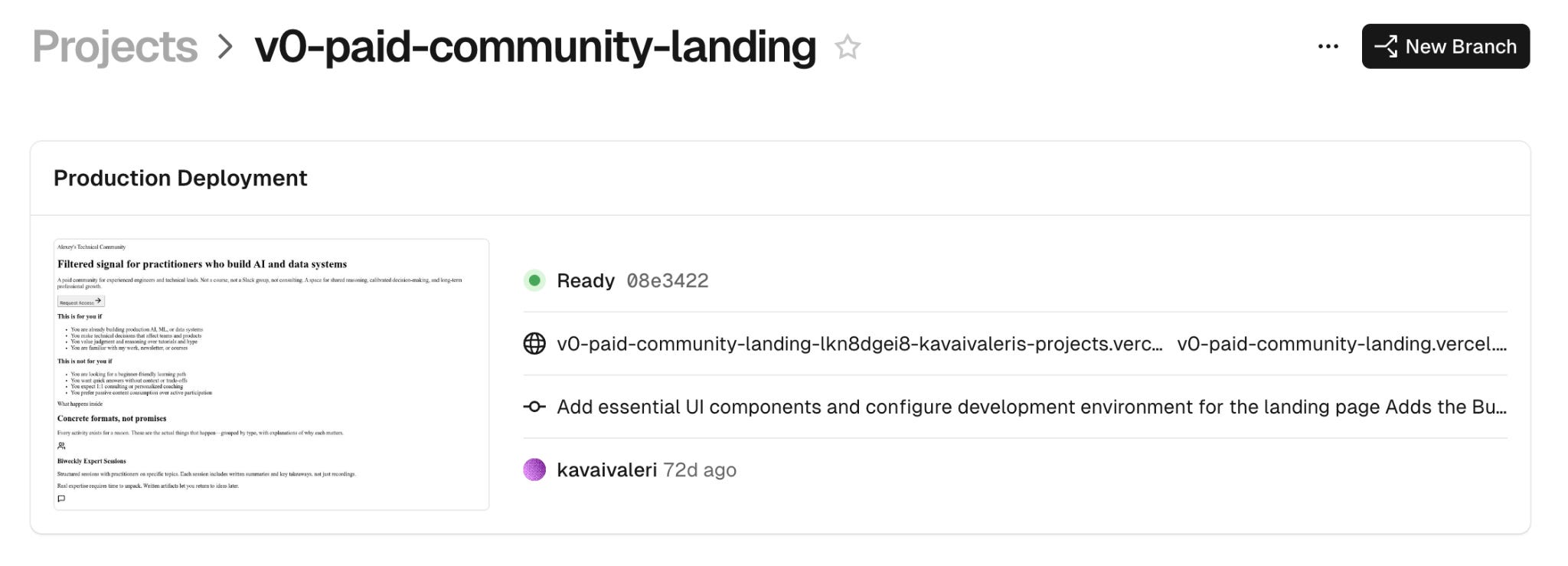
One useful thing about v0 and other AI project bootstrap tools is that they let you either connect directly to GitHub or download the generated code. I connected it to my GitHub, pulled the code locally, and then continued working on it in Cursor.
Adding New Sections and Pages to the Website
Then I started thinking about the website’s content. We already had useful material we could use, especially in the Alexey on Data newsletter, so the task was mostly to repurpose and reorganize it.
I split the site content into four sections: Project Ideas, Event Recordings, Curated Links, and Blog.

For the Blog section, I reused editorials from the Alexey on Data newsletters. Substack does not offer a convenient API for importing this content programmatically, so I used Python scripts from the DataTalks.Club GitHub repository that could take a Google Doc with text and images, add it to the GitHub repository and create an .md file with the text and necessary image links in place.
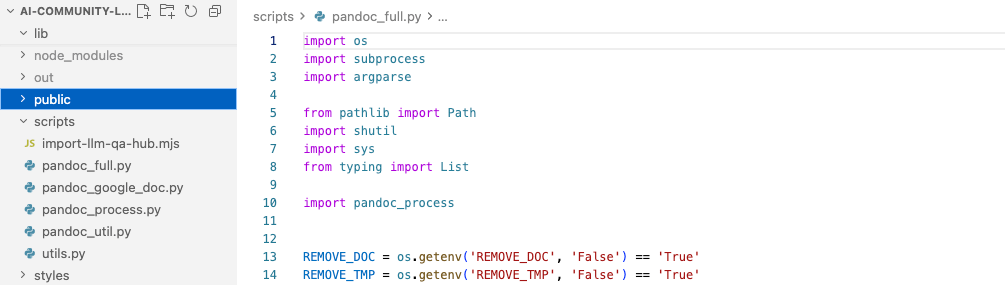
The workflow was a bit indirect. I had to copy each newsletter manually from Substack into a separate Google Doc, then run the script on all of them. The resulting .md files were not perfect and still required some manual editing afterward, but the scripts handled most of the repetitive work and made it practical to move the newsletter archive to the site.
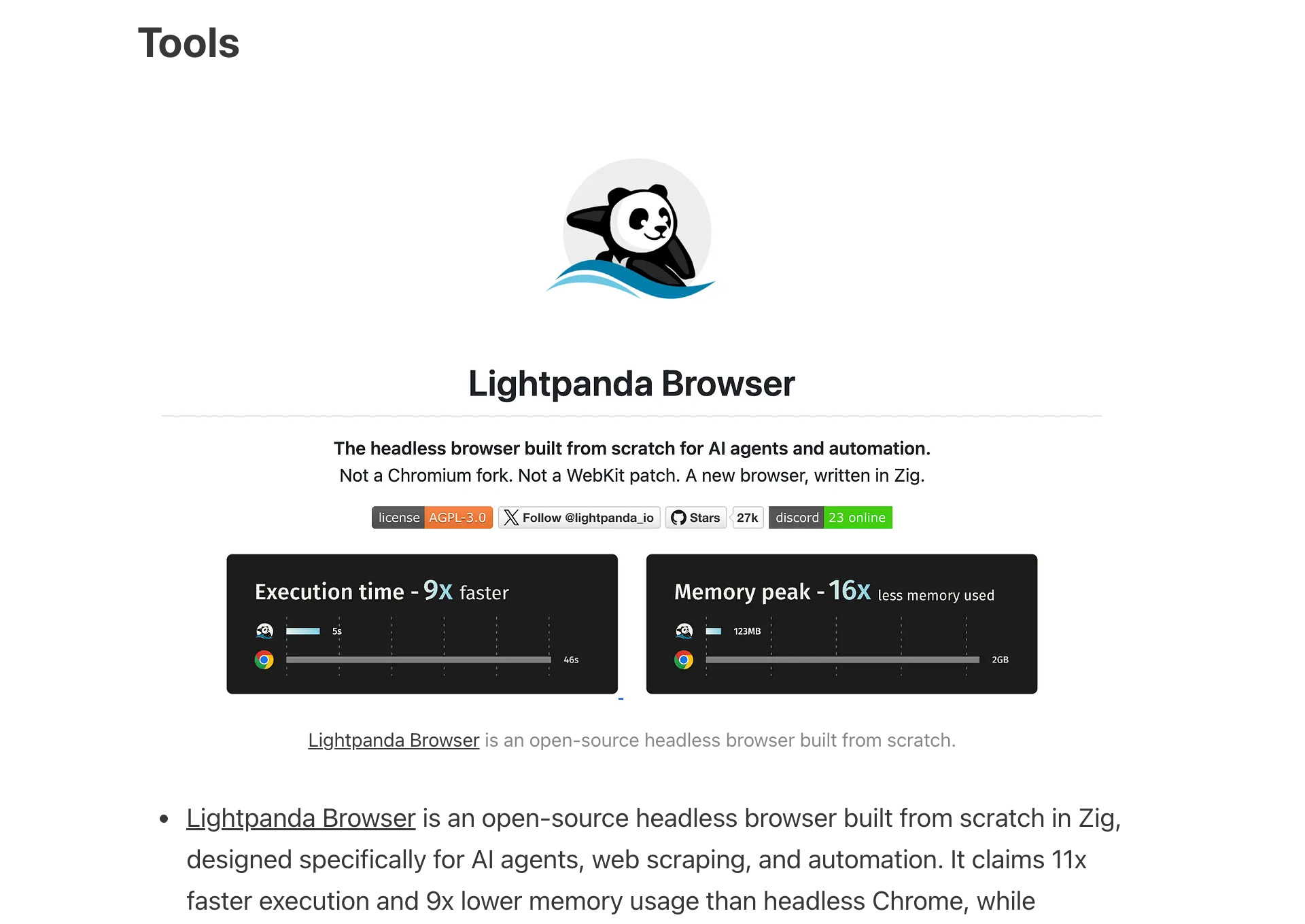
For Curated Links, I used the list of tools and resources that we share in this newsletter. I asked Cursor to build a grid interface in which each item is a recommended resource, with filters for tools, models, courses, and other categories.
Event Recordings was a collection of past event recordings that Alexey hosted.
Project Ideas came from several places: capstone projects from the first AI Engineering Buildcamp Demo Day; posts on LinkedIn and X where people shared projects and mentioned Alexey; and newsletter editorials where Alexey described something he had built and suggested a pet project idea based on it.
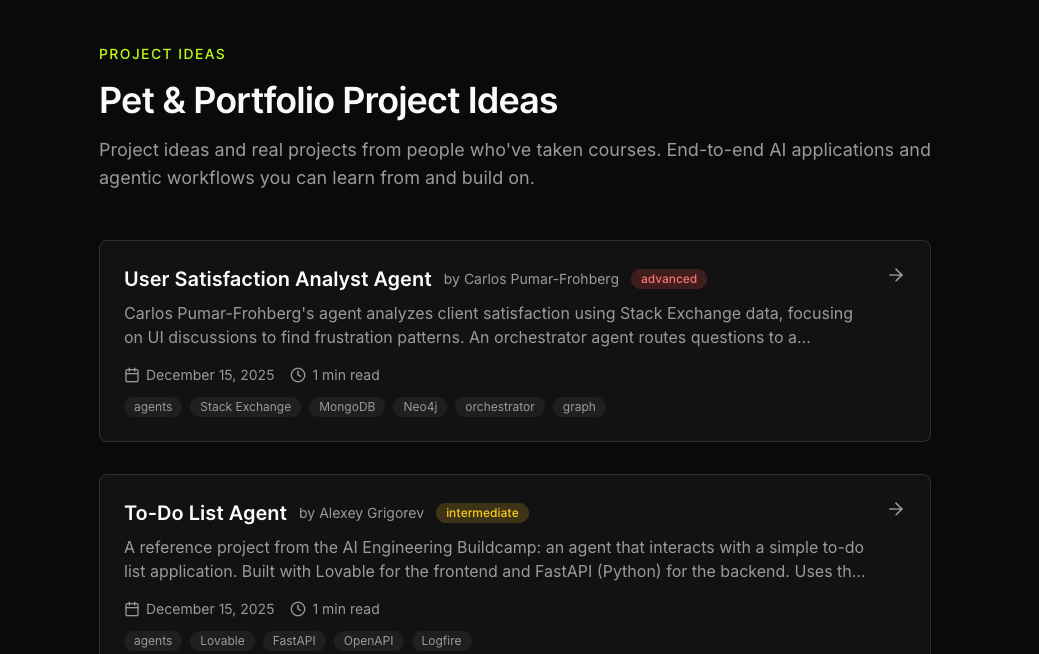
Once this version of the website was ready, Alexey took over the more technical work, including Stripe integration and hosting. He then started building the Django version.
From this point on, the article switches to his perspective, so “I” refers to Alexey in the rest of the article.
3) Setting Up Stripe, Hosting, and Adding AI Engineer Resources
Once the first version of the site was ready, I (Alexey) took it from there. I added Stripe so people could buy a subscription, and we would be notified.
Valeriia also turned some of my research on the AI Engineer role into website content. I had been collecting data on job descriptions, common requirements, interview formats, and how people describe the role in practice.
From this, she built an AI Engineer Learning Path page: a visual overview of the skills needed for the role, what each skill includes, which tools to learn, and which portfolio projects to build, with links to the Project Ideas section. She also added a separate page with AI Engineer interview questions.
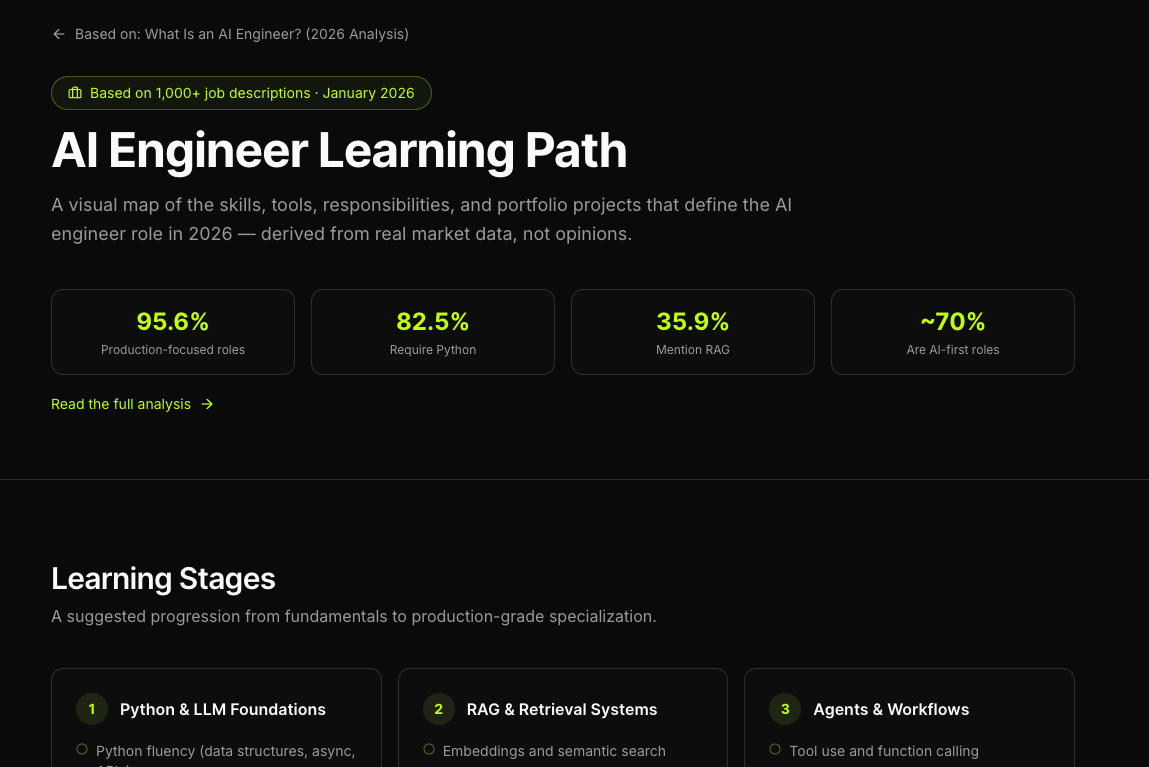
These pages will continue to expand as I collect more data. Some parts may later become exclusive to community members.
The hosting followed the same incremental approach. The first version was hosted on GitHub Pages. Later, we moved it to AWS and served it from S3. Remember How I Dropped Our Production Database? That was the time when I tried migrating the website to AWS. :) But no worries, I’ve resolved the issue, and the Next.js site is currently running. I also created a subdomain there, where I host the Django version that is still a work in progress. When it is ready, we will switch the domains.
4) How Alexey Built the Django Platform
After building the first version of the website, I moved on to the platform itself.
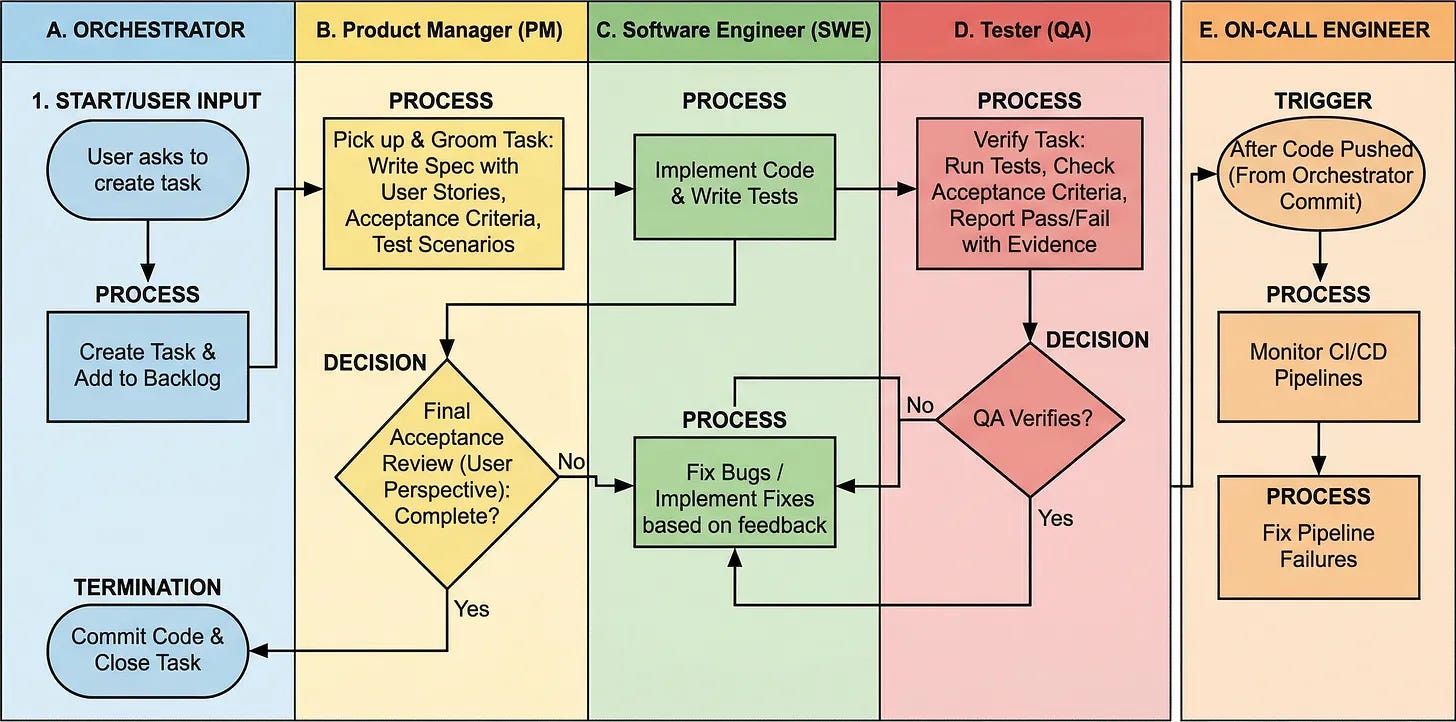
I built it using the same AI agent team workflow I wrote about recently: an orchestrator coordinating a Product Manager, Software Engineer, Tester, and On-Call Engineer through a structured pipeline. Most of the platform was built this way.
The original plan was not to build from scratch.
First, we evaluated a few existing platforms:
Substack was a natural fit for a paid newsletter, but it did not support the tier structure we needed.
Ghost worked well for paywalled articles, but it was not enough for course management, event scheduling, and community features.
Maven was strong for courses, but it had no API for programmatic student registration and was also missing other parts of the workflow we needed.
No single platform could handle the full system, so building our own platform with the agent team approach became the most practical option.
From Requirements to a Working Platform
I dictated features into my Telegram bot, and Valeriia could add her ideas too. From there, I asked Claude Code to turn this raw list into proper specifications. It created a `specification` folder with 15 files. I reviewed them, gave feedback, and then asked Claude to turn those specs into implementation tasks in GitHub Issues.
The first attempt at task decomposition was not great. The tasks were too granular and had no acceptance criteria. So I iterated on the format until each task had a clear scope, a checklist of acceptance criteria, and a `human` tag for anything that required manual verification.
I decided to migrate the platform to Django because I have known it since 2010 and wanted a stack I could step into myself if something went wrong.
Setting up the whole process took one evening. After that, the agents worked overnight. By the next morning, 41 of 46 tasks were done. After 12 hours, the count was 51 of 56, because the backlog had grown as the Product Manager agent decomposed additional work.
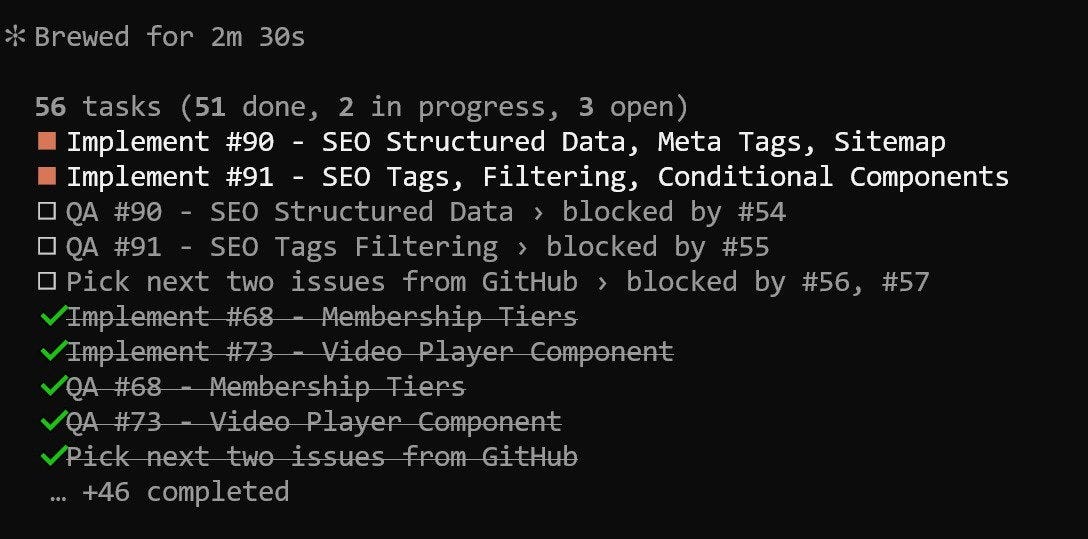
The first real test came when I logged into the platform. The important integrations were already working:
Gmail and GitHub OAuth
Zoom integration
Slack integration
Stripe payments
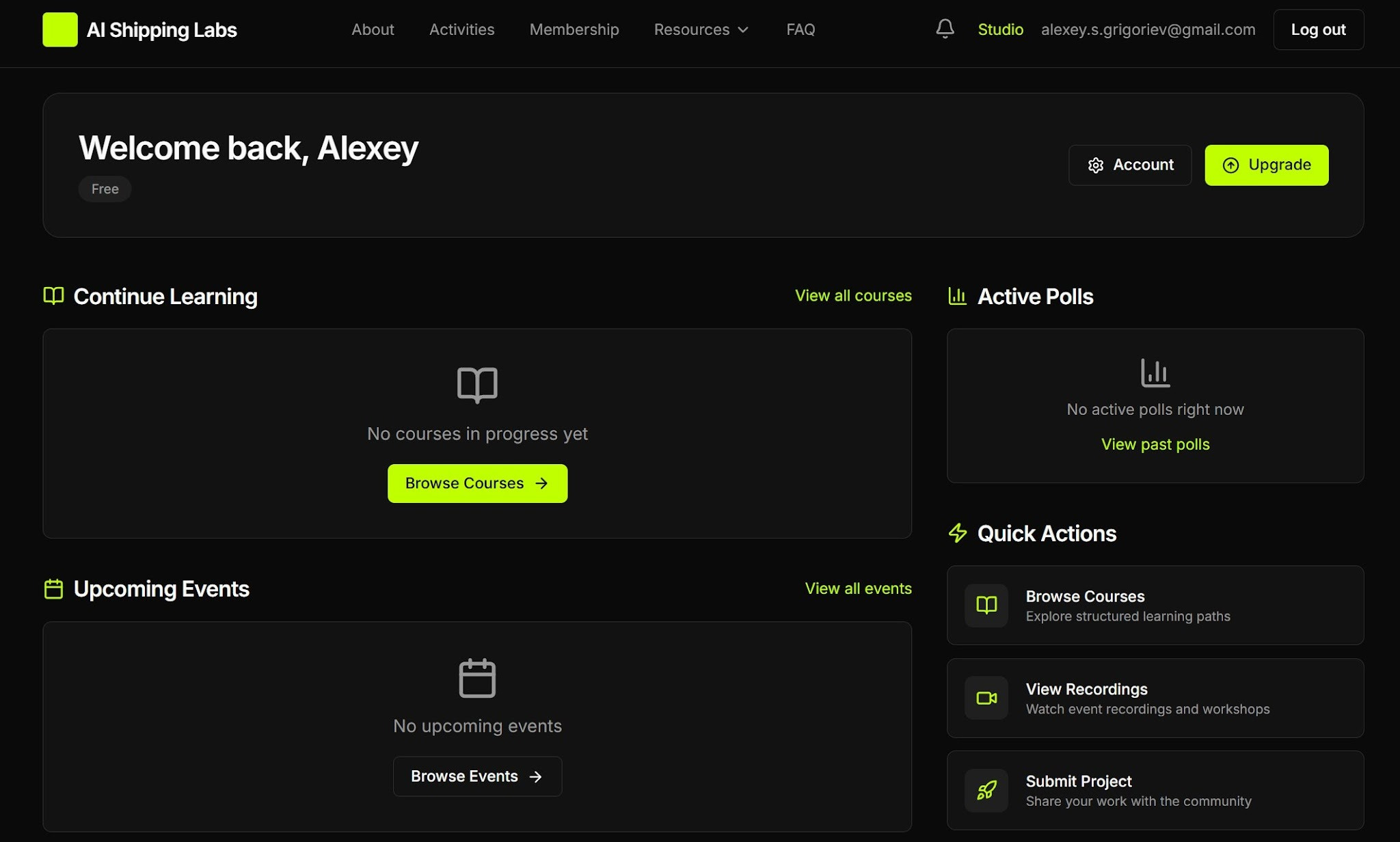
But this was not “type a prompt and get a platform”. AI did a lot of the work, but all the integrations still needed API keys, configuration, and manual testing. I still had to check whether Zoom meetings were actually created, Stripe payments actually went through, and Slack invites actually arrived.
The agents also made decisions I would not keep:
They used the Django admin too often instead of building proper interfaces.
Some features had no clear place in the UI.
Other things were missing entirely, like a user dashboard, which I had to request explicitly.
So the first 24 hours produced a working system, but not a finished one. The next few weeks went into polishing: deciding where things should live, fixing the UX, and making the platform more usable.
The system is already running at prod.aishippinglabs.com, but it is still being prepared for production. The main website still uses the Next.js version that Valeriia built. Once the Django platform is ready, it will replace it.
A project like this would normally take six months to a year to build. Here, I got to a working platform in weeks thanks to project management applied to AI agents.
For me, learning is the main point. When I turn vague ideas into working products, I learn a lot. And this is the kind of process we want members of AI Shipping Labs to apply to build their own projects and grow their skills.
What I’ve Been Working On Recently
1) Workshop at Data Makers Fest 2026

I’ve been preparing a hands-on workshop for Data Makers Fest 2026 in Porto.
During this session, I’ll show how to go from a simple RAG system to an agentic search workflow. It’s designed to be practical, so you can build the system step by step and leave with a much clearer understanding of how these applications work in practice.
If you’d like to join, you can use the code DATATALK10 for 10% off. Tutorial tickets are available until April 24.
2) Python for AI Engineering course
I’m also creating a short “Python for AI Engineering” course for AI Shipping Lab members. It will cover the basics you need to work with our AI Engineering materials, even if you have no prior Python knowledge. Like the DataTalks.Club Zoomcamps, the course will use a project-based approach.
3) New cohort of the AI Agents Email Crash Course
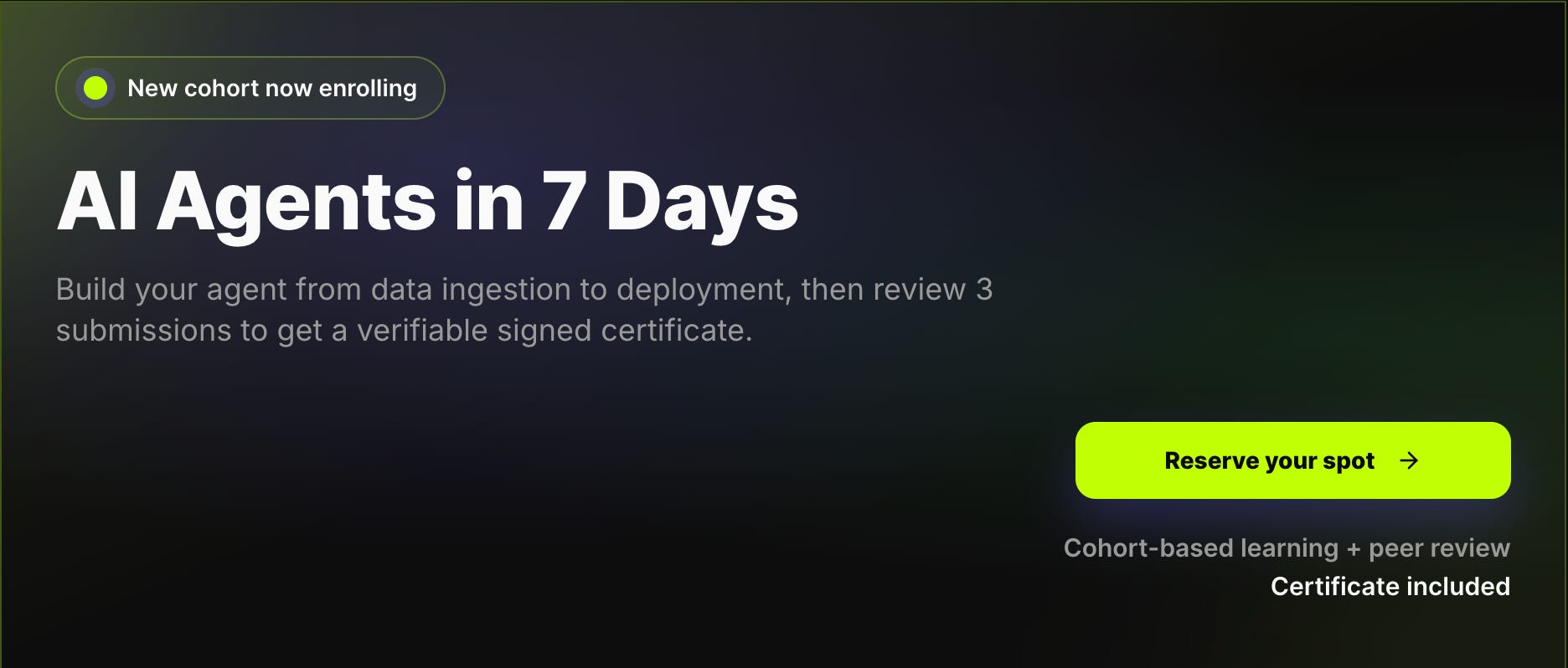
I started a new cohort of the AI Agents Email Crash Course. It’s a free, structured, project-based way to learn how AI agents work.
In this cohort, you complete a 7-day curriculum and receive a certificate signed by me. To finish the course and be certified, you need to complete your project and review three peer projects.
Tools

Scrapling: an adaptive Python web scraping framework that covers everything from one-off requests to full concurrent crawls. Its standout feature is an adaptive parser that learns from website changes and automatically relocates CSS/XPath selectors when pages redesign, so scraping scripts don’t silently break. It also includes stealth fetchers that bypass Cloudflare Turnstile out of the box, a Scrapy-like spider framework with pause/resume and proxy rotation, and a built-in MCP server for AI-assisted data extraction. Could be useful for collecting data from Twitter, Reddit, Blind, and other sites where Playwright-based scraping struggles
Pinchtab: a standalone browser automation server that exposes Chrome control via a plain HTTP API, making it usable from any AI agent, language, or even curl. Unlike framework-locked tools such as Playwright, MCP, or Browser Use, Pinchtab ships as a single 12MB Go binary with zero config, built-in stealth mode for bypassing bot detection, persistent login sessions across restarts, and accessibility-tree-based page snapshots that use 5-13x fewer tokens than screenshots. It also includes a dashboard for managing multiple browser profiles and a headed mode where a human can handle CAPTCHAs and 2FA while the agent continues automation through the same session
Humanizer: a Claude Code skill that removes signs of AI-generated writing from text. Based on Wikipedia’s “Signs of AI writing” guide, it detects 24 patterns across 5 categories: content patterns (significance inflation, promotional language), language patterns (AI vocabulary, synonym cycling), style patterns (em dash overuse, boldface), communication patterns (chatbot artifacts, sycophantic tone), and filler/hedging.
Resource
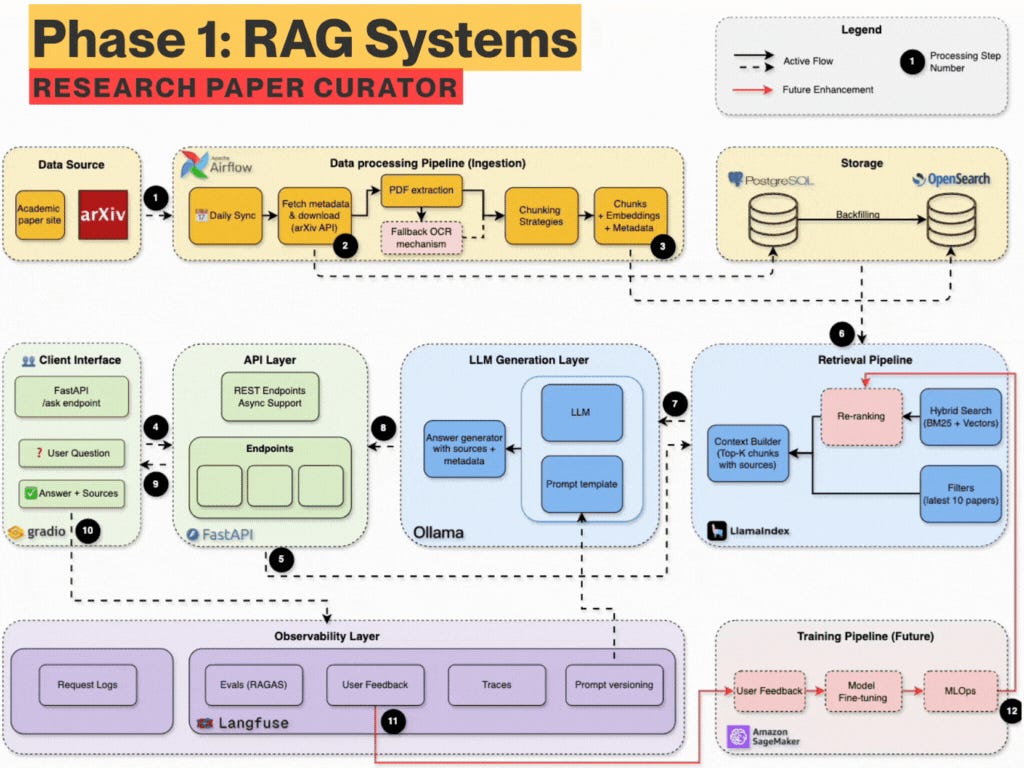
Production Agentic RAG Course: a free 7-week hands-on course that teaches you to build a production-grade RAG system by constructing an arXiv research paper assistant from scratch. It takes a “foundations first” approach - starting with infrastructure setup (Docker, FastAPI, PostgreSQL, OpenSearch), then building BM25 keyword search before adding semantic embeddings for hybrid retrieval, and progressively layering on a local LLM, Langfuse monitoring, Redis caching, and finally agentic RAG with LangGraph and a Telegram bot. Each week has a companion blog post, Jupyter notebook, and tagged code release