

Two years ago, I was preparing the first run of LLM Zoomcamp, my free course on building LLM applications. That first run focused mostly on RAG. I was also running workshops on the same topics.
Search, or retrieval, is one of the most important parts of RAG. I needed a way to teach it without asking participants to install Docker or Elasticsearch.
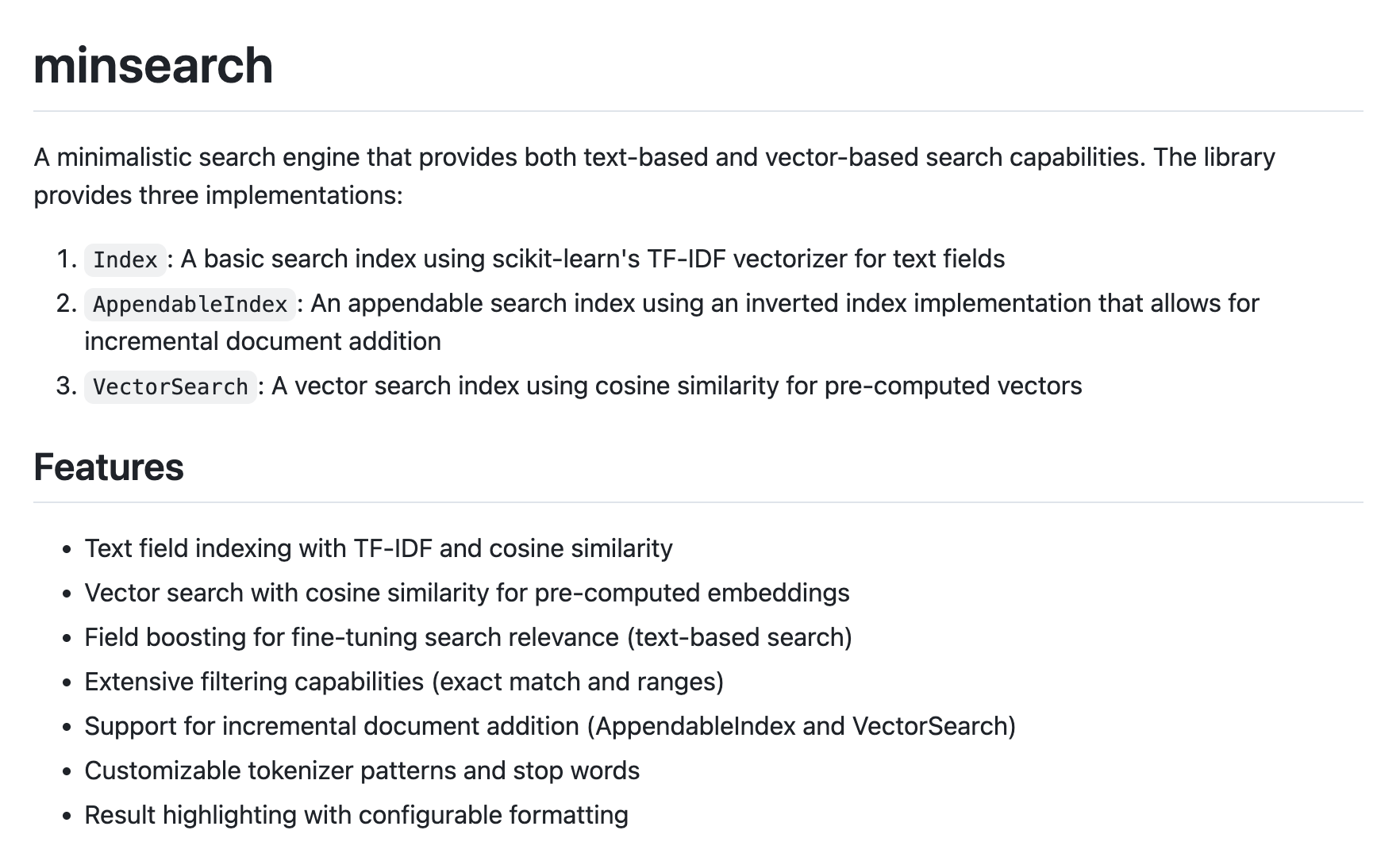
So I built minsearch: a small in-process Python search library. It started as the smallest thing I needed to teach retrieval in a notebook, then grew as the course examples changed.
In this post, I will share:
Why was Elasticsearch too much for this setup
How the first version worked
How it became a PyPI package
Why I added an appendable index and vector search
How I used Claude to make it faster
When minsearch is the right tool
Why Elasticsearch Was Too Much
In the first run of LLM Zoomcamp, I needed to show participants how to index a small dataset, submit a query, and retrieve relevant documents. Usually, it was a few thousand documents, sometimes fewer. Most of the examples were run in notebooks, sometimes on Google Colab, using open-source LLMs on a GPU. And working with notebooks was my main motivation for creating minsearch as a lightweight alternative to more complex search engines.
For a normal production system, I would probably reach for Elasticsearch. It is powerful, and I knew it well. But for a workshop notebook, it was too much. It requires a server, Docker, configuration, and operational details that weren’t the point of the lesson.
In the course or workshop setup, everything should run within a single notebook. I looked for a small Python library that could do a good-enough lexical search within the same Python process as the notebook, but I didn’t find anything that fit.
At that time, I had been doing text processing and search for quite some time, so building a small in-process search library myself wasn’t hard. Even back then, when coding agents weren’t as good as they are now, I could describe what I wanted to a chat assistant, get code back, and ask for a few fixes.
The First Version
The first implementation was a single Python file.
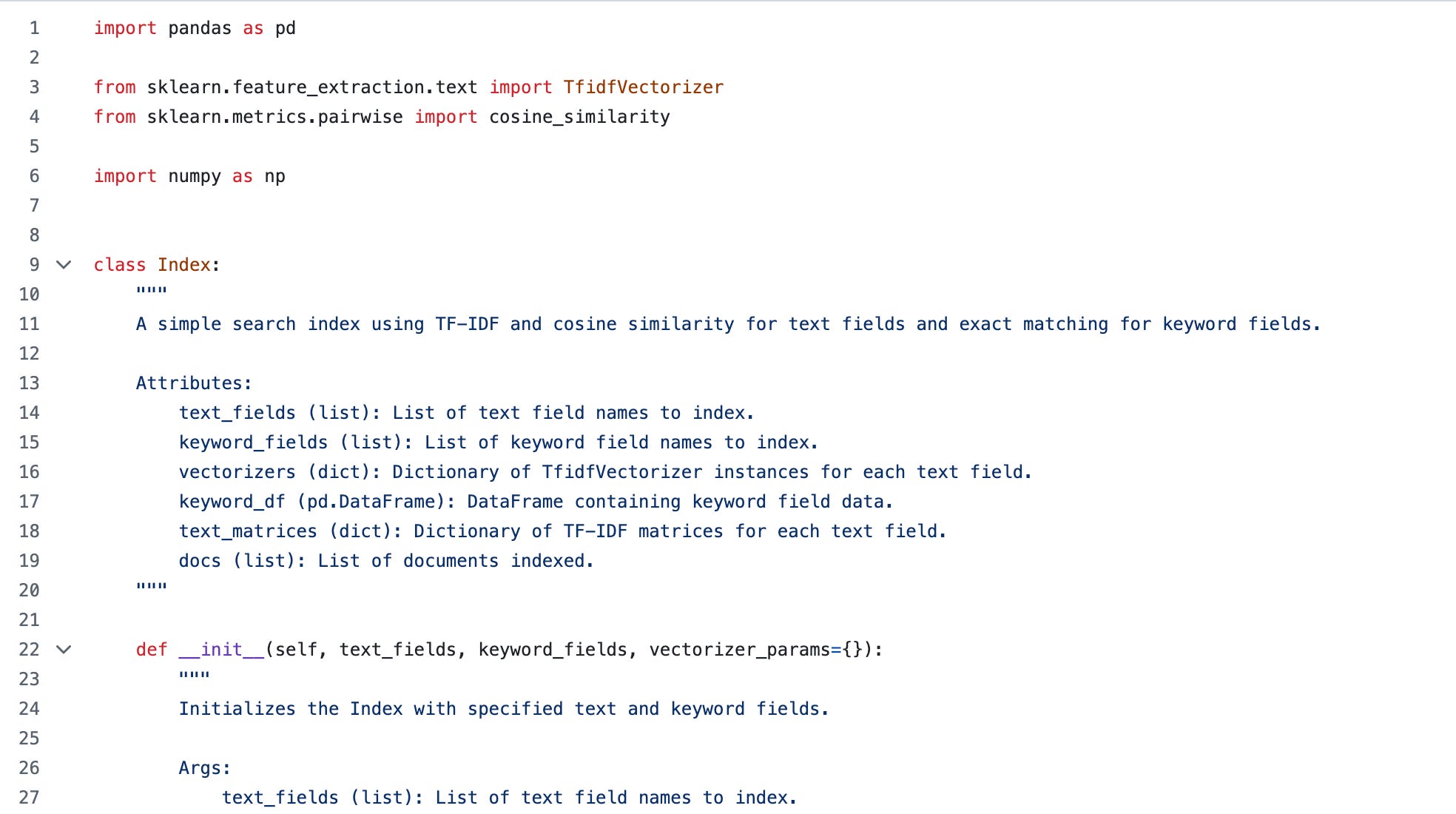
It had one class, Index, and the search was just a bag-of-words with TF-IDF.
It worked like this:
Fit a TF-IDF vectorizer for each text field
Transform the query with the same vectorizers
Multiply the matrices to get document scores
Add the scores from all text fields
Sort the documents by score
In my teaching, I used examples with FAQs from my free courses, the Zoomcamps. A typical document had a question, an answer, a section, a course name, and some metadata.
This already required a little more than a plain text search. Matches in the question field should count more than matches in the answer field. Sometimes I wanted results only from one course. So the first version also had field boosting and keyword filtering.
That made minsearch useful for teaching. The implementation was small enough that learners could understand it, yet it still included the pieces I needed for real-world course examples: text search, filters, and boosts.
The basic usage looked like this:
from minsearch import Index
index = Index(
    text_fields=[”question”, “answer”],
    keyword_fields=[”course”]
)
index.fit(docs)
results = index.search(”can I join the course?”)
I also shared how I built it in the workshop titled “Build Your Own Search Engine.” The first version of that workshop came out around two years ago, originally as a DataTalks.Club talk. But I later updated it to include the newer library versions and published it as a structured tutorial in the AI Shipping Labs workshop library.
If you want to understand how minsearch works internally, that workshop is the best place to look.
From a File to a Package
At first, people downloaded the single Python file, and that worked until I needed to ship changes.
Every time I fixed something or added a feature, course participants had to download the file again. In LLM Zoomcamp, we used to do that with wget. It was fine for one notebook, but not for a library I kept changing.
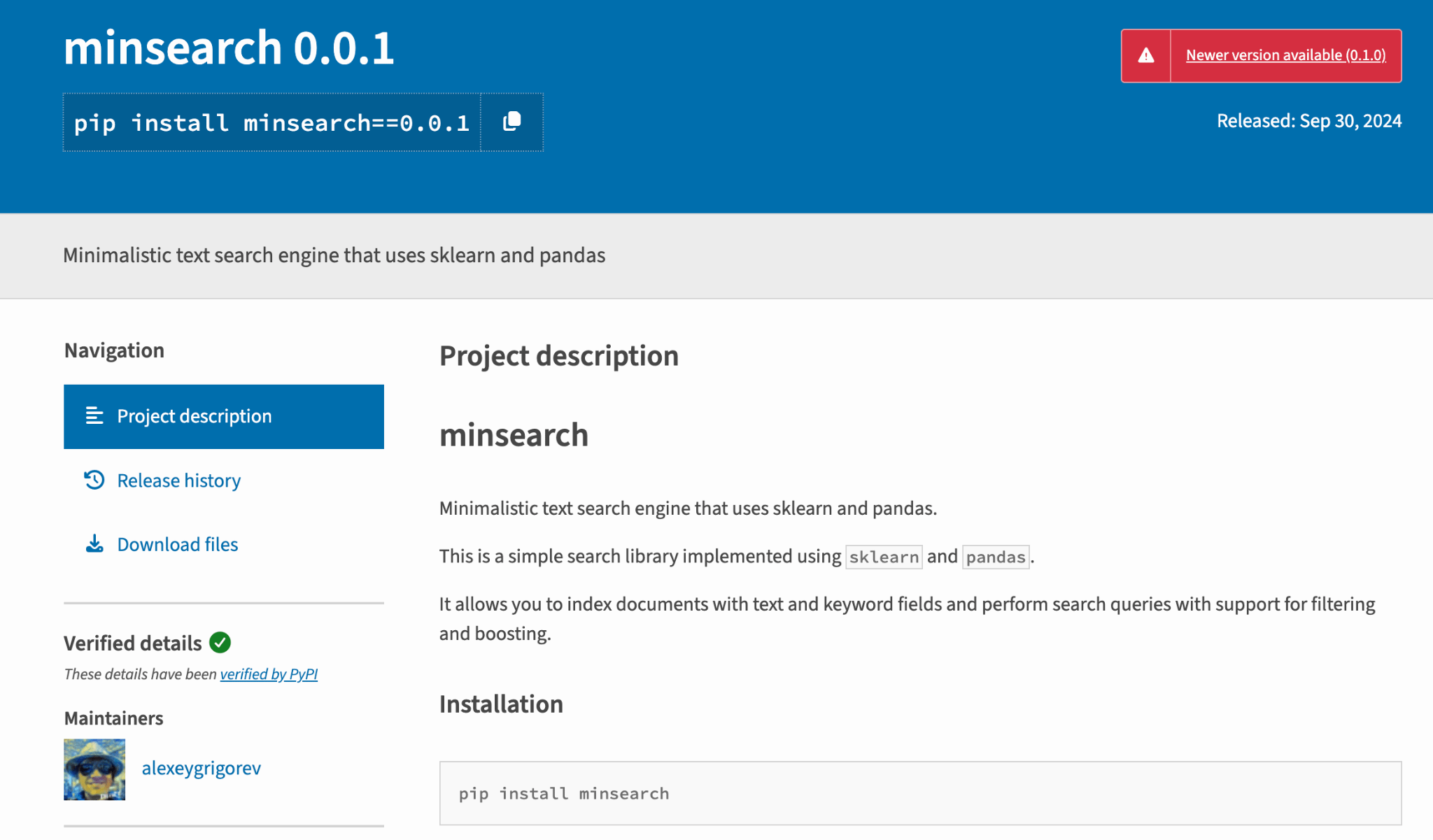
So I packaged it properly, published it on PyPI, and now people can install it with uv or pip:
uv add minsearchThe first published version was 0.0.1. At the time of writing, the current version is 0.1.0.
Where I Use It
I now use minsearch across my courses and workshops:
I also use it outside teaching, in personal and DataTalks.Club projects. One example is the DataTalks.Club FAQ system, where the automation reads GitHub issues and creates FAQ entries. Before adding a new question, it uses minsearch to check whether a similar question already exists.
I told you about it in From Google Docs to an Automated FAQ System for DataTalks.Club Courses:
From Google Docs to an Automated FAQ System for DataTalks.Club Courses

At DataTalks.Club, we run free courses like ML Zoomcamp, Data Engineering Zoomcamp, MLOps Zoomcamp, and LLM Zoomcamp. Since 2021, we’ve been launching new cohorts every year, and with each new cohort, the same questions kept coming up.
The automation loads the FAQ, builds the index, searches it, and continues in one Python process.
That is still the main reason I use minsearch, but the library had to grow once the course examples changed.
Implementing Inverted Index and Vector Search
The appendable index came later, when I started working on the second run of LLM Zoomcamp and added the module covering agents.
Implementing Inverted Index
I wanted to show that agents can do more than search existing documents, like adding data back to the index and modifying it. The original index didn’t support that well. It was built for the simple case: create the index, search it, and throw it away when the notebook ends.
To allow the agent to modify the index, I implemented a new index type: AppendableIndex. It’s an inverted index that keeps the same fit and search methods, but it also lets you append documents one at a time.
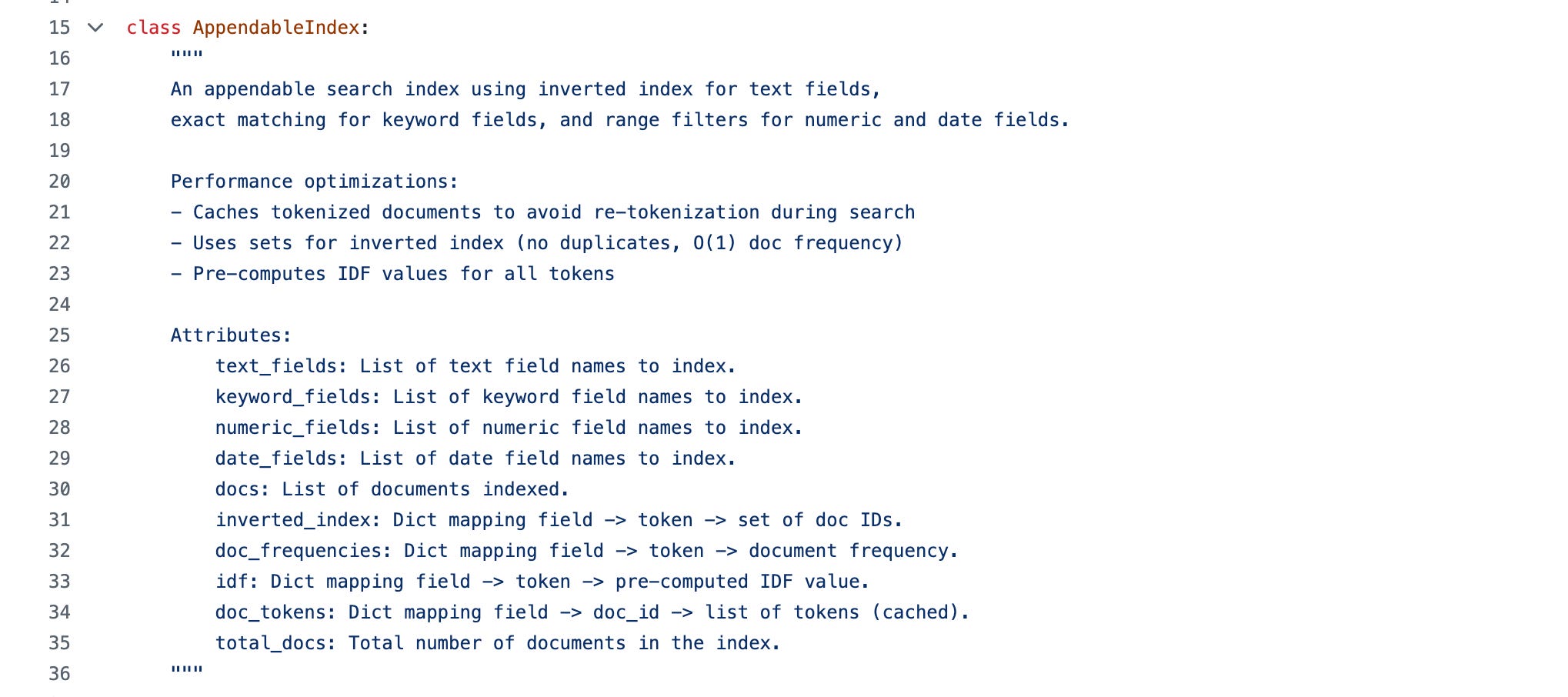
Adding Vector Search
Vector search came later for a similar reason. I had already taught it in Build Your Own Search Engine, but it wasn’t part of the library at first. Eventually, I added it too.
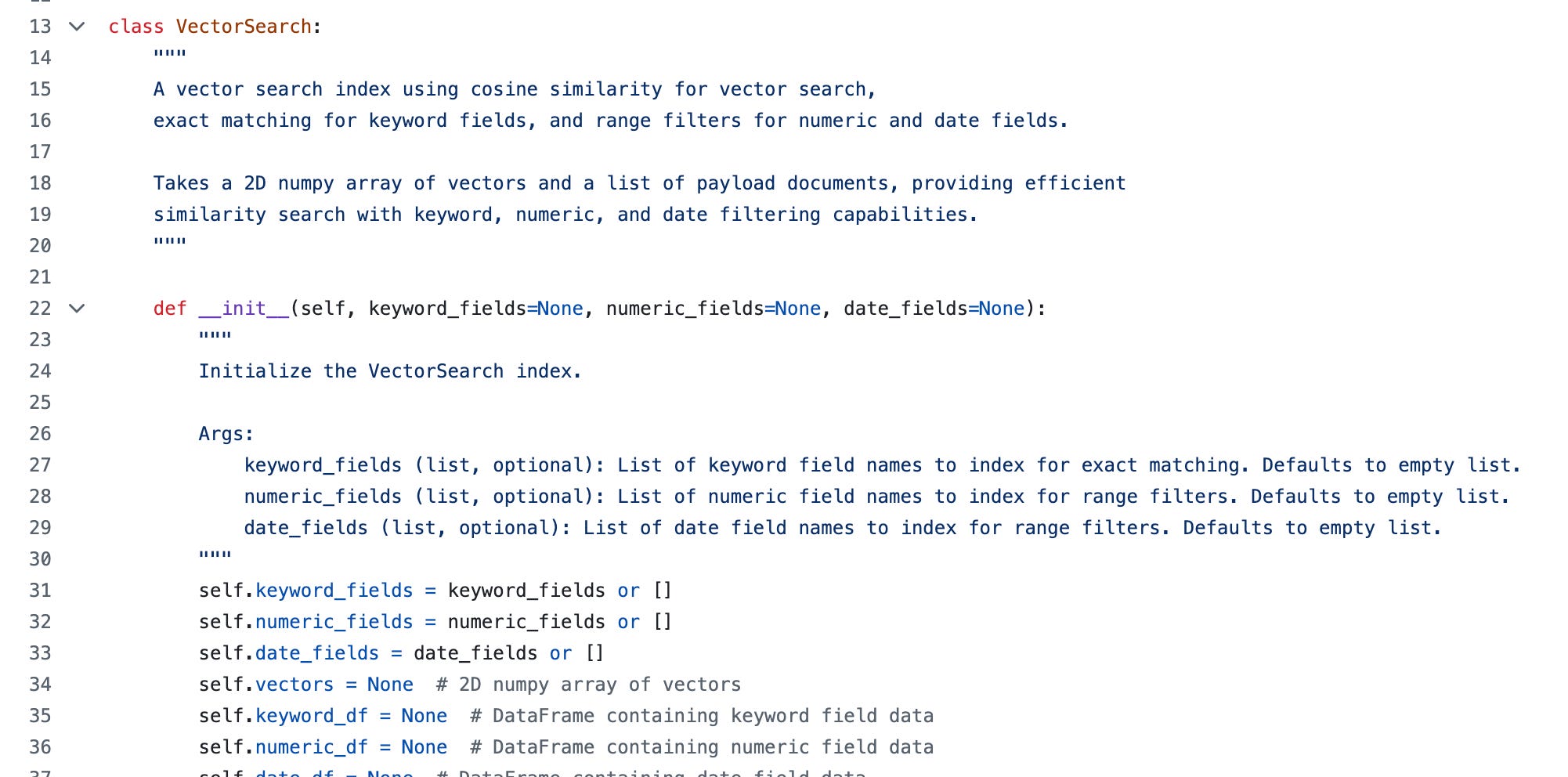
VectorSearch works on pre-computed embeddings and ranks results by cosine similarity. It isn’t trying to replace a full vector database. It is a simple tool for local examples, and my primary use case is to explain search concepts during my courses and workshops.
Three Index Types and Highlighting
Today the library has three main index types:
Index: The basic TF-IDF index using scikit-learnAppendableIndex: An inverted index implementation that lets you add documents laterVectorSearch: Cosine similarity search over pre-computed vectors
The same filter model works across all three. You can filter by exact keyword matches, numeric ranges, and date ranges. Keyword fields are optional now, because not every search example needs filtering.
There is also highlighting now. It extracts snippets from search results and marks where the query terms matched. The motivation was that we started to have more and more agents, and I realized that for agents, it is better to mirror how humans see.
The way humans search is that we look at the snippet, for example, in a Google search, and based on what we see, we decide whether we want to check an article. For agents, I think it works better if they can first see highlighted snippets; then, based on those snippets, they can decide whether to check the entire page for details.
I don’t see minsearch as a big infrastructure project. It grew because the examples kept needing more practical features.
Making minsearch Faster with Claude Code
I used the appendable index more and eventually noticed a problem: it was much slower than the simple index.
At first, I just ignored it. The appendable index was doing more work, and the datasets were small. But at some point, it became too slow even for my use, so I decided to benchmark it.
The first benchmark showed that the appendable index was about 14 times slower to index and 27 times slower to search.
I asked Claude to look at it, and it found out the reason for this inefficiency. The appendable index recomputed tokens and scores during every search, while the simple index relied on scikit-learn’s optimized batch operations.
This was one of the first times I used an AI assistant to benchmark and optimize something like this.
I gave Claude a clear loop:
Benchmark against Simple Wikipedia and save a baseline
Make changes to the code
Check that results still match the baseline
Compare the speed
Then I let it run and checked in about once an hour while I worked on course materials. After a few rounds, search in the optimized appendable index was 20 to 76 times faster than the scikit-learn-based index. The gap grew on larger datasets.
The full benchmark writeup is here: benchmark/BENCHMARK_WRITEUP.md.
When Minsearch Is the Right Tool
Minsearch is a good fit when:
You have a small or medium dataset
You need to search in a notebook, course, prototype, or small automation
Everything can live in one Python process
You are indexing up to a few thousand documents
The sweet spot is up to 10,000 documents. At that size, indexing is fast, search is convenient, and you get a useful retrieval layer without setting up extra infrastructure.
It works best when there is enough plain text to search over. That is the case for course FAQs, workshop datasets, documentation pages, and small internal collections.
Beyond that, minsearch is no longer the right tool.
If you have a larger local dataset but still want something lightweight, use SQLiteSearch instead. I built it for exactly that case, and wrote about it in How I Built SQLiteSearch.

For bigger systems, use a real search engine or vector database.
What I’ve Been Working On Recently
1. Building pocketshell and testing agent teams
pocketshell, the Android app that packages my phone-based development setup, reached a point where I can actually use it while continuing to build it.
It is the next step after the workflow I described in Working from a Phone. Last week, some parts were still being set up. Now the goal is to put everything into one box, so I can do the development work I need from my phone.
I also ran an experiment with it: coordinating three coding agents, Codex, Claude Code, and OpenCode, as three team managers working on the same repo. The agents had to find each other, divide the work, and collaborate.

2. Scraping more AI engineering jobs
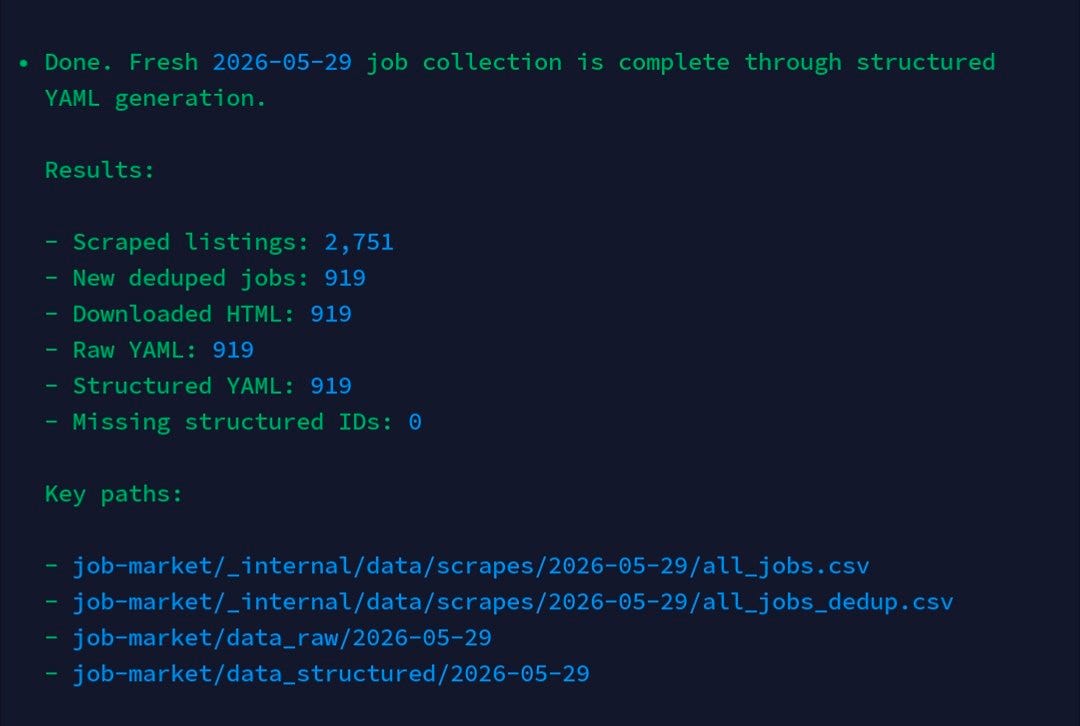
I ran another scrape for the AI Engineering Field Guide.
The goal is to keep doing this throughout the year, then analyze how the market changes over time. I want to see which requirements appear more often, which tools become more common, and how AI engineering roles evolve.
This run scraped 2,751 listings and added 919 new unique jobs after deduplication. For all 919 new jobs, the pipeline downloaded the HTML and generated both raw and structured YAML.
3. Building AI Shipping Labs onboarding
I started building onboarding directly into the AI Shipping Labs platform.
So far, we have manually onboarded around 40, maybe even 50, people. We went through their goals, background, current skill level, and plans by hand.
By now, we have enough material to start making this process easier. Not fully automated, but more structured.
4. Running the O’Reilly guardrails workshop
I ran the O’Reilly workshop this week: Building an Agent with Guardrails.
The workshop focused on how to make an agent less fragile: where to put checks, how to constrain behavior, and how to think about guardrails as part of the system rather than as something added at the end.
5. Running LLM Zoomcamp workshops
I also ran two LLM Zoomcamp workshops this week.
The first one was about agents. The second one was about evaluations. Both are part of the work to update the LLM Zoomcamp material with the topics I now use more often in practice.
Tools
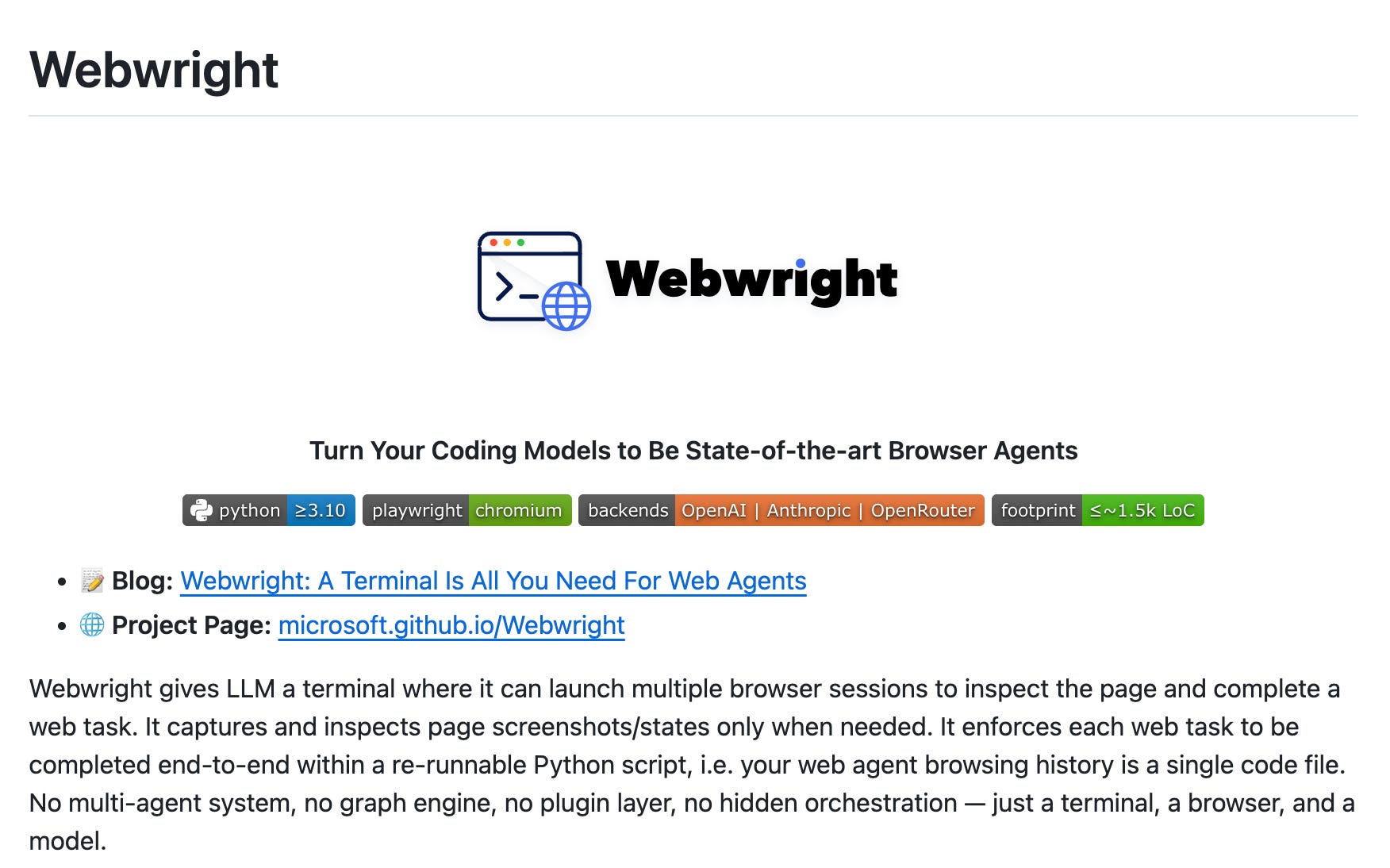
Webwright is a lightweight, terminal-based browser agent framework from Microsoft that gives an LLM a CLI to spawn browser sessions and complete web tasks. Instead of the step-by-step Playwright MCP loop, it has the model write a re-runnable Python Playwright script end-to-end, so the agent’s browsing history becomes a single code file you can rerun, adapt, and debug. It’s a CLI alternative to Playwright MCP for browser testing and automation, built on just httpx, pydantic, playwright, and typer, with OpenAI, Anthropic, and OpenRouter backends.
gstack is a collection of opinionated Claude Code slash commands that transform a single AI assistant into a team of specialists, such as a CEO, an engineering manager, a release engineer, and a QA engineer. Developed by Y Combinator president Garry Tan, it offers commands like
/plan-ceo-reviewfor product thinking,/reviewfor thorough code review, /ship for one-command PR creation, and/browseand/qafor automated browser-based testing with screenshots. It serves as a helpful reference for structuring Claude Code custom commands for multi-role development workflows.
Edited by Valeriia Kuka
Very insightful, every time reading your article always gives me some new insights.