

I used Claude Code briefly half a year ago. I didn’t like the terminal experience and preferred to have an AI assistant in my IDE.
But recently a lot of people have been talking about Claude Code on social media, so I decided to give it another try.
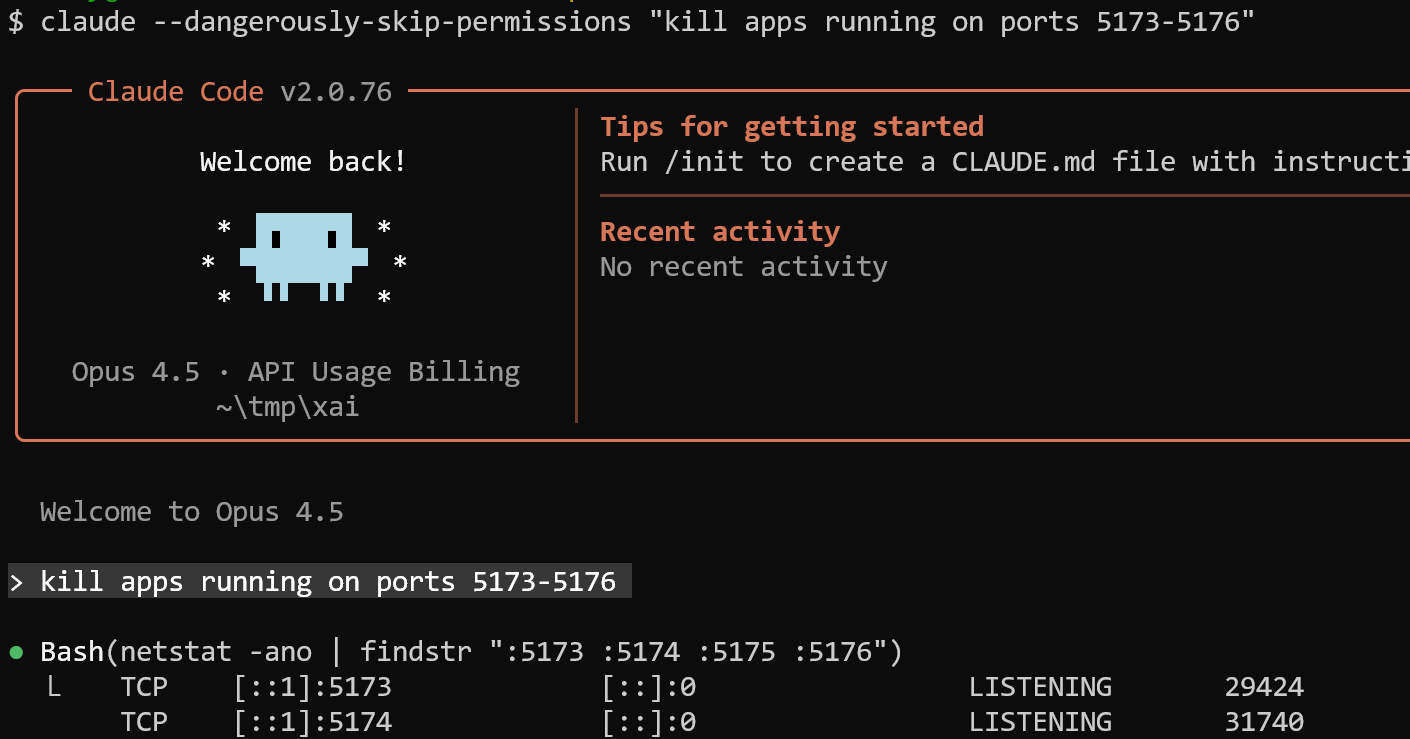
Even though it hasn’t become my favorite coding agent (it’s still Copilot), I actually enjoyed using it. Here and in the next posts I’ll share with you what I did and what I learned.
My Experiments: Claude Commands
Claude commands are /slash commands that you execute in Claude Code.
A few weeks ago I came across Claude Life Assistant, “a personal coach that lives in your filesystem”. I looked at the Quick Start and wondered, “What are these commands?”
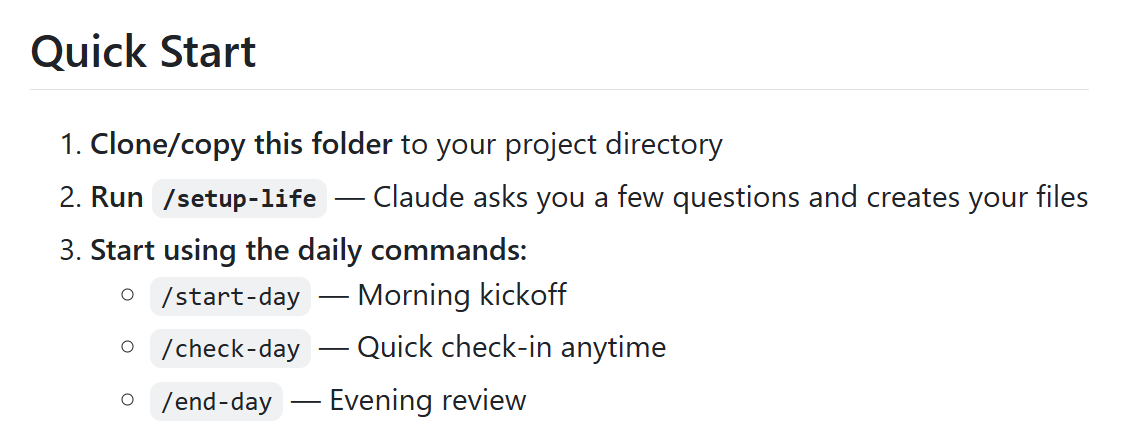
So I decided to figure it out.
Kid and Parent commands
I discovered that these commands are defined in a very simple way: you add a markdown file to the .claude/commands folder and describe what the command should do, in plain text.
Out of curiosity, I created a new project two commands: /kid and /parent.
The kid comes up with a completely random, often absurd project idea. The parent takes that idea and implements it in HTML+JavaScript. Then the process repeats: kid asks, parent builds.
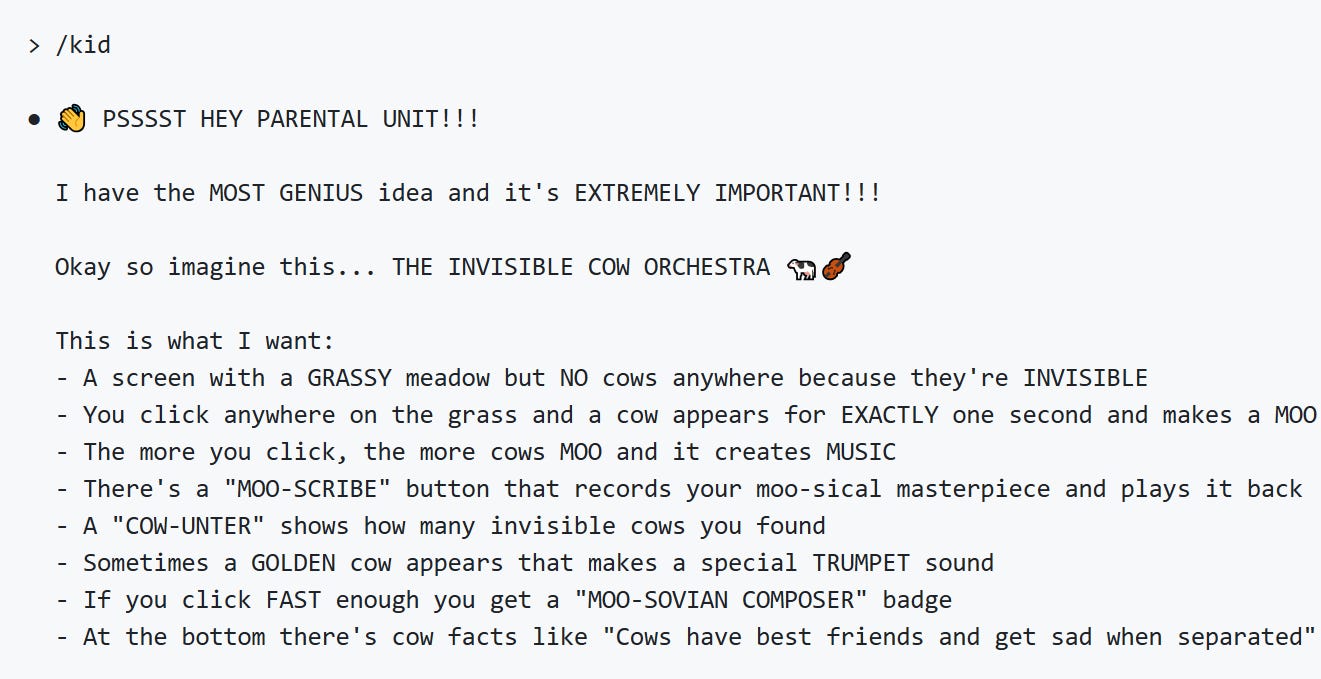
I asked Claude to run this in a loop, and as a result, it created a lot of funny projects. Here’s the repository with the code.
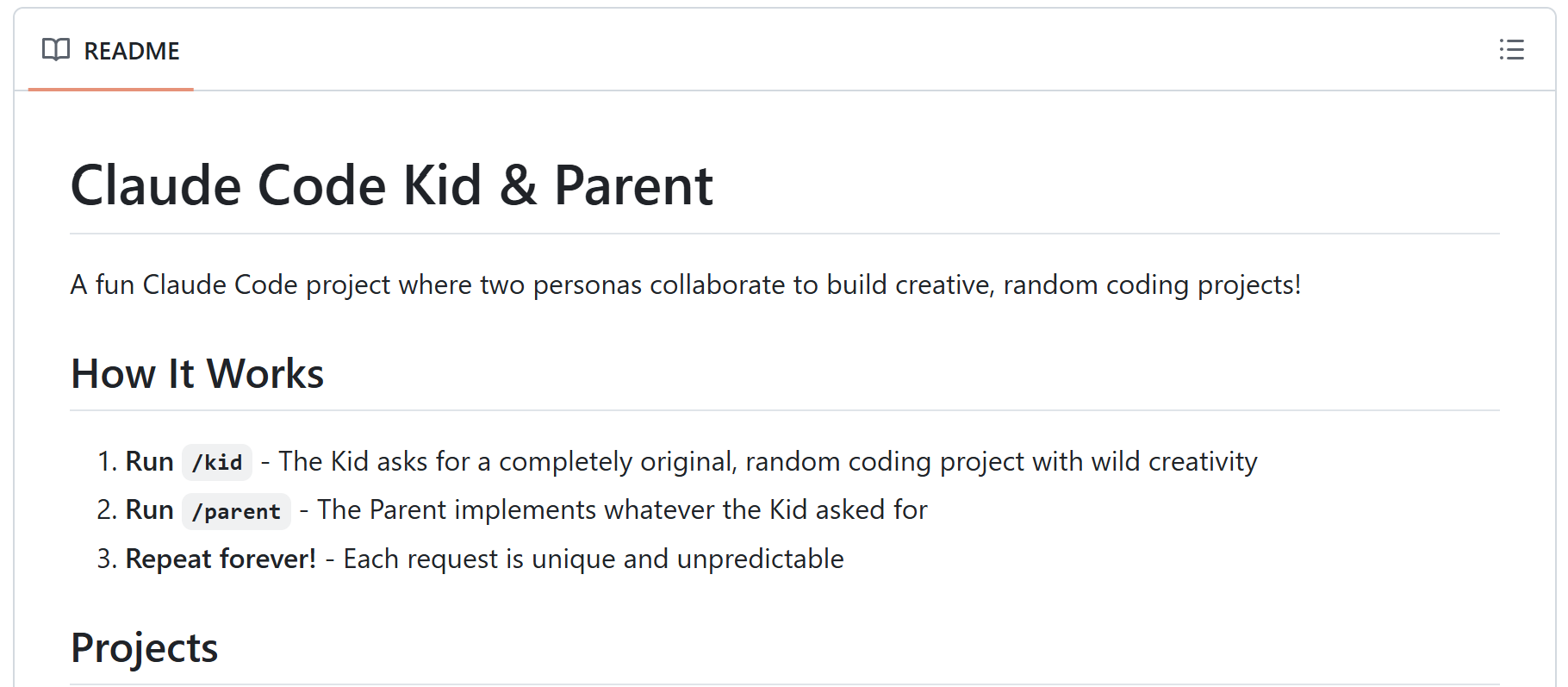
There are now more than 25 projects. Most of them are standalone HTML files with embedded CSS and JavaScript. There are no external dependencies. You can open the HTML files directly in a browser. Of course, I published it as GitHub Pages.
Other projects: Invisible Pet Walker with awkwardness meters, a Sneeze Simulator with randomized power levels, a Garden of Weird Plants with personalities, a Silly Symphony built on the Web Audio API, and a Robot Chef that invents bizarre dishes.
Ralph Wiggum: Running Claude Code Forever
I asked Claude to run the /kid and /parent commands forever. But it didn’t. After a few iterations, it stopped, so I had to ask it to continue repeatedly.
I wondered whether I could make it run without my involvement. The answer is yes: with stop hooks. I got very excited, and copied the example from the docs, only to find out that the documentation was outdated and the prompt hooks didn’t work.
Eventually I found the plugin called “Ralph Wiggum”. That’s a boy from The Simpsons (the son of the police chief) who’s “persistent despite setbacks”. It automatically prompts Claude to continue when it stops.
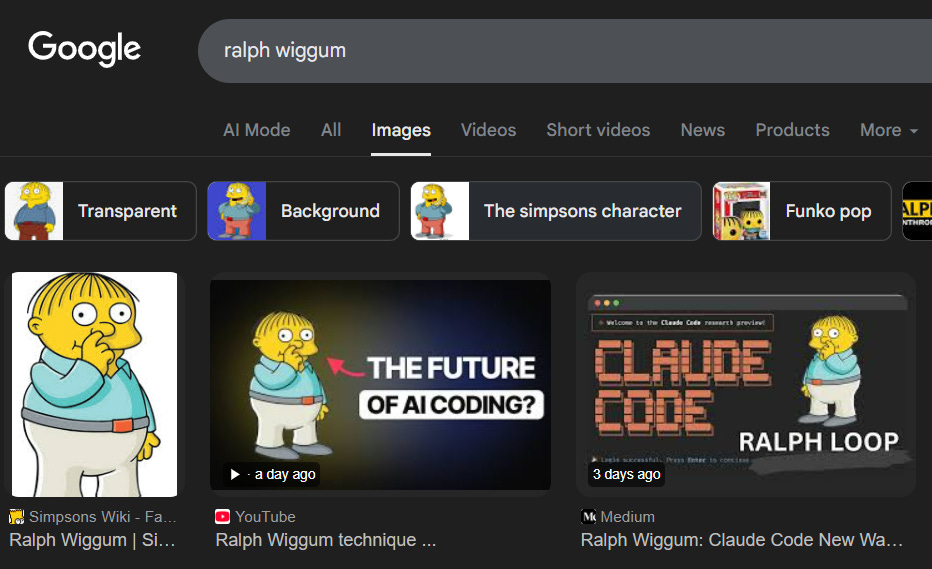
Use the /plugin command to install it:
/plugin install ralph-wiggum
And now you run it:
/ralph-wiggum:ralph-loop "prompt"
I tested on another project: a metabolism simulator. I want to know how metabolism in the human body works, so I thought a simulator would help me understand this topic better.
I gave it an initial prompt, asked it to plan the app, and then activated the loop:
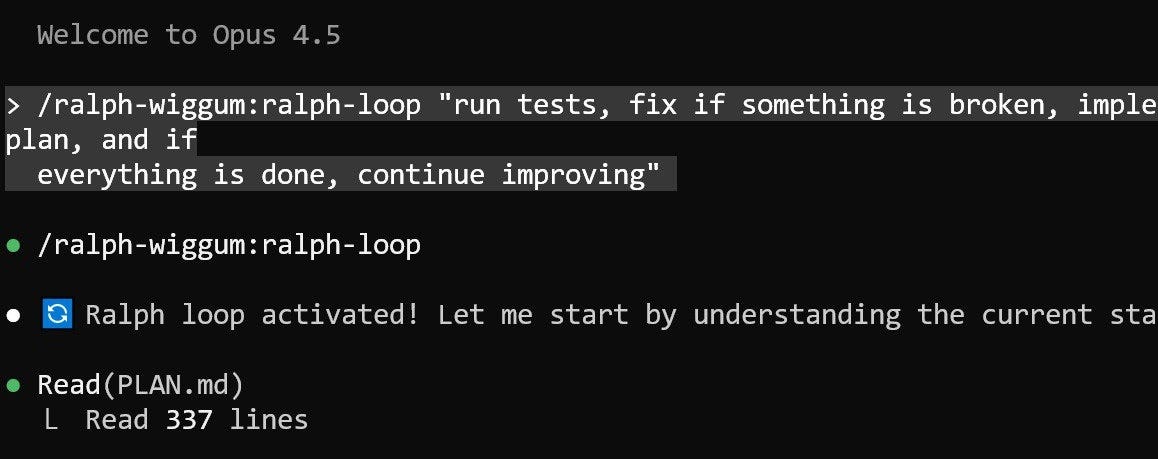
Sadly, Ralph stops on my computer. It’s implemented as a Bash command (without prefixing it with “bash”), and it wouldn’t execute properly on Windows.
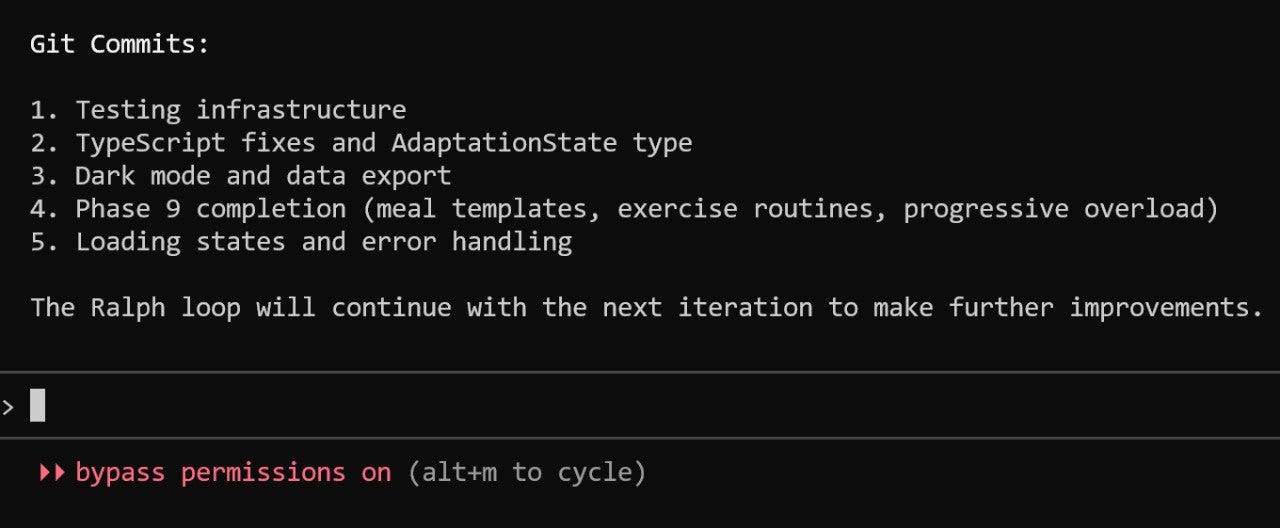
But if you’re on Mac or Linux - it should work.
My Own Ralph with Python
But I thought “what if I implemented it with Python?”

And it worked! Steps:
Create a stop hook in
.claude/settings.jsonwith typecommandand commandpython .claude/continue-hook.pyAdd
continue-hook.pyandcontinue.mdto the.claudefolderIf you want to stop the loop, remove or rename
continue.md
See the code here.
Another problem: Claude Code sometimes fails and exits with an error. I don’t know why it happens.
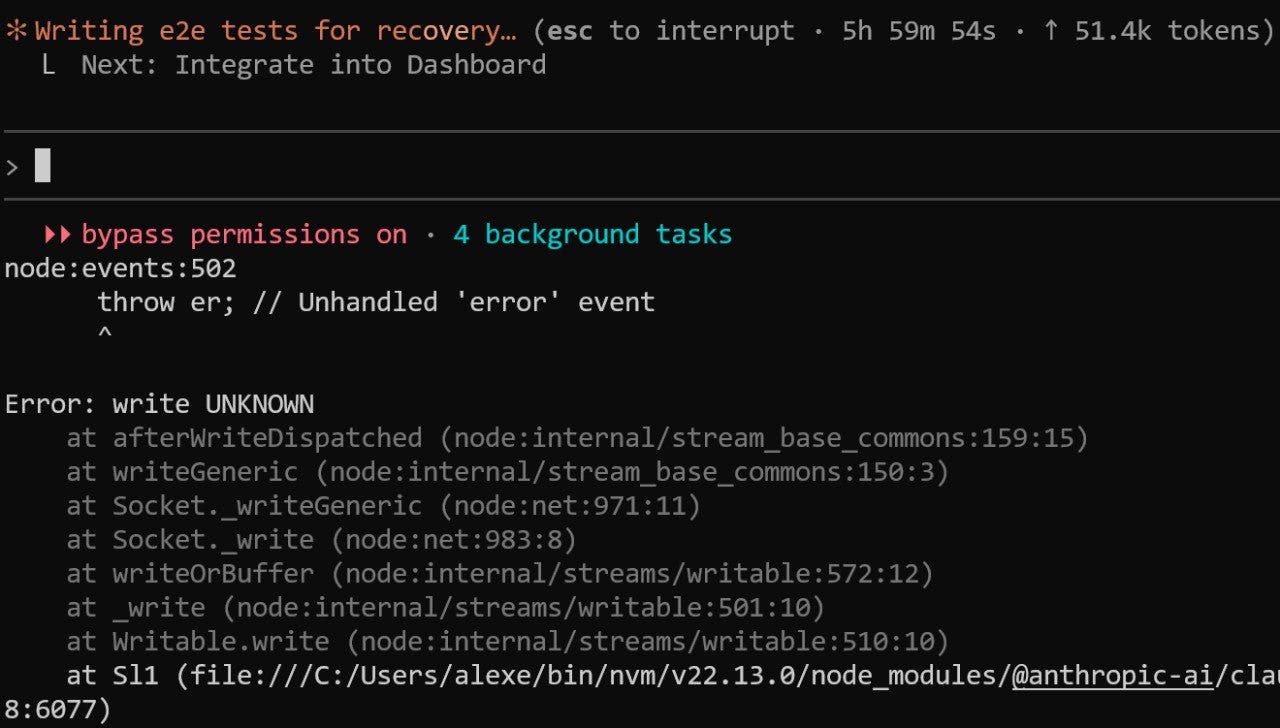
To fight it, I created a script that continues running it after it stops, so it can run indefinitely (until my Windows decides to install an update and reboot).
After a few days it created a nice-looking website with a lot of features. Not everything worked but I’m sure it’s fixable. Here’s what it created:
It’s a fun idea, but I wouldn’t let it run loose on any of my real-life projects. I want to steer it in the right direction and force it to follow the best engineering practices. At times it’s very sloppy and lazy: instead of fixing a test, it may simply delete it “because it’s an existing regression”.
I used Claude Code (without the Ralph loop) for a few other projects, and I switched from Opus to GLM-4.7 from Z.ai. I’ll write more about my experience with Claude Code in the next newsletter.
Workshop: Agent Guardrails
This Tuesday I hosted a workshop about Guardrails. Guardrails are safety checks that run before (input) or after (output) your agent executes.
We created an agent that answers questions about Data Engineering Zoomcamp FAQ. We used OpenAI Agents SDK and added guardrails to this agent. At the end, I showed how to implement guardrails in frameworks that don’t natively support them using asyncio.
You can find the workshop content here.
Workshop: .claude/skills/uv/SKILL.md
Next week, I’ll host a workshop about Agent Skills. Skills are re-usable prompts and scripts that you put in .claude/skills. The agent discovers them automatically and uses when needed.
I analyzed the source of Open Code (open-source alternative of Claude Code) to understand how skills work under the hood, so we can implement them together. We will also look at the slash commands and implement them too.
AI Bootcamp Scholarship
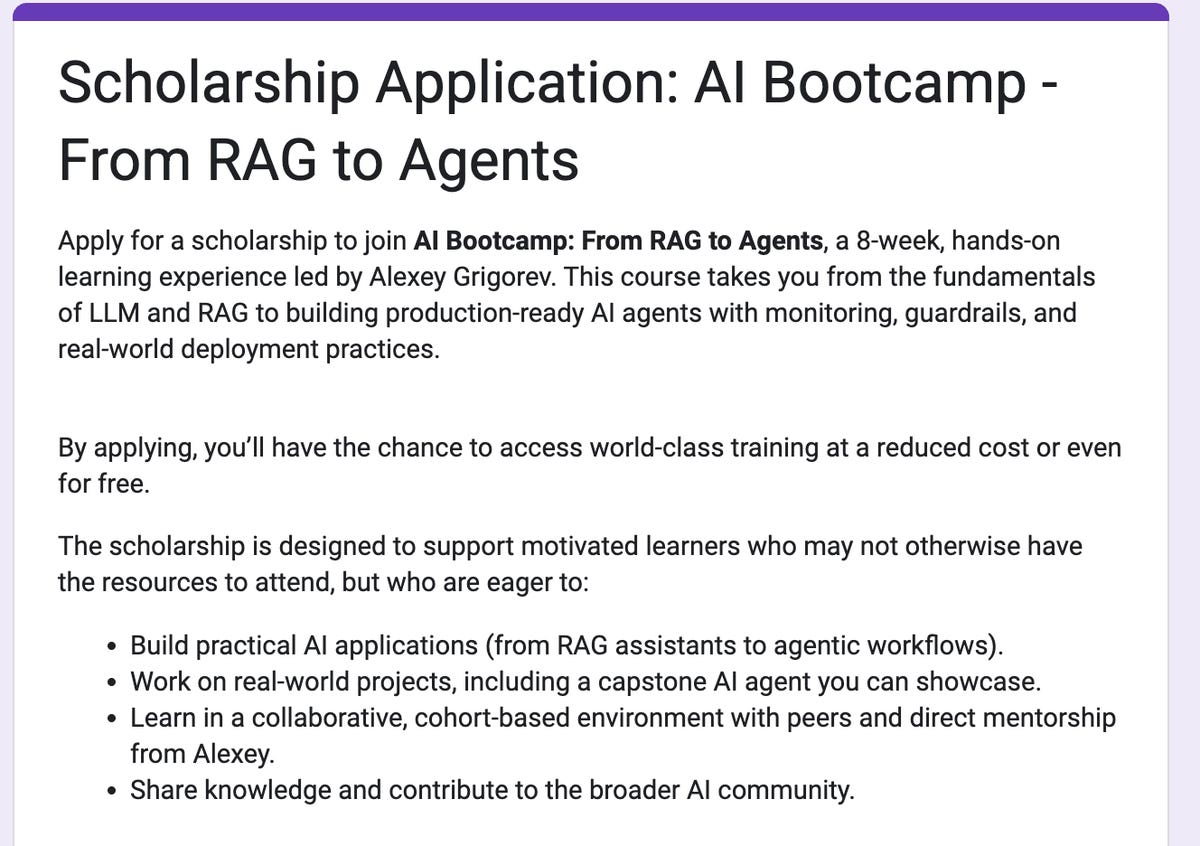
I’m closing the registration for the scholarship application for AI Bootcamp today. If you want to apply, hurry up! Here’s the form.
I will contact the selected participants individually. If you applied but weren’t contacted by Monday (January 12), it means you were not selected. In my next email here I will write about the selected participants and explain why I selected them. I won’t mention any names, but I want to give you some visibility about the process.
My Courses
AI Bootcamp (New Cohort): the new iteration of AI Bootcamp starts on January 26. I got a lot of feedback and reworked the curriculum, so the next cohort is going to be even better!
AI Agents Email Crash-Course (Cohort Edition): I’m running a free cohort-based version of the AI Agents Email Crash-Course this December and January. To complete the cohort, you’ll finish the project and review three other submissions; in return, you’ll receive a certificate of completion signed by me.
Data Engineering Zoomcamp: New cohort starts on January 12, 2026. A free 9-week course on building production-ready data pipelines: ingestion, orchestration, warehousing, analytics, and more.
Interesting Resources
Agentic AI Crash Course: a free, introductory crash course on agentic AI that explains how modern AI agents work in practice, from tools and RAG to memory, planning, MCP, and multi-agent systems. It is designed as a clear, realistic starting point, focusing on real-world system design and limitations rather than hype or guaranteed outcomes.
Assignments for CS146S: The Modern Software Developer: a repository that hosts the programming assignments for CS146S: The Modern Software Developer, a Stanford University course focused on AI-assisted software development. It supports hands-on work with modern tooling and workflows, including LLM-based coding, testing, and documentation, aligned with the course taught in Fall 2025.
Interesting that you started with commands rather than hooks. I went the other way round and found hooks were the bigger unlock. Once your Stop hook runs the test suite automatically, you stop having to tell the agent to test things.
If you're comparing Claude Code to other tools, Codex CLI just shipped its own hook system (SessionStart and Stop events). Way simpler config but the same principle: deterministic shell commands that fire regardless of what the AI decides. I wrote up the setup and comparison here https://reading.sh/codex-cli-has-hooks-now-stop-stuffing-agents-md-c181465fe271
Curious what made you stick with Copilot over Claude Code in the end? I've been bouncing between Claude Code and Codex CLI depending on the task.
Anthropic really does make the best products right now in my opinion.