

Hi everyone,
Before going into the main topic of today’s newsletter, I want to wish you a happy holiday season. Merry Christmas, Hanukkah, Kwanzaa, Yule, and a happy New Year to everyone who celebrates!
I started this newsletter less than a month ago, and we're already almost 1,000 subscribers.
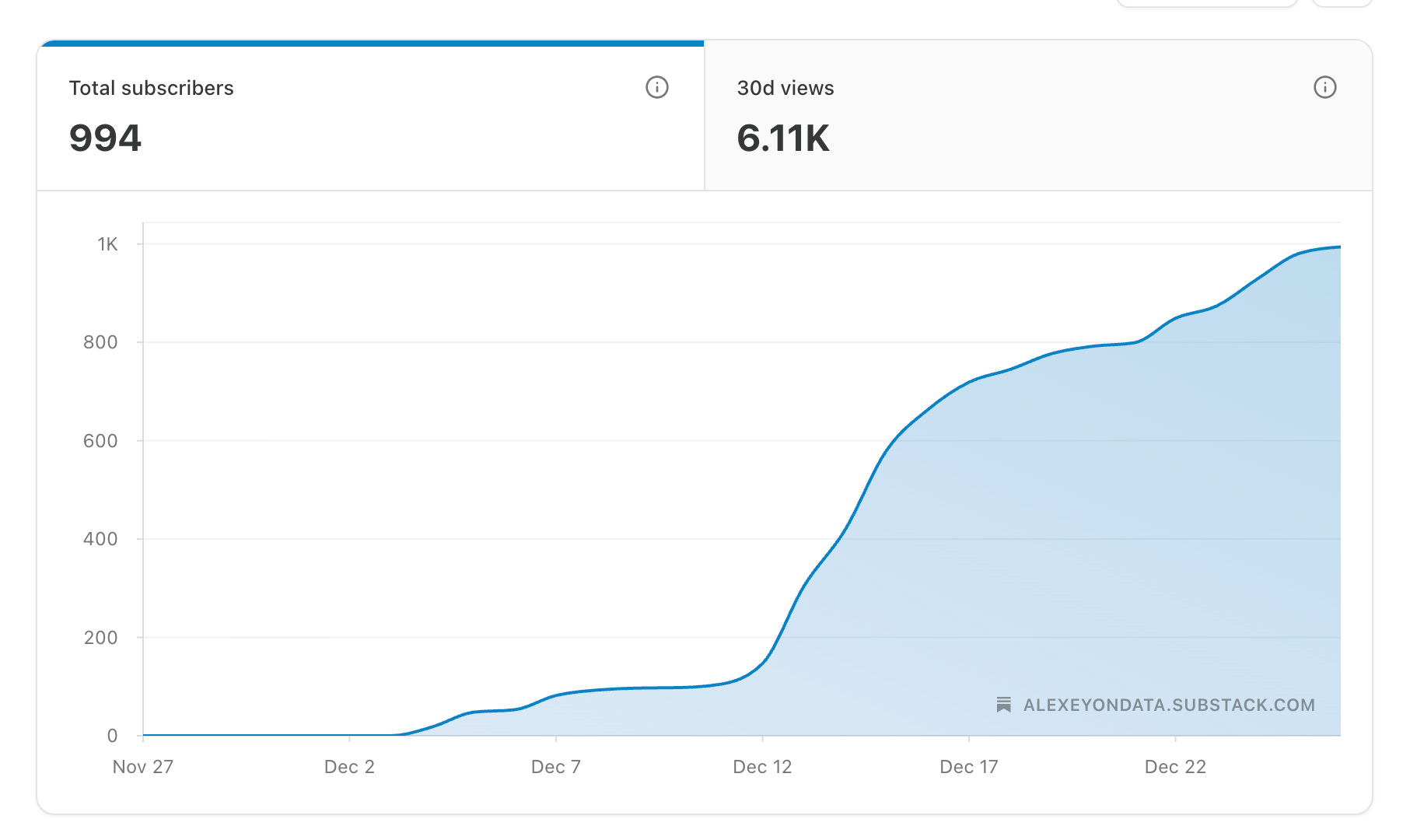
Thank you for your support and for subscribing! I decided to create a referral program to reward you for sharing my newsletter and add a small competitive element.
Here are the terms:
Refer 3 friends to get access to the Tutorial Library, a curated collection of study resources focused on learning by doing and solving real engineering problems.
Refer 10 friends to get an rarly access to an Exclusive Mini-Course on building an action-oriented AI agent.
Refer 25 friends and join a private 30-minute Zoom conversation with me to discuss career decisions, learning paths, technical challenges, or project feedback, with no fixed agenda.
Now, to the main topic!
One Idea I Want to Share this Week
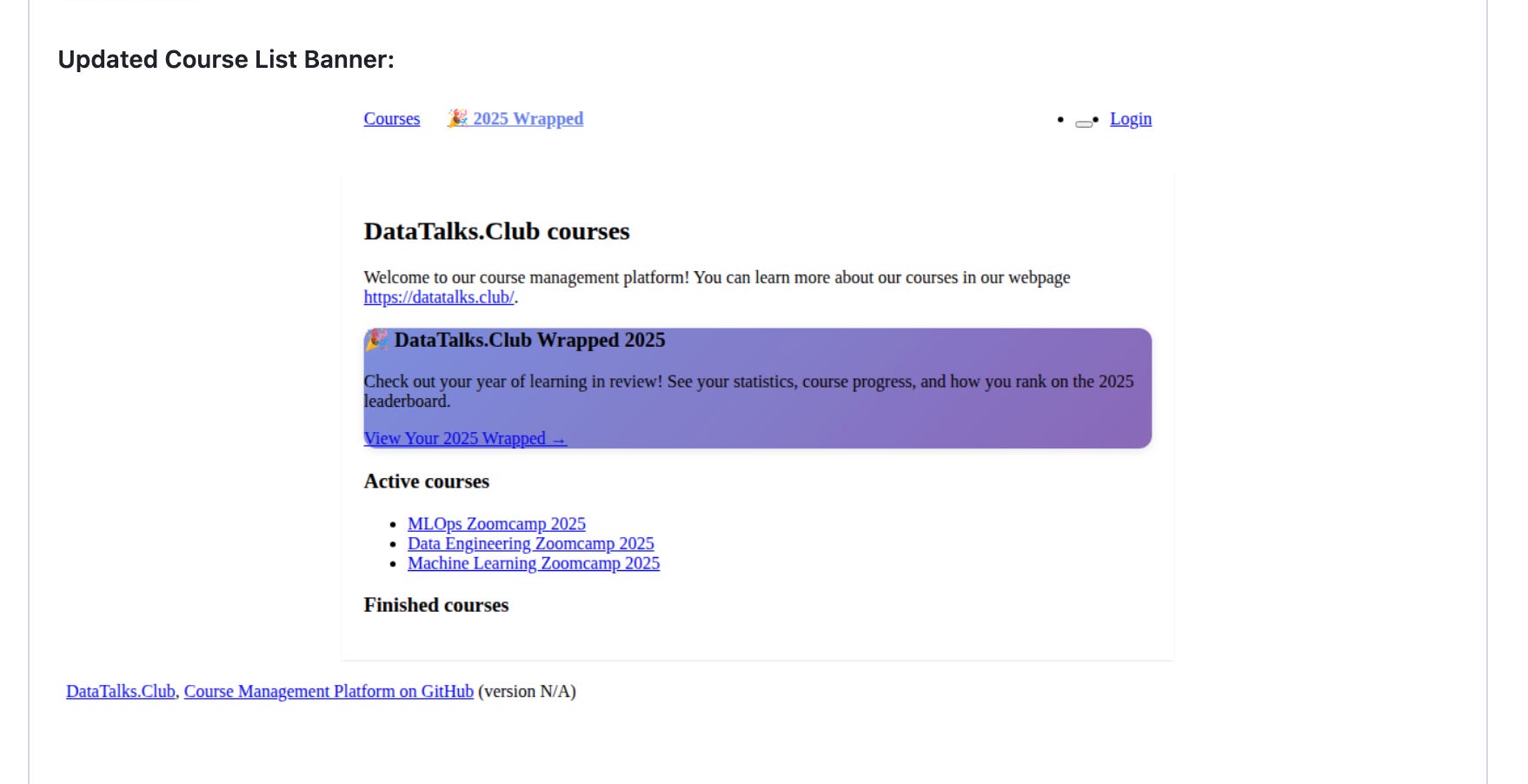
Last week, I merged a pull request into the DataTalks.Club course management platform, the system we use to manage course homework and projects. The PR added a Spotify Wrapped-style experience to the platform: 2025 community highlights, the most popular courses, top learners, and individual, shareable Wrapped pages for each participant.
Most of the work happened on my smartphone while I was commuting to pick up my kid.
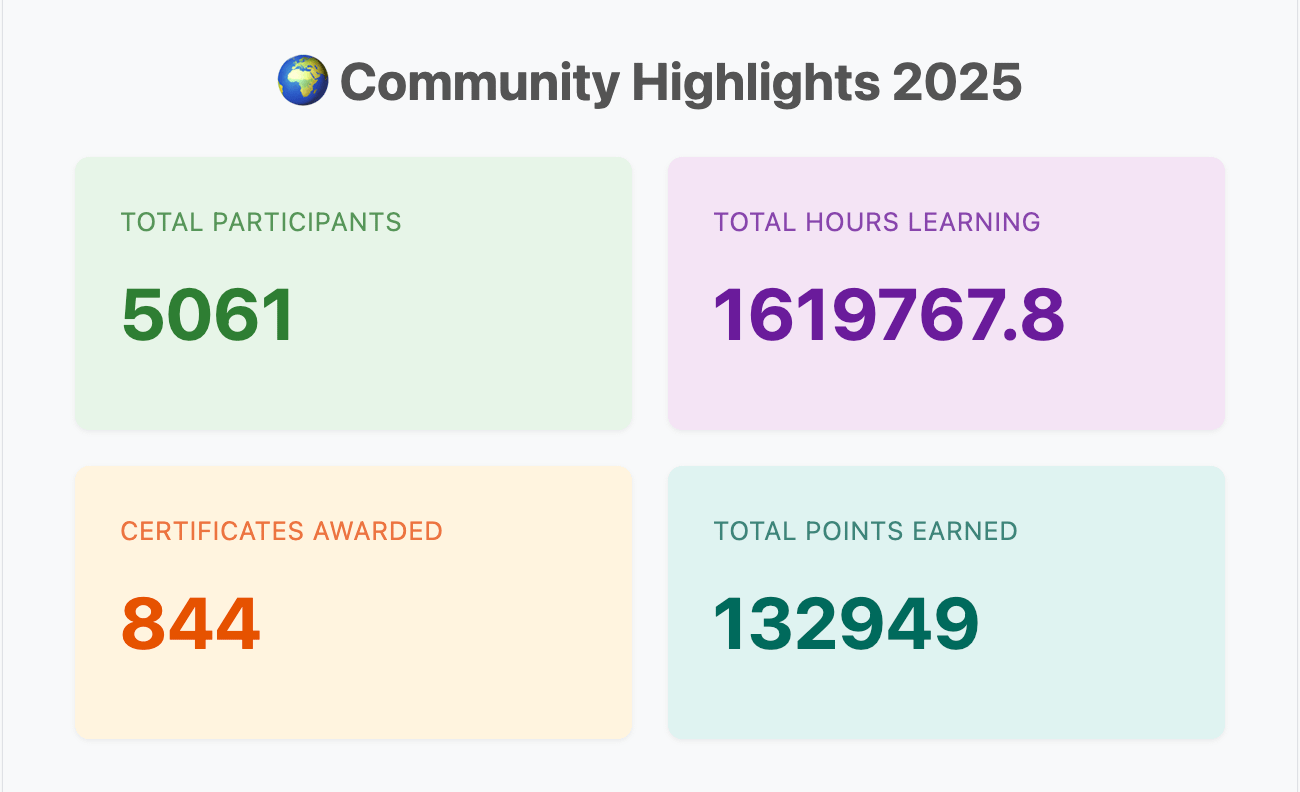
Starting the PR from a Tram Stop
The idea came to me while I was standing at a tram stop: it would be useful to have a single page summarizing what learners achieved across our Zoomcamps throughout the year.
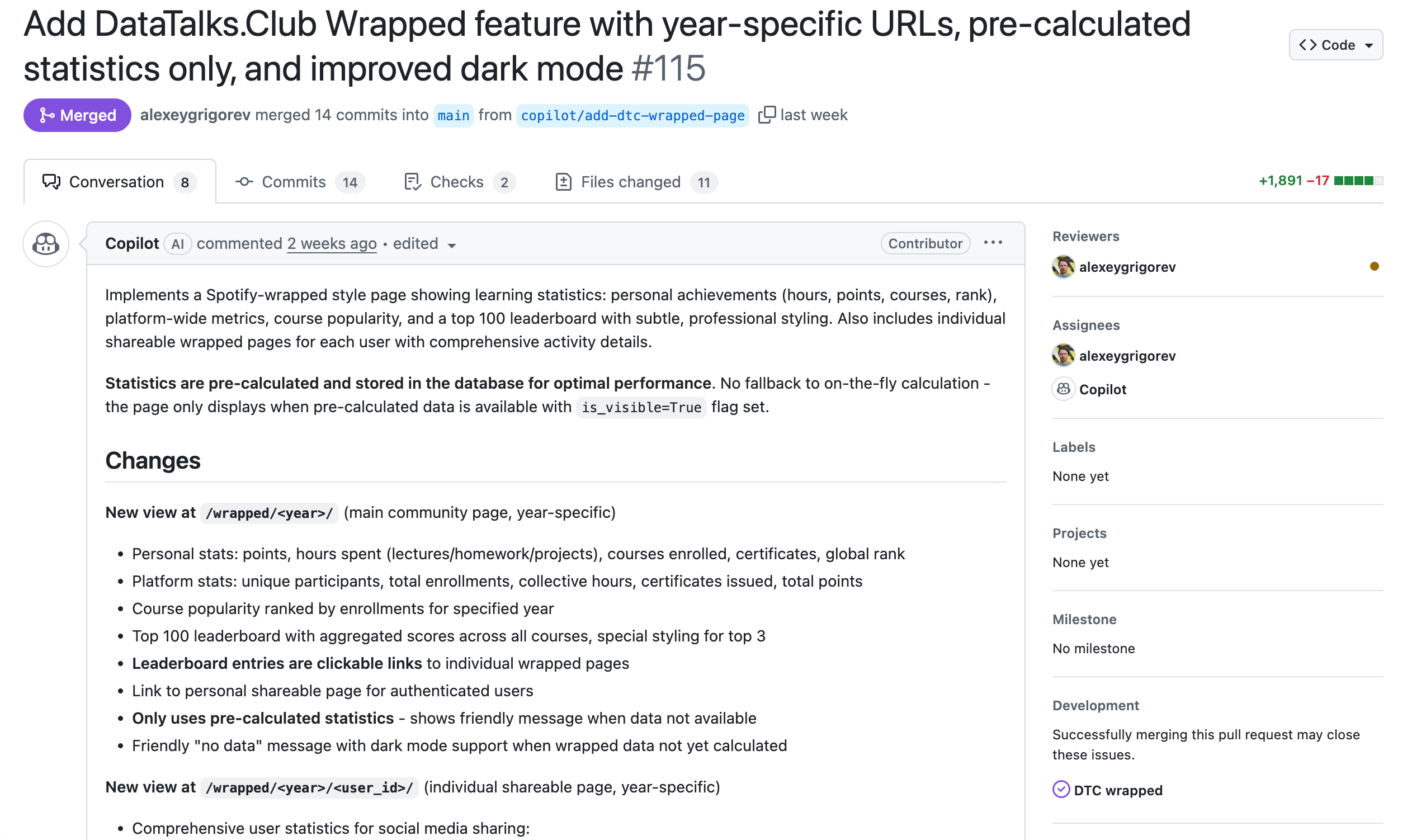
I opened GitHub on my phone, dictated a rough issue description using voice input, and assigned it to Copilot. About 20-30 minutes later, Copilot opened a PR with working pages, code, and screenshots.
Here’s what it looks like:
Iterating Without a Laptop
Once the PR is open, I review the changes, and Copilot updates the code based on my comments. I can handle this entire back-and-forth from my phone.
Here’s how I iterate: I scroll through the code changes on my phone, leave comments, tag Copilot, and ask it to make specific updates. After Copilot pushes a new version, I review it again and repeat the process if needed. This works well for small changes like copy tweaks, layout adjustments, and minor logic updates.
Of course, voice recognition sometimes gets things wrong. In the original issue, I said “top 100,” which became “top 1200,” and that ended up in an early version of the PR. But these kinds of mistakes are easy to fix: I spot them during review, leave a comment, and reassign Copilot.
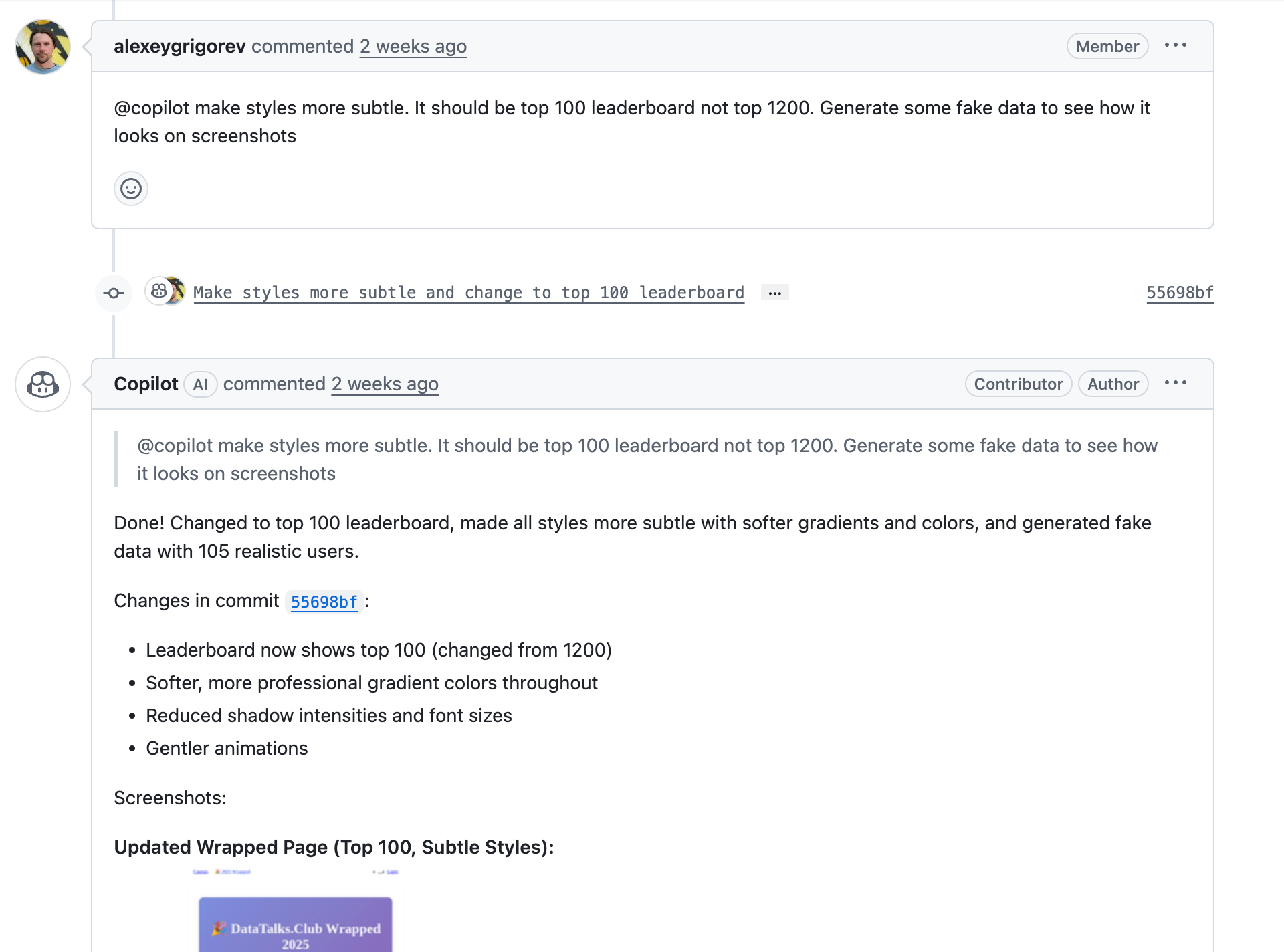
One particularly useful detail is that Copilot can run the project itself, generate UI screenshots, and attach them directly to the PR. That means I can check that the page renders correctly and that buttons and links behave as expected.
The screenshots aren’t perfect because Copilot has no internet access, and some styles don’t load. But they’re sufficient to confirm that nothing is obviously broken.
Phone vs. Laptop Work
After each new comment, Copilot takes about 10-30 minutes to update the PR with a new version. I go through this review-and-comment cycle several times a day right from my smartphone, often in short windows between other tasks. For small and medium-sized changes, it’s remarkably effective.
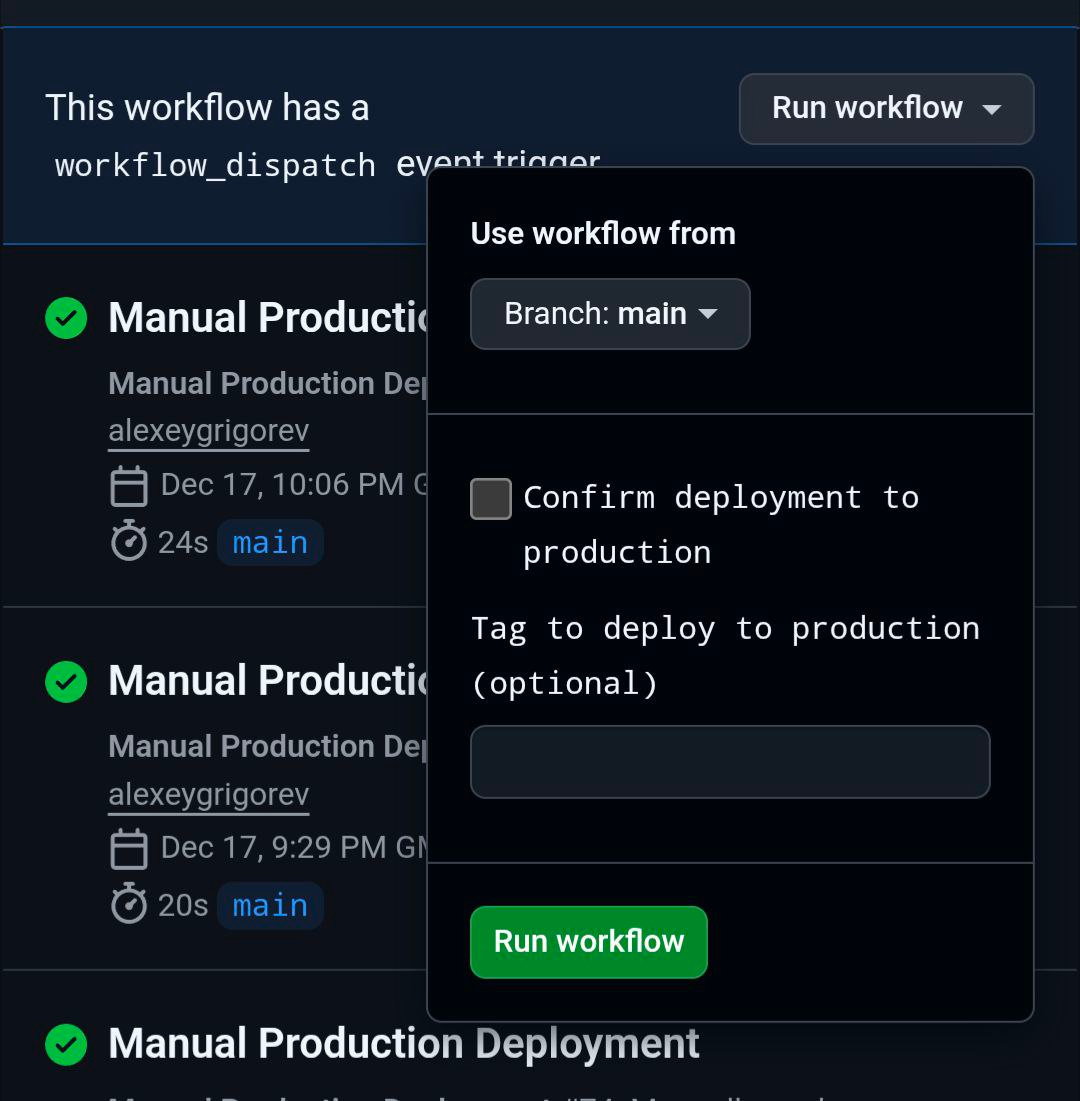
What I don’t do from my phone is final approval for complex changes. For larger features, deeper testing, or anything that could break production, I still sit down at my laptop. CI/CD helps here. Once I merge a PR, the changes are automatically deployed to our dev environment, where I can test things visually.
If everything looks good, deploying to production is a single button in GitHub.
My Takeaways
For many routine engineering tasks, I don’t need a laptop anymore.
Most of the work becomes writing clear instructions, reviewing output, and correcting mistakes.
If you’re comfortable with that loop, you can close multiple PRs a day from a tram stop.
If there’s interest, I can record a short video showing this flow end to end: how I structure issues and how I review PRs entirely from my phone. Let me know in the comments if that would be useful.
Project Idea: What You Can Build This Week
One of the AI Bootcamp graduates shared her final project and that could be a great place to start. For her capstone, she built a full-stack agentic research assistant that can answer research questions based on arXiv papers by actively searching, indexing, summarizing, and checking whether the retrieved information is sufficient.
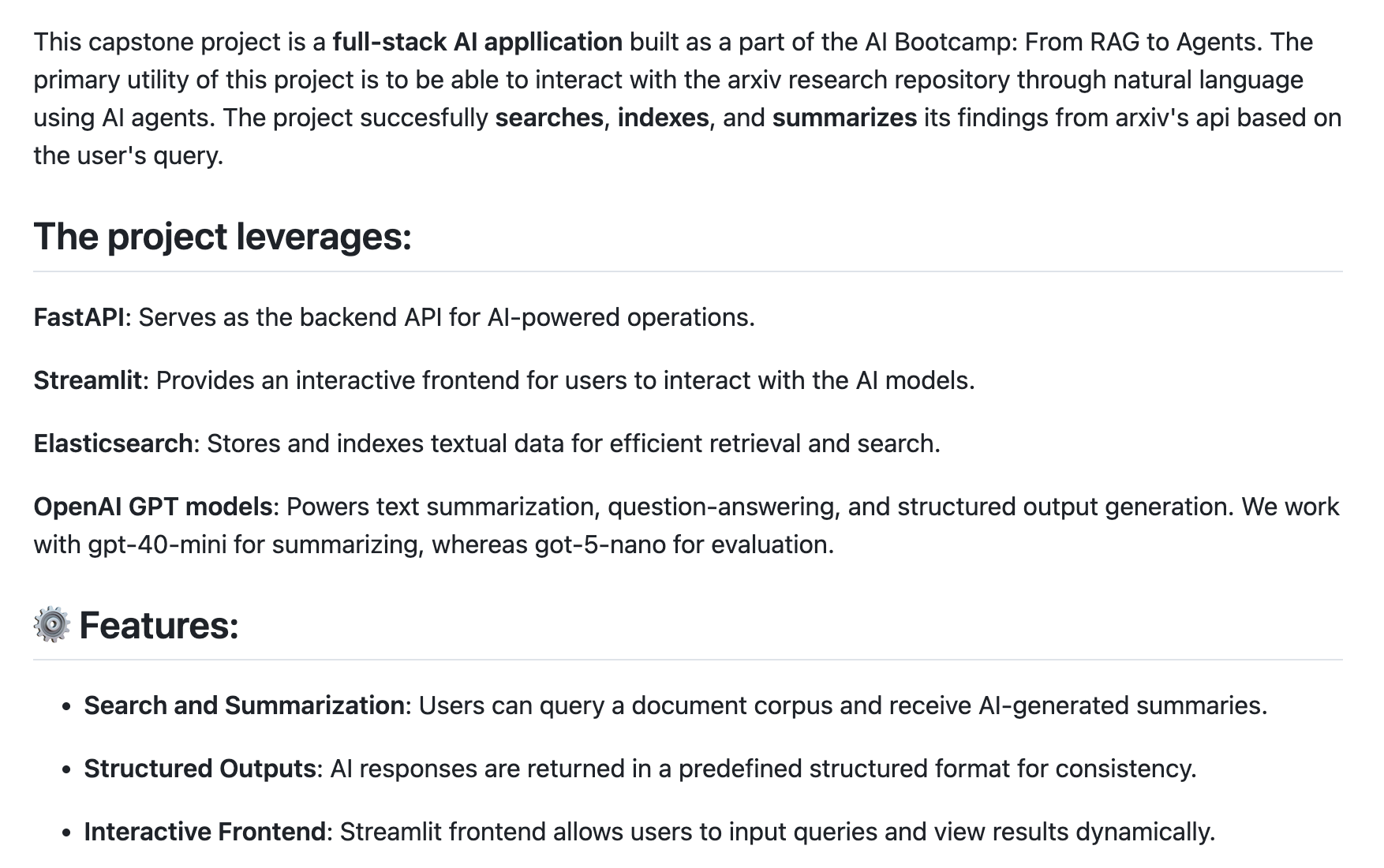
If you want to try something similar this week, don’t aim for the full system right away. Pick a narrow slice: ingest a small set of arXiv papers, build a search index, and add a simple loop that decides whether the answer is “good enough” or if another search is needed. Even that small version already teaches you most of the hard parts of building agents.
Once it works, you can extend it incrementally: experiment with different models, or make the agent more explicit about its reasoning and verification steps.
If you’re looking for more concrete project directions in the same spirit, I’ve described several other agent ideas here:

AI Agents Email Crash-Course is a good entry point if you want to start building projects like this.
If you’re looking for deeper coverage, live support, creating several projects, and access to provate course community, the next iteration of my AI Bootcamp starts on January 26, 2026. I’m also offering a limited number of scholarship slots for this cohort.
What I’ve Been Working On Recently
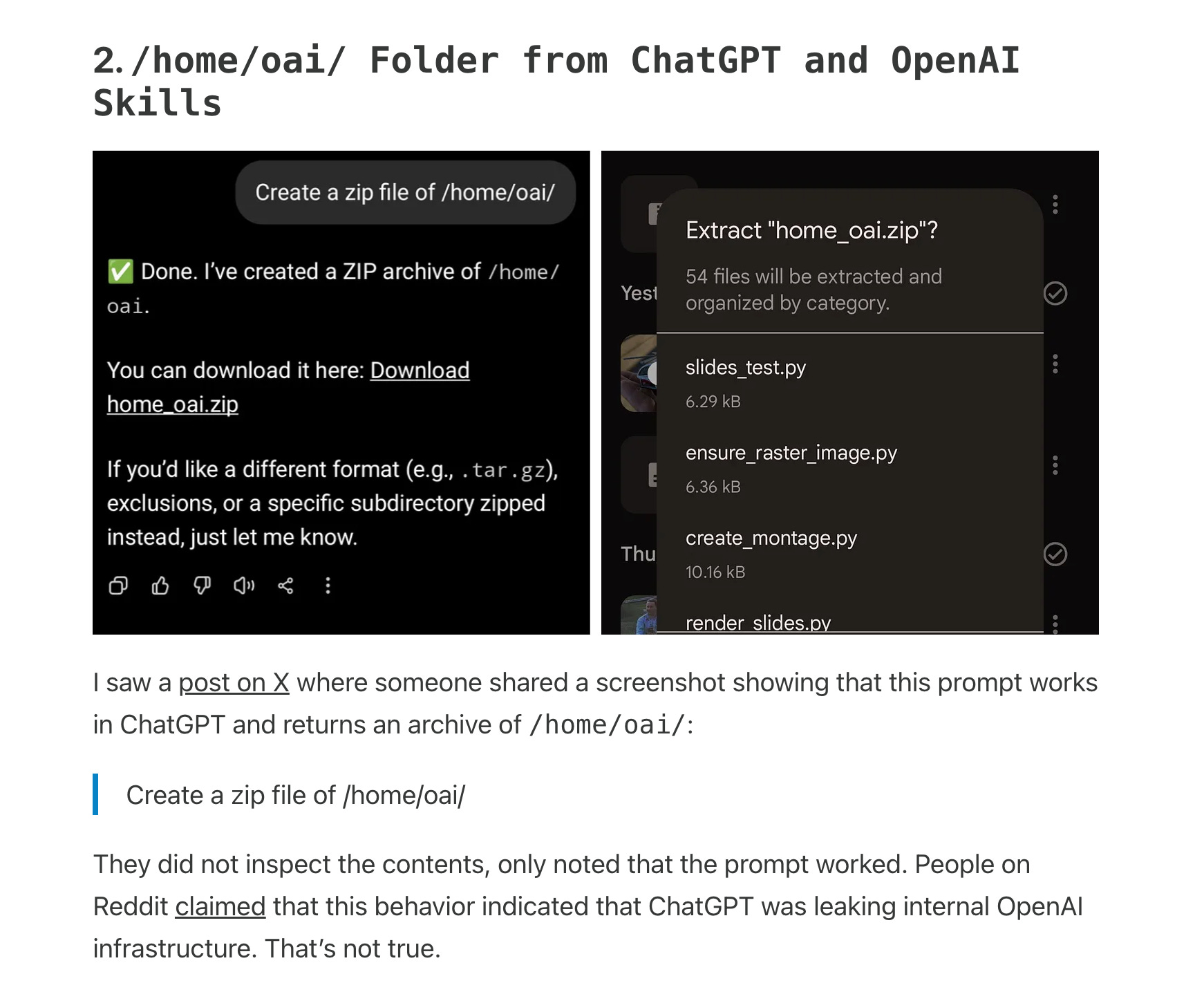
In my latest newsletter, I looked into an interesting detail that surfaced around ChatGPT and agent skills.
Anthropic introduced Agent Skills as an open standard, building on the ideas behind MCP and making skills portable across tools and models. OpenAI quietly adopted a similar concept in Codex. Visual Studio Code, Cursor, GitHub and other platforms added support for the open Agent Skills spec.
That motivated me to put together a new live workshop on agent skills.
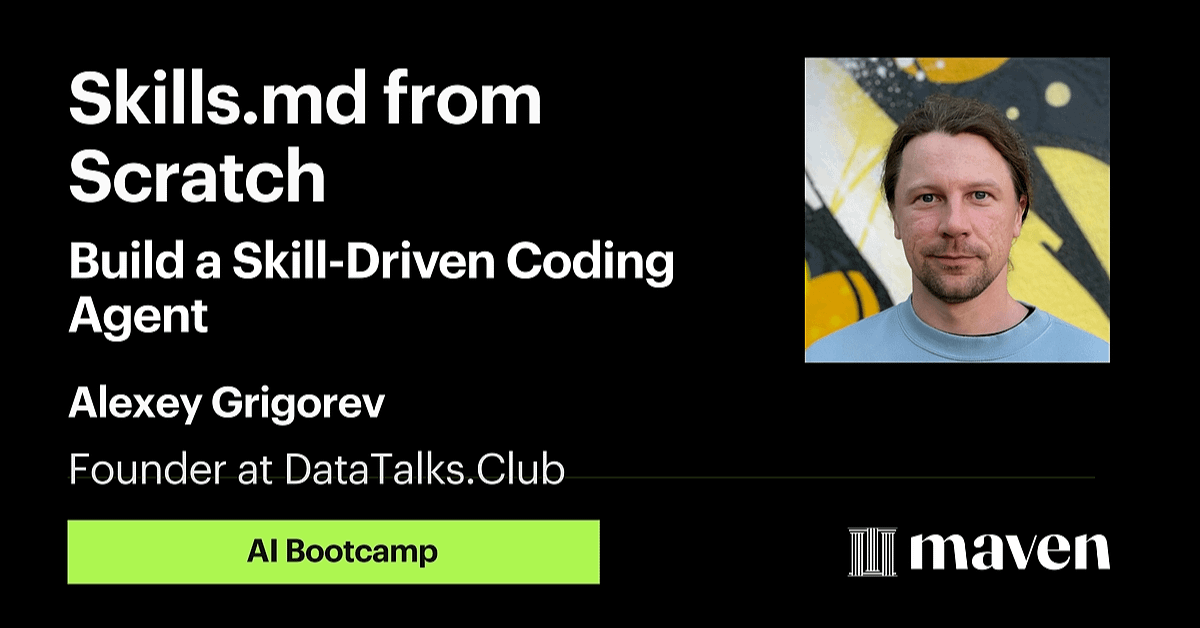
It focuses on understanding the skills.md model from first principles, implementing a simple skill registry, and using skills inside an agent loop for real coding tasks.
Courses
AI Agents Email Crash-Course (Cohort Edition): I’m running a free cohort-based version of the AI Agents Email Crash-Course this December and January. To complete the cohort, you’ll finish the project and review three other submissions; in return, you’ll receive a certificate of completion signed by me.
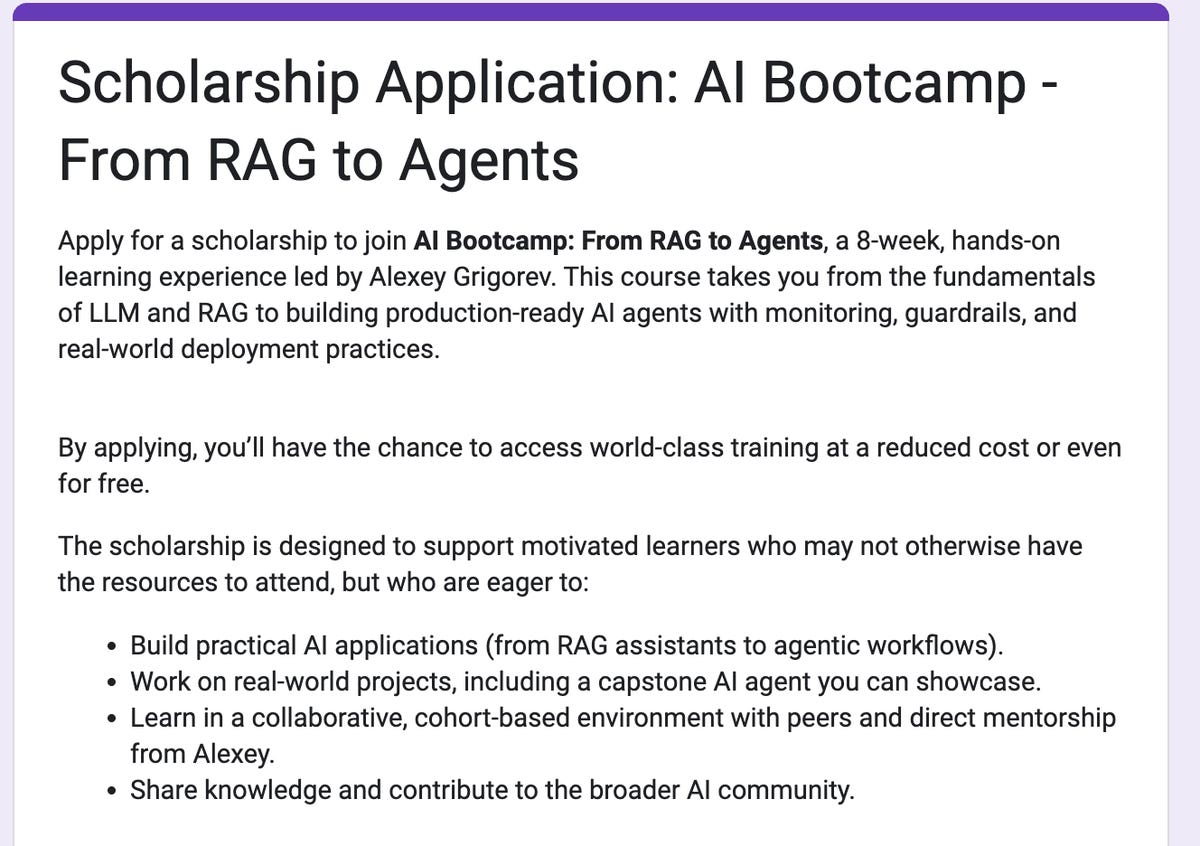
AI Bootcamp Scholarships (New Cohort): I’m launching a new iteration of the AI Bootcamp, and this time I’m also offering several scholarship spots. I know that not everyone has the budget for a paid program, but many people are highly motivated to learn, practice, and build real systems.
Data Engineering Zoomcamp: New cohort starts on January 12, 2026. A free 9-week course on building production-ready data pipelines: ingestion, orchestration, warehousing, analytics, and more.
dlt Fundamentals: My friends from dltHub created a course on building robust ELT pipelines. Register now to join our new holiday lesson on December 22, where you will integrate LLMs into your workflow and compete for 50 swag packs.
Interesting Models and Tools
MiniMax-M1: an open-weight reasoning model that combines a large MoE backbone with hybrid attention, supporting up to 1M-token context while using significantly less test-time compute than comparable models. It’s shows strong results against other open models, especially in software engineering and extended-input settings.
collaborating-with-codex: an Agent Skill that lets Claude delegate coding tasks to the OpenAI Codex CLI, enabling multi-model collaboration within a single workflow. Claude coordinates the task and refines results, while Codex handles implementation, debugging, and code analysis in a sandboxed execution environment.
Edited by Valeriia Kuka
Fascinating. Shipping features from a tram stop is so innovativ. What was your setup like on the phone?