

I have a lot of projects that I started with some grand idea, spent time on, and then never really did anything with.
Some of them work, but I don’t need them anymore. Others don’t work at all. Some turned out to be more complex than I expected, or I couldn’t build them the way I imagined. I abandoned many of them at different stages.
My GitHub profile shows 195 repositories, and that’s only my personal account. I also experiment with projects in the DataTalks.Club and AI Shipping Labs organizations on GitHub. With coding agents, I write a lot more code than ever before, because I can try ideas faster. Naturally, I also create more projects that don’t go anywhere.
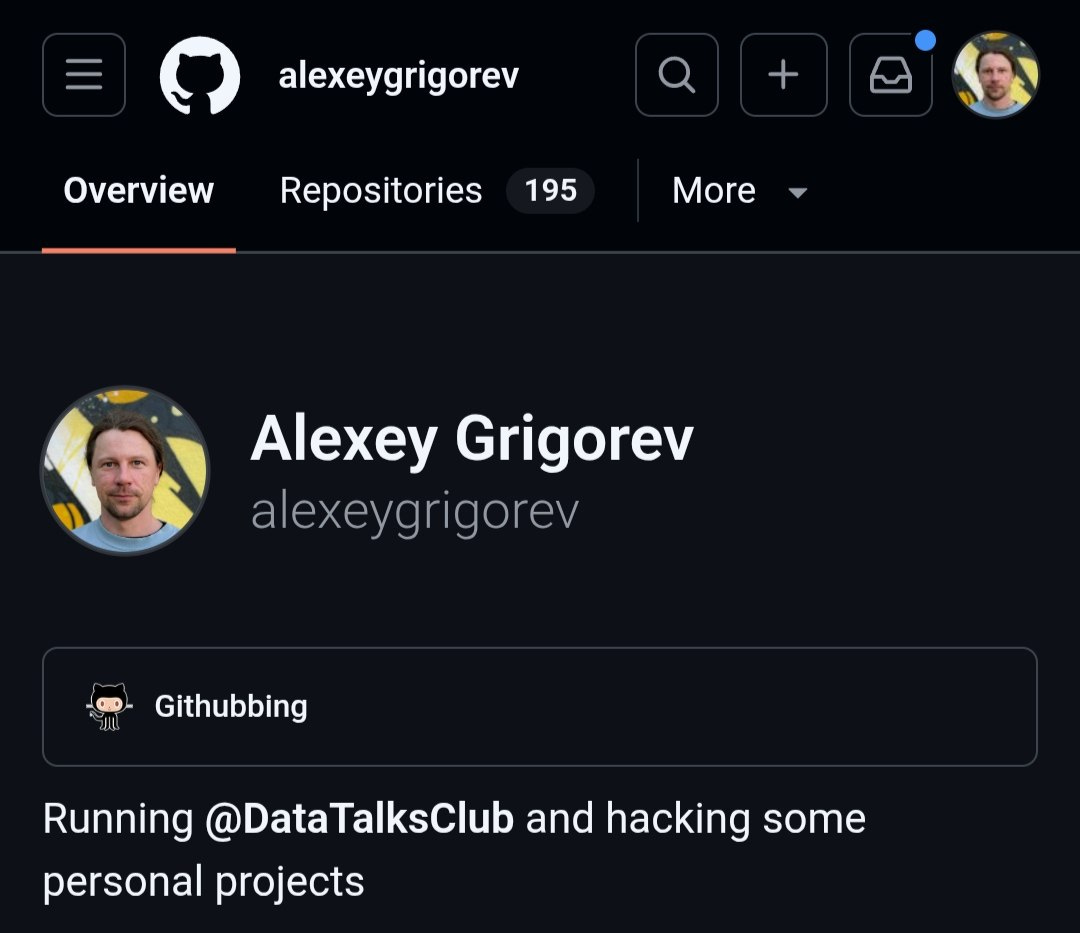
But I don’t think this is a problem.
These projects may not reach their final form, and I may not use them afterward, but building them still teaches me something. Some help me understand how to work with coding assistants. Others help me think through a vague problem in practice.
Often, I start with a problem that is not clear yet. I try one solution, build part of it, and then realize it does not quite fit. So I adjust the idea, remove some parts, try a different approach, or abandon the project entirely. The project itself may not survive, but the problem becomes clearer.
That’s why I don’t think abandoned projects are necessarily failures or a waste of time. Often, they are part of the learning process.
In this post, I’ll share:
A few projects I started and later abandoned
Why some of them were still useful
Which ideas survived as smaller tools
What I learned from having all this dead weight in my repositories
Code Explainer
In October 2025, I built a small Streamlit app to help understand other people’s repositories. I pasted in a GitHub URL, waited for it to download the main branch, and asked questions about the code.
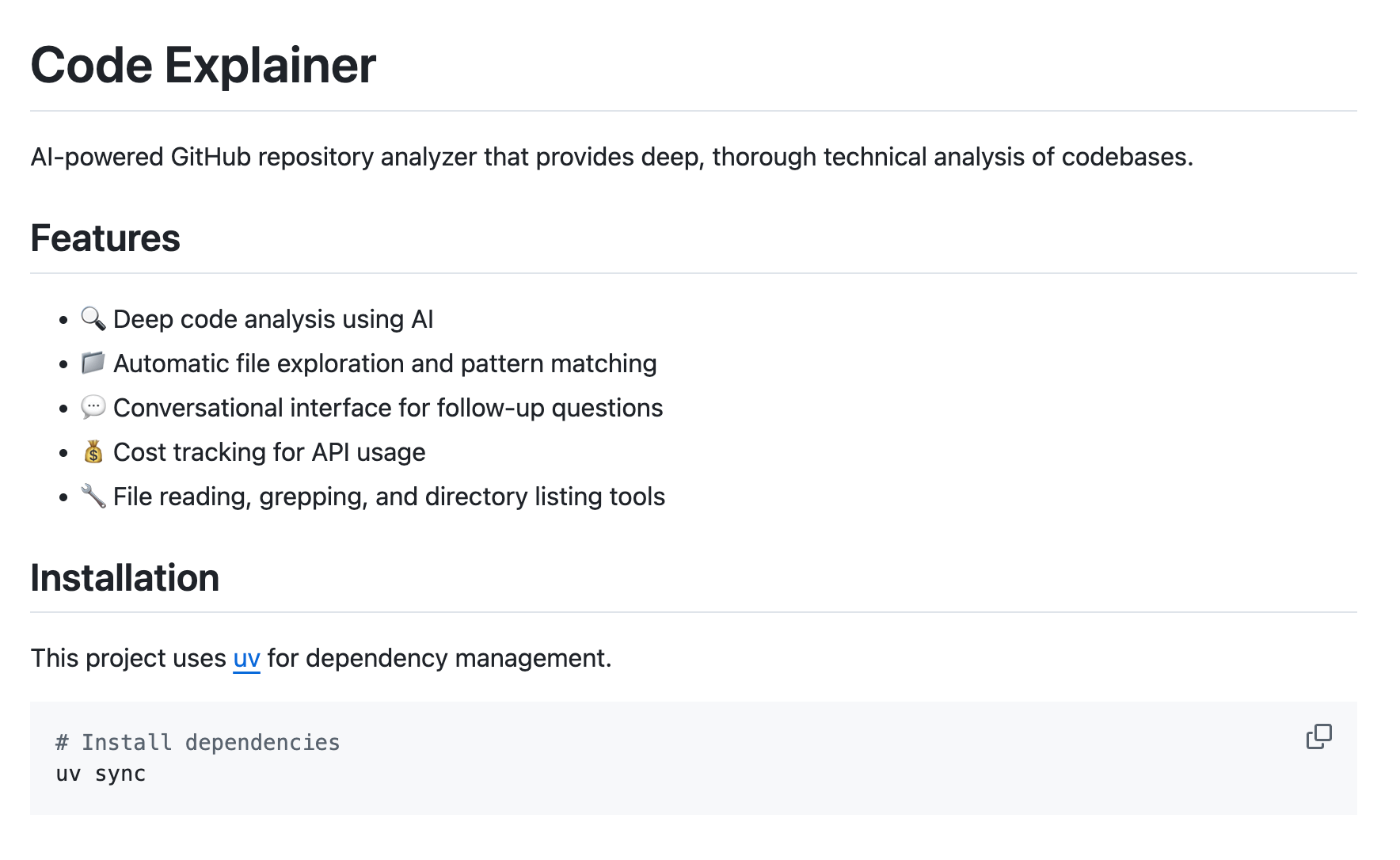
Behind the scenes, an agent could list directories, read files, and grep through the codebase. The interface showed what it was looking at, which files it had analyzed, and how much the request cost. I could also ask follow-up questions without starting over.
Then I started using Claude Code and realized I didn’t need Code Explainer at all. I can just ask Claude Code, Codex, or another coding agent to explain any project. They can clone the repository, inspect the files, and answer questions directly.
So now it’s much simpler to ask a coding assistant than to maintain a separate tool for this.
Project: github.com/alexeygrigorev/code-explainer - a Streamlit app that loads a GitHub repository and uses an AI agent with file-reading, search, and directory-listing tools to explain it.
The Fitness Tracker
Around December 2025, when I first got a Claude Code subscription, I started building my own fitness tracker. I think everyone who tracks workouts eventually wants to build one.
It was my first project where I used Claude Code more intentionally. At that point I was trying to understand how it was different from other assistants I used previously and how much of a real project they could handle.
I already had my own fitness process. I had tried several apps and trackers, but none of them matched the way I train. Since I understood the domain and had a clear idea of what I wanted, I decided to build my own.
At first, I asked Claude Code to create both the frontend and the backend, and I did not give it many constraints. I told it to choose whatever stack it wanted. I did not like the result: it didn’t work and I didn’t understand why. So I asked it to rebuild the backend in Django and use a different frontend stack.
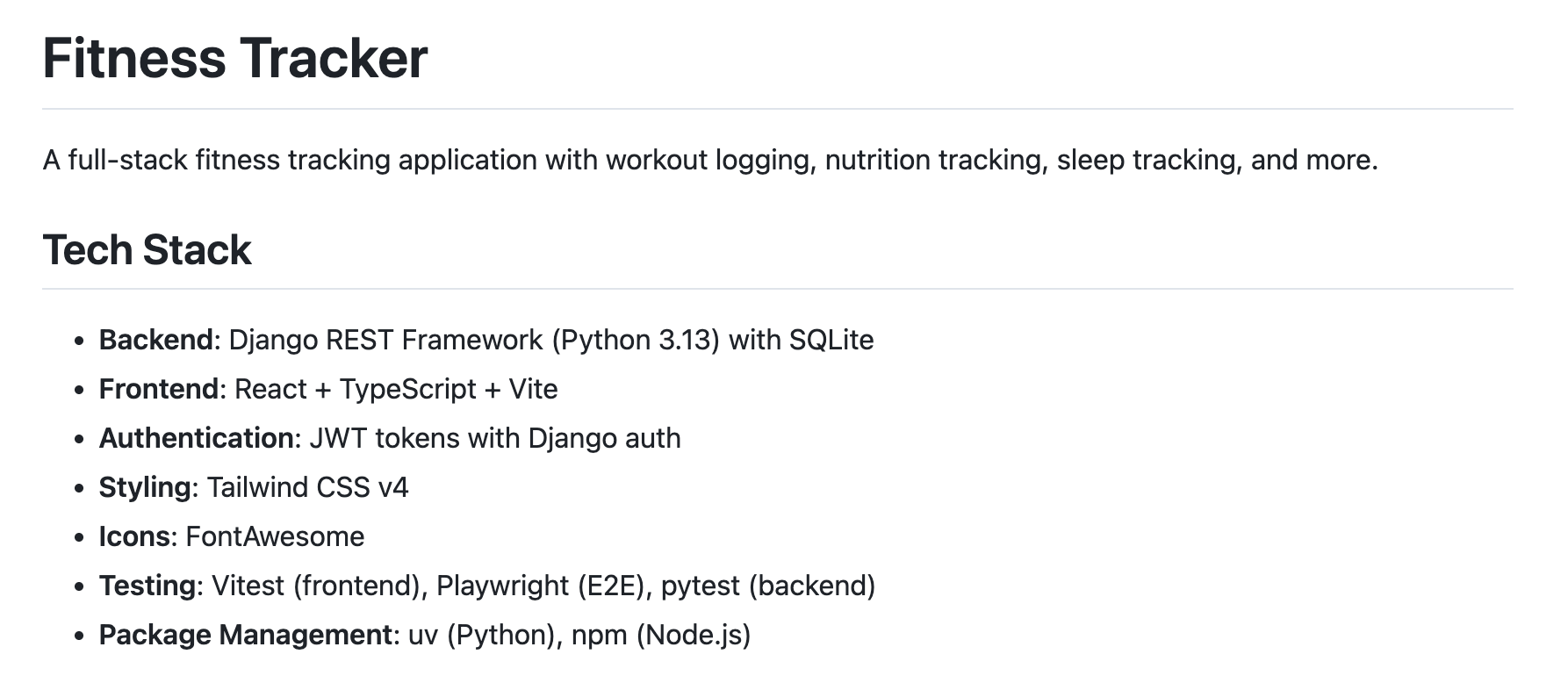
I wanted to define workout presets for different days, start a workout from a preset, and log the details the way I actually train: warm-ups, bodyweight exercises, drop sets, weights, and reps. I also wanted the tracker to remember the last weights I used and save unfinished workouts on the server, so I could refresh the page or switch devices without losing the session.
After that, I kept adding more features: food and meal logging, reusable meal templates, bodyweight and sleep tracking, and a metabolism view that connected these inputs. By that point, the project had a lot of custom logic, and none of it worked properly.
In the end, I gave up on it. It was my first proper Claude Code project and I built it for myself, around a domain I understood well. It did not become something I use every day, but it helped me understand how Claude Code behaves on a real project: where it helps, where it needs more guidance, and how quickly a personal tool can grow once I start adding every feature I want.
That made it easier to try other projects afterward.
Project: github.com/alexeygrigorev/fitness-tracker - a full-stack personal tracker for workout routines, active sessions, meals, weight, sleep, and metabolism data.
The Metabolism Simulator
In January 2026, I started experimenting with Claude Code more seriously. I wanted to see whether I could make it keep working for a long time without coming back every few minutes to press “continue”.
I tried the Ralph Wiggum plugin, which prompts Claude to continue whenever it stops.
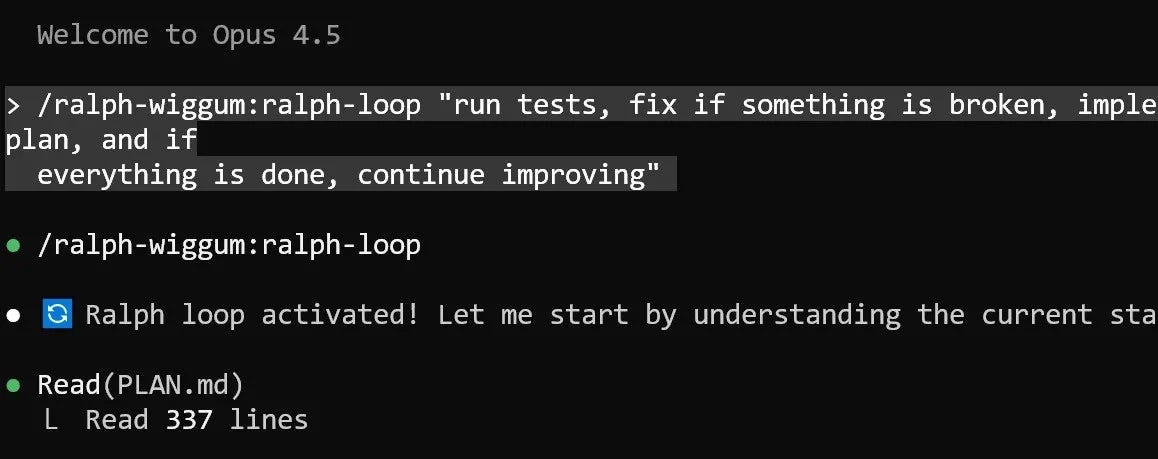
The first project I tested with this setup was a metabolism simulator. I was interested in the topic, but I was also using the project as an experiment. What happens if I let Claude Code work on the same app for many hours with a continuation loop?
Since I do sports, I’m genuinely interested in how metabolism works. What happens when I go for a run without breakfast? What happens when I eat and then go to the gym? How should I eat after a workout? What changes if I want to cut or gain muscle?
I wanted to build a simulator tailored specifically to me. It would show what happens when a person eats, trains, or sleeps: glucose, hormones, energy, and muscle recovery. Ideally, I wanted to connect it to my fitness tracker and use my own diet and training data. It would be like a personal nutrition coach that already knows my routines.
There was a computer game in the 90s called Komputerschik, or “the Computer Guy”. You had a computer and could buy more RAM or upgrade other parts. I wanted something like that, but for a human body. I wanted to change inputs and see cause and effect.


I asked Claude to plan the app first. Then I told it to use a client-server architecture and write frontend and backend unit tests, integration tests, and end-to-end Playwright tests. After that, I turned on the loop and let it work.
After three hours, Claude had built the interface, but the buttons did not work. I asked it to test the app through Playwright and fix the broken flows. After 20 hours, it had added many more features, but food and exercise logging still did not work.
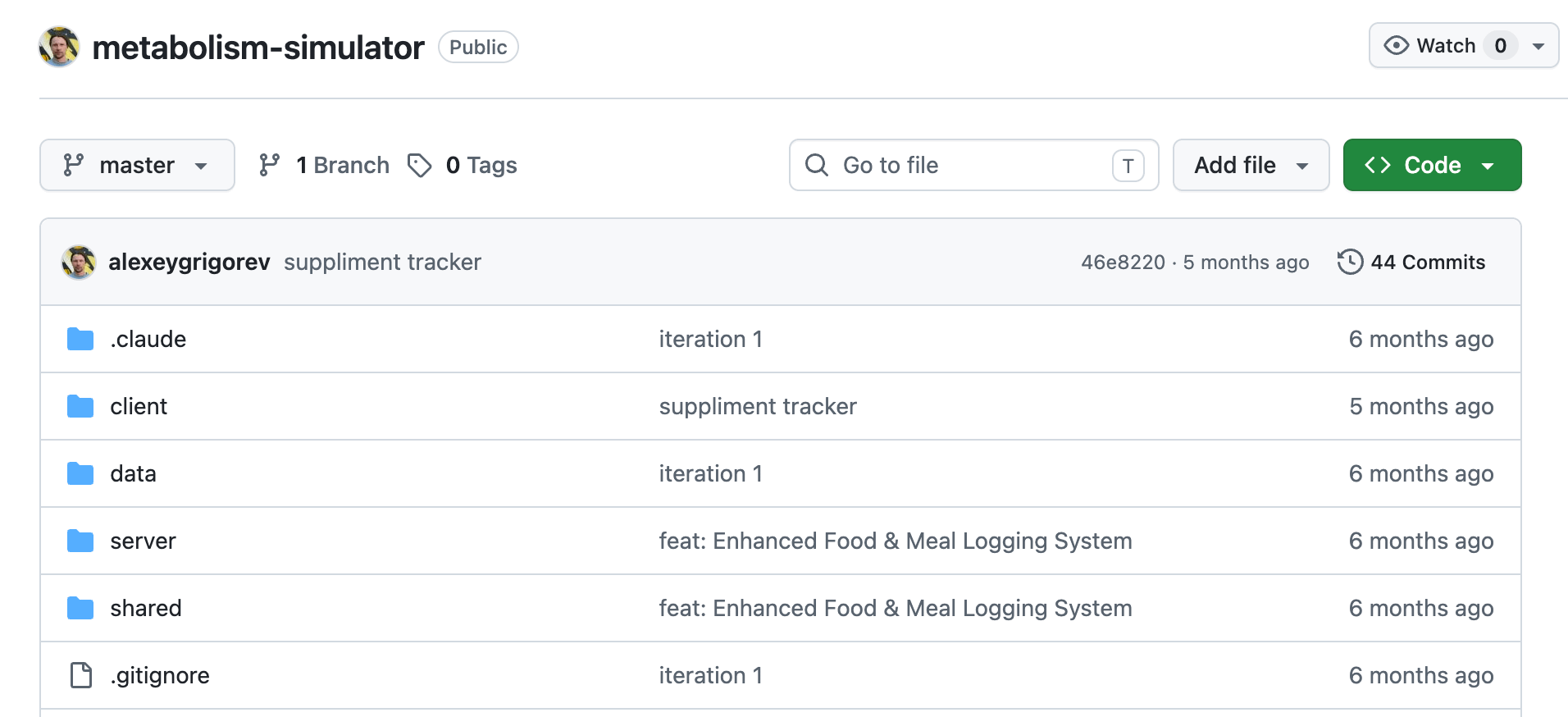
It turned out that instead of fixing the API problem, it just decided to display demo data, making the app look functional while the backend was broken. I had to tell it not to hide a broken backend behind a fallback.
I let Claude run for a few more days. By the end, it had created a well-designed application with a simulation loop, a dashboard, food and exercise data, hormone charts, and many other features. Not everything worked, but it was clear that Claude had produced a lot of code.
The loop can produce something that looks good, but it isn’t reliable. Claude can get sloppy and delete a test instead of fixing it. An agent can keep working forever, but it still needs steering. You need clear requirements, grooming, tests, review, and somebody to accept the work.
You need a development process.
That’s why I started working on my agent team in February 2026. I still use that process now. The metabolism simulator failed as a metabolism app, but it succeeded as an experiment. It showed me what breaks when I let an agent run without enough structure, and it pushed me toward the process I use now.
For this concrete app, I don’t think I’ll come back to it. If I do anything in this direction, I’ll start from scratch and think more deliberately about what exactly I want to model.
Project: github.com/alexeygrigorev/metabolism-simulator - a client-server web simulator for food, exercise, energy, hormones, and recovery.
CodeHive
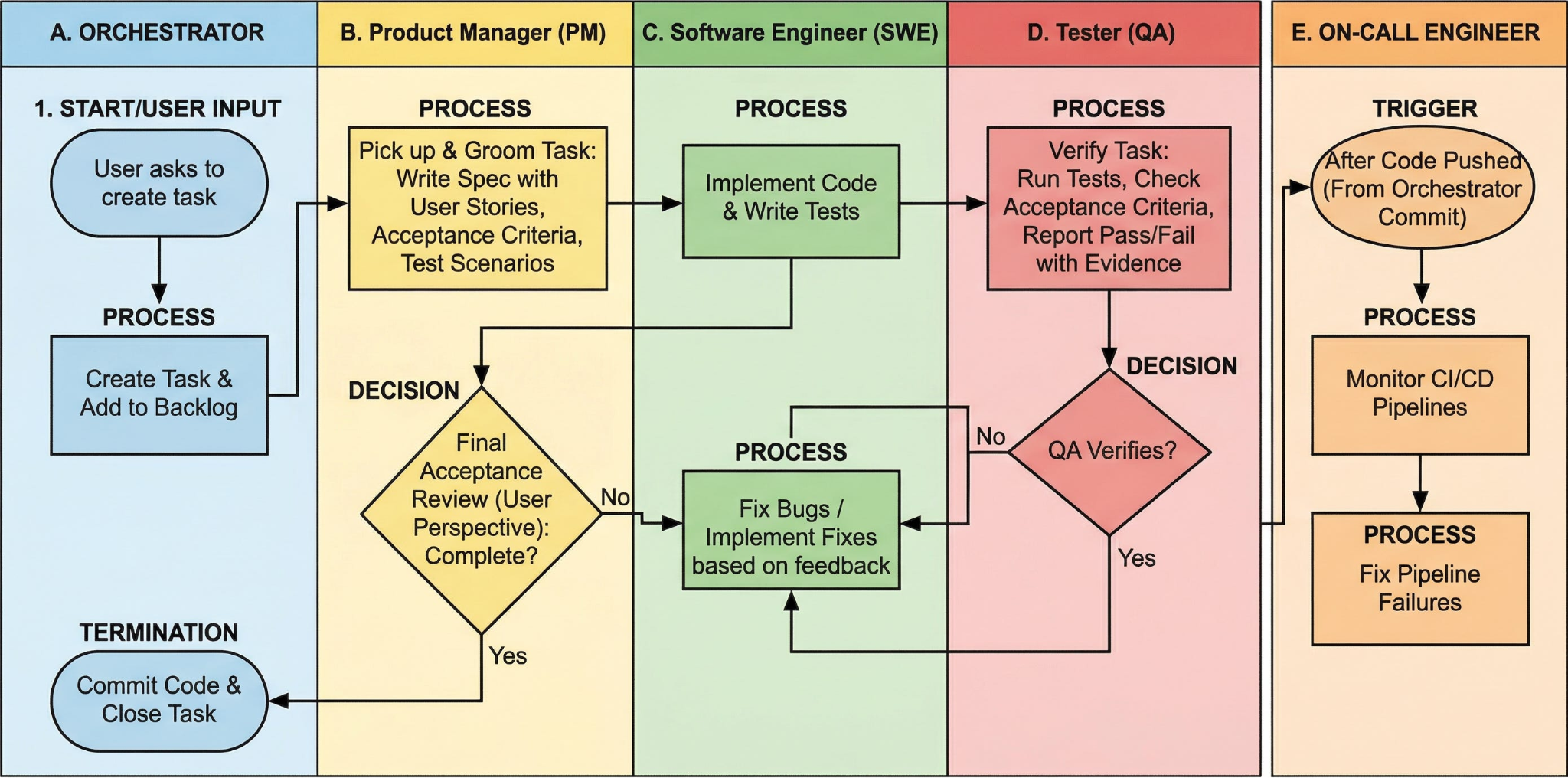
I already wrote about my agent team for software development. The team had five agents: an orchestrator, a project manager, a software engineer, a QA engineer, and an on-call engineer.
I tested it on five projects, but kept seeing the same problems. Claude Code could pause in the middle of a task and ask, “Shall we proceed?” when there are a lot of unfinished tasks. Or it said the work was done, even though it wasn’t.
I also couldn’t see what a subagent was doing. It could spend an hour on a task, and I had no way to tell whether it was making progress or was stuck. Sometimes the orchestrator ignored the setup entirely and sent a task straight to the SWE without PM grooming or QA verification.
The methodology lived in markdown files, so the agent could ignore any part of it. I wanted the application to enforce the pipeline instead: PM always grooms the task first, then SWE implements it, QA verifies it, and PM accepts it. The roles, acceptance criteria, and definition of done are be part of the tool, not another prompt.
At that time, I also started hitting Claude Code’s usage limits, which made me realize that relying on a single provider was a bad idea.
To deal with all of that, I started working on CodeHive. I wanted it to provide:
Enforced PM, SWE, QA, and acceptance pipeline
Multiple agent backends, including Claude Code, Codex, GitHub Copilot, and Z.ai
A non-blocking task pool
Subagent status and intervention controls
Automatic GitHub issue intake
Access from a phone, computer, browser, and terminal
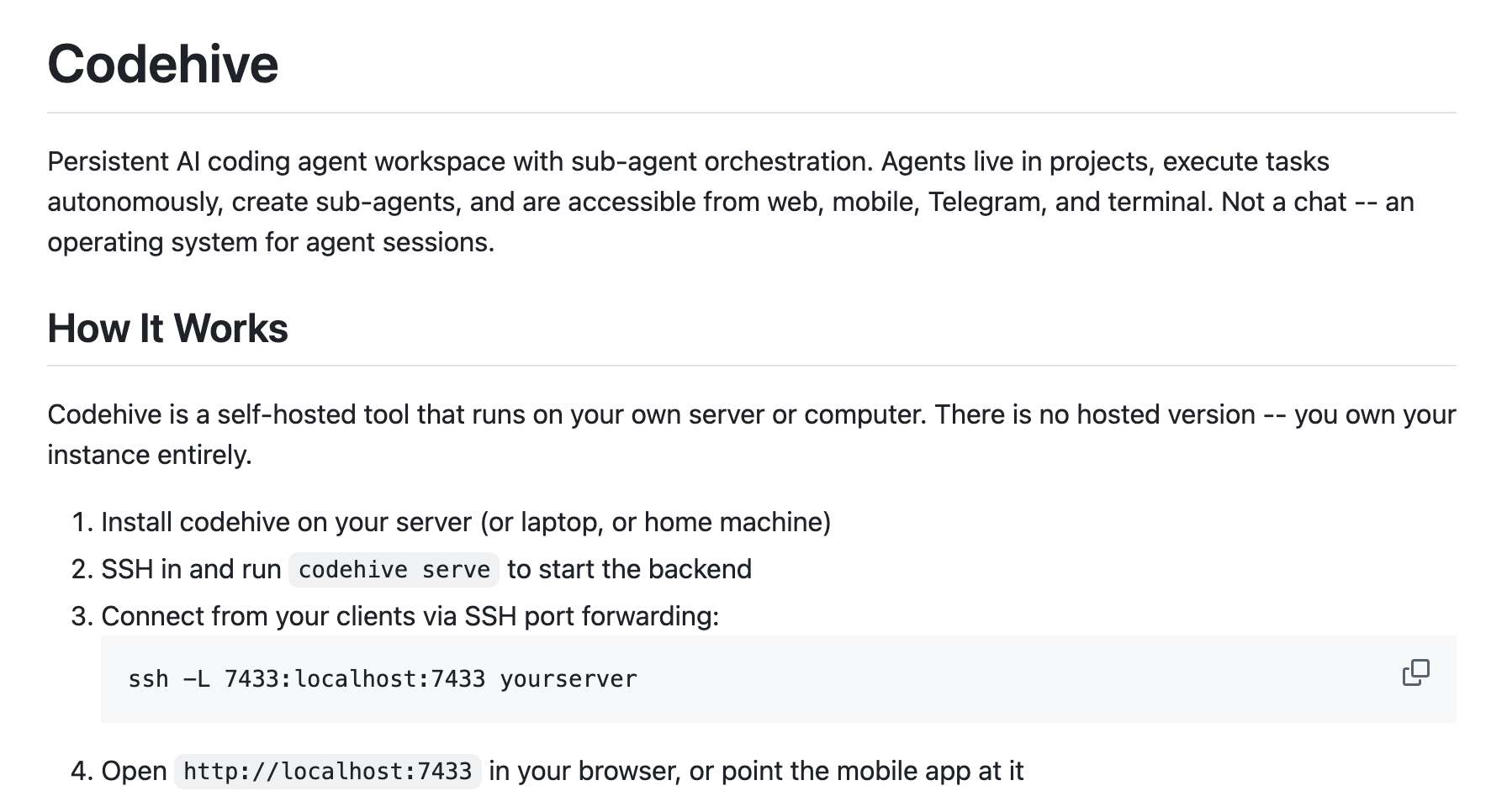
CodeHive got too ambitious. Around that time, I discovered Termius and realized I didn’t need a complex multi-client system just to work from my phone. Opening Termius on my phone was enough, so I no longer needed the web interface.
CodeHive wasn’t a complete waste. I worked out much of the agent-team approach there. But turning it into a tool I would actually use would take a very long time, so I stopped working on it.
Project: github.com/alexeygrigorev/codehive - multi-platform autonomous coding agent with sub-agent orchestration
Litehive
Litehive came out of CodeHive. After CodeHive grew too large, I pulled out the two parts I actually needed: the enforced pipeline and the ability to switch between agent engines.
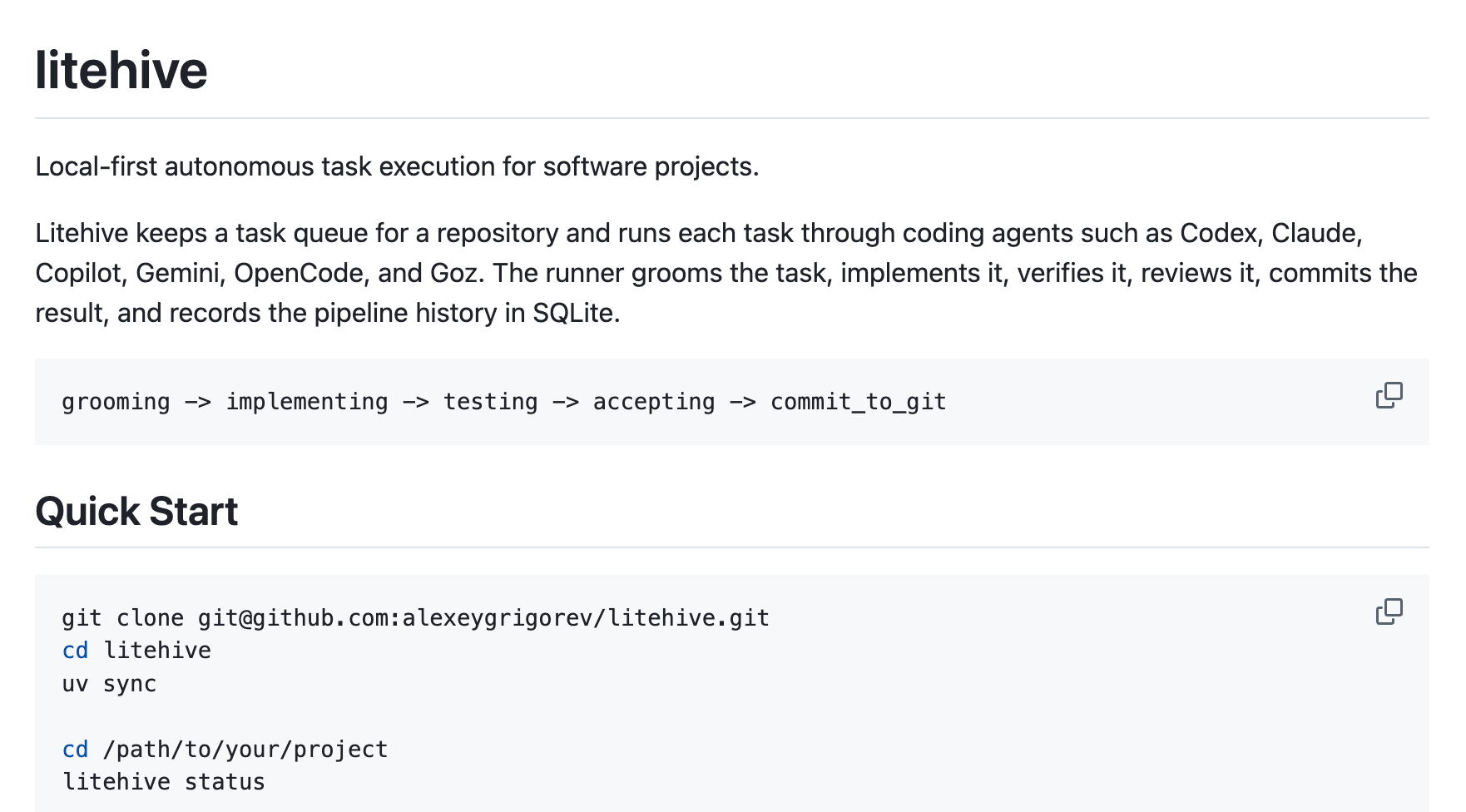
Litehive was the local-first command-line version. No interface. No web app. Each project had a small .litehive folder containing its configuration and context, while the task queue, reports, agent sessions, and runtime state were stored in SQLite outside the repository.
The hard-coded pipeline from CodeHive became Litehive’s main job. It moved each task through grooming, implementation, testing, acceptance, and a Git commit. I could queue, pause, resume, or requeue work, inspect its logs and journal, and recover a task when a runner crashed or an agent got stuck.
Each task ran in its own git worktree. When it passed the stages, Litehive committed the work, merged it into the main workspace, and pushed it.
The multiple-engine requirement also came from CodeHive. Litehive could run Codex, Claude Code, GitHub Copilot, Gemini, and OpenCode, and I could switch a task to another engine when I was approaching a limit. The skills and context were written in a format any of these agents could read.
I spent more than a month on this project and burned a huge pile of tokens. I rewrote it several times, almost from scratch, but it never became stable.
I hadn’t thought the architecture through properly, so the agents filled in the gaps. The project got complicated, and each rewrite removed some checks and edge cases from the previous version.
The state machine was the one part I really liked, because it made the system deterministic. But with the looser orchestrator I use now, I can launch many sessions at once and let it merge the results. That is much harder with a fixed state machine.
I don’t think I’ll come back to Litehive. It’s simpler for me now to start an agent and let it follow the process I have tuned for Codex and Claude Code.
Project: github.com/alexeygrigorev/litehive
Looking back, CodeHive and Litehive were part of what helped me improve my approach to managing the agent team.
At first, I thought I needed a full system around a team of agents: roles, queues, status tracking, approvals, multiple clients, and a hard pipeline. Then CodeHive became too large. I extracted the core into Litehive. Then Litehive showed me that even the smaller version was still too rigid and too complicated for the way I actually work.
In the end, I arrived at a simpler setup: I talk to the agents directly and use a process that I have tuned through practice. That turned out to be more flexible than wrapping everything in a fixed application.
But I don’t think I would have reached that conclusion without building CodeHive and Litehive first. They helped me understand which parts of the process mattered and which parts were just extra machinery.
What came out of Litehive
Litehive cost me a lot of time and tokens, but two parts of it were useful enough to extract into separate projects.
Heru
Litehive had to run coding agents without opening their interactive chat interfaces. I wanted it to start Codex, Claude Code, GitHub Copilot, Gemini, or OpenCode from the command line, pass in a task, capture the output, and resume the same session later if needed.
It’s not that simple: all the engines have different flags, output formats, session IDs, and rules for resuming a previous run.
At first, I put all of that provider-specific logic inside Litehive. The same codebase handled the task queue and also knew how to start each CLI, which flags to pass, how to parse its output, where to find the session ID, and how to resume a previous run.
Eventually I pulled the provider-specific part into a separate tool called Heru. I kept the task queue and orchestration logic in Litehive and moved the provider-specific execution logic into Heru. Litehive decided which task should run next and which agent should handle it, and heru translated that decision into the right command for the selected provider.
I named it “Heru” because I wanted one tool to “rule them all”. “Heru” means “Lord” in one of the Elvish languages.
I used it with Claude Code and Codex, but also often with GitHub Copilot when it was cheaper. Now Copilot’s pricing makes it less useful, so I stopped relying on it. But new coding agents keep appearing, and I can easily add them to Heru.
Project: github.com/alexeygrigorev/heru - a unified headless CLI that normalizes execution, events, and session resume across coding-agent CLIs.
Quse
I work on a lot of projects in parallel, so I often run out of tokens. I use Codex, Claude Code and other providers, so when I hit limits in one tool, I switch to another.
But when I’m working on a long task that I start in Claude Code, and get close to the quota, it can get interrupted at the worst possible moment. I wanted Litehive to manage that situation and switch to another provider automatically. When Claude reached 95% of its available usage, Litehive would send new tasks to Codex or Copilot instead. And when Claude is back to 0%, it can start receiving tasks again.
To make that work, I needed a unified way to check usage quotas across providers. Each provider reports usage differently, so I built a small tool called Quse to handle that logic. The name means “Quota Use”.
Quse normalizes quota checks for Codex, Claude Code, Copilot, and Z.ai. When I run it from the command line, it shows how much usage I have left for each provider and when the limit resets.
This is probably the project from this whole list that I use the most right now.
I also integrated Quse into PocketShell, the phone shell app that I actively use now. When I approach limits, my phone sends me push notification, so I can switch to another provider.
Quse is the small part of Litehive that became a daily tool. It does not run agents on its own, but it gives me the information I need to decide whether to keep using the current provider or move the next task elsewhere.
Project: github.com/alexeygrigorev/quse - normalized quota and usage checks for Codex, Claude Code, Copilot, and Z.ai.
The Mermaid diagram tool
merm, my Mermaid diagram tool, was another project where I tested the agent-team process.
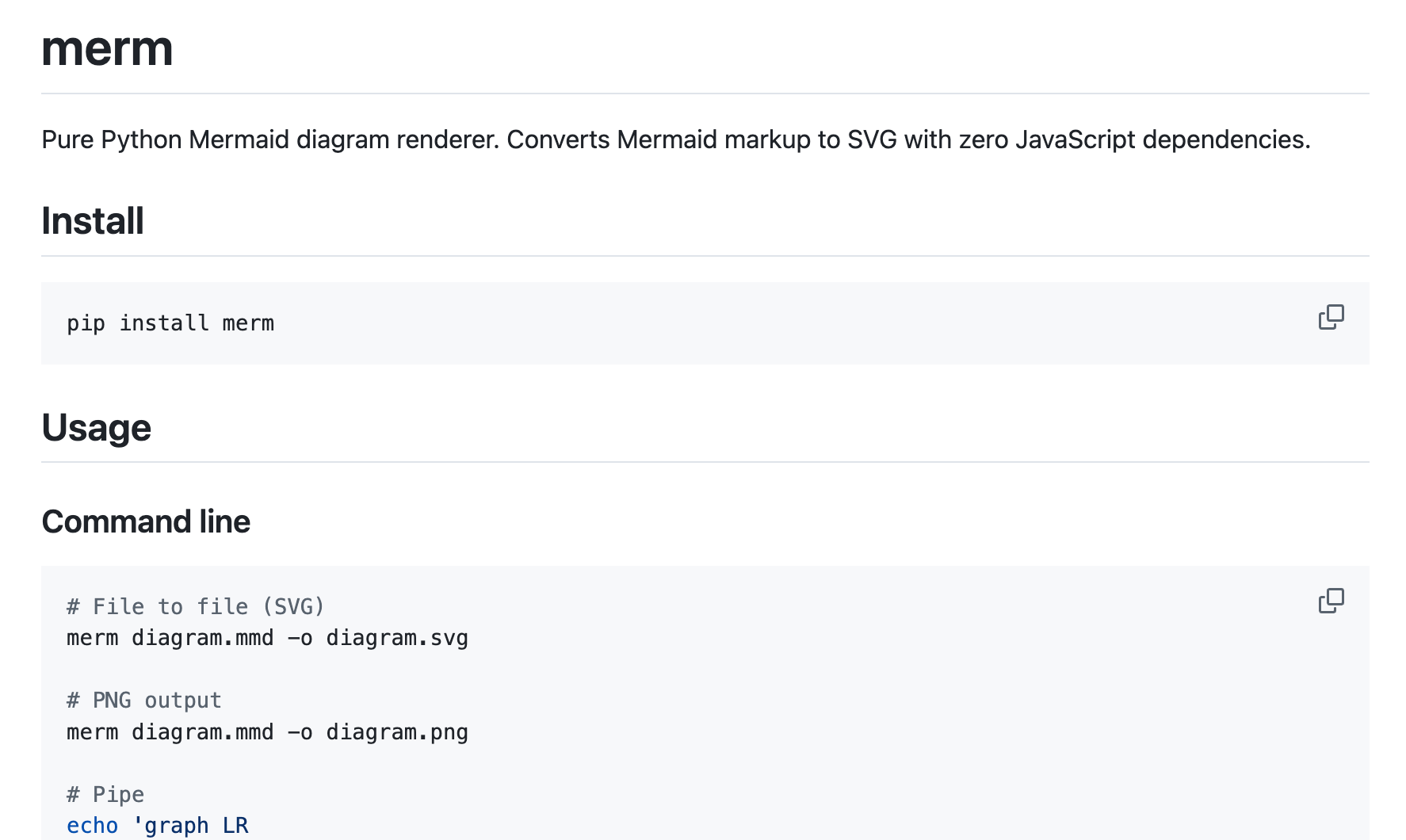
I built it because I wanted to render Mermaid diagrams on a server without installing Node and a headless browser just to produce an SVG. Merm is a pure Python renderer: it parses Mermaid markup, lays out the diagram, and writes SVG or PNG files.
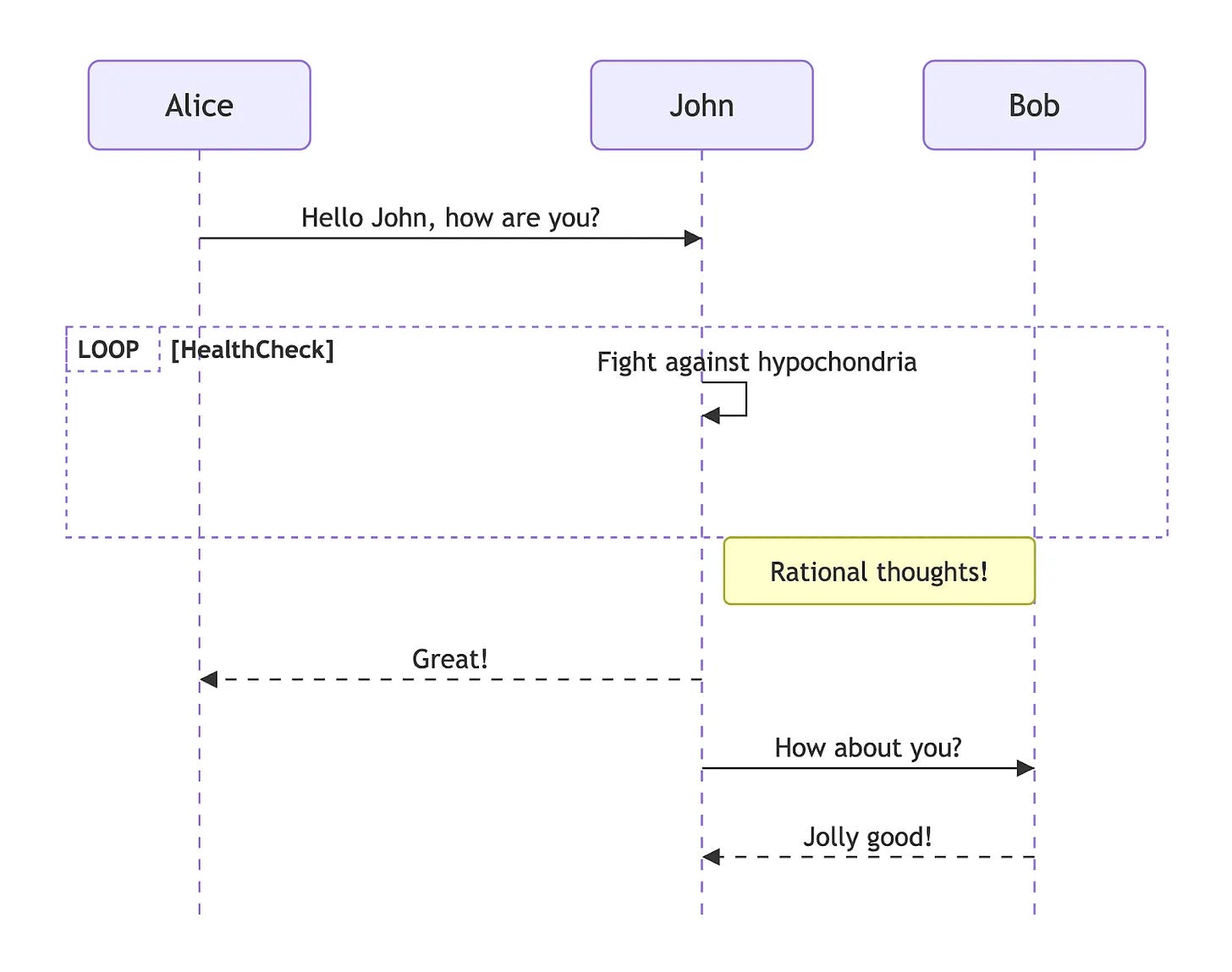
It has a command-line interface, so I can render a .mmd file or pipe Mermaid text into it. I started with flowcharts, then expanded the renderer to support sequence, class, state, ER, Gantt, pie, mindmap, and git graph diagrams.
I polished this project to a good state. I did not spend much of my own time on it, though it probably used a lot of tokens. More importantly, I used the project to test and refine the agent-team process on a real codebase.
The tool works, but I do not have a strong need for it right now. Most of the time I need to render diagrams in a browser, so I simply use the mermaid.js library.
Maybe I will come back to Merm later if I build a more dedicated workflow for diagrams. For now, this project is not exactly abandoned. It works. I just do not need it enough to use it regularly.
Project: github.com/alexeygrigorev/merm
Cleaning up the Dead Weight
Abandoning some projects along the way is a normal part of the experimentation process. Not everything you build has to become useful,.
A lot of projects die. Some just sit on GitHub and never get touched again. And that’s fine.
The valuable part is what you learn from doing the project, or the process you developed while building it. Sometimes it’s a smaller tool that splits off from it. Sometimes it’s simply the realization that you should not solve this problem in this particular way.
For me, if one out of ten projects actually sticks and becomes part of my real workflow, I would already consider that a success.
The important thing is to keep experimenting, notice when something is not working, stop when it is no longer useful, and move on with a better understanding than you had before.
And while preparing this article, I decided to clean up some of my repositories and delete those I no longer needed. There are probably still a lot left that I don’t need, and I’ll likely delete those later too.
What I’ve Been Working on Recently
1) Updated the AI Engineering Field Guide
I continued working on the AI Engineering Field Guide, a data-driven resource about AI engineering roles, skills, interviews, and career paths.
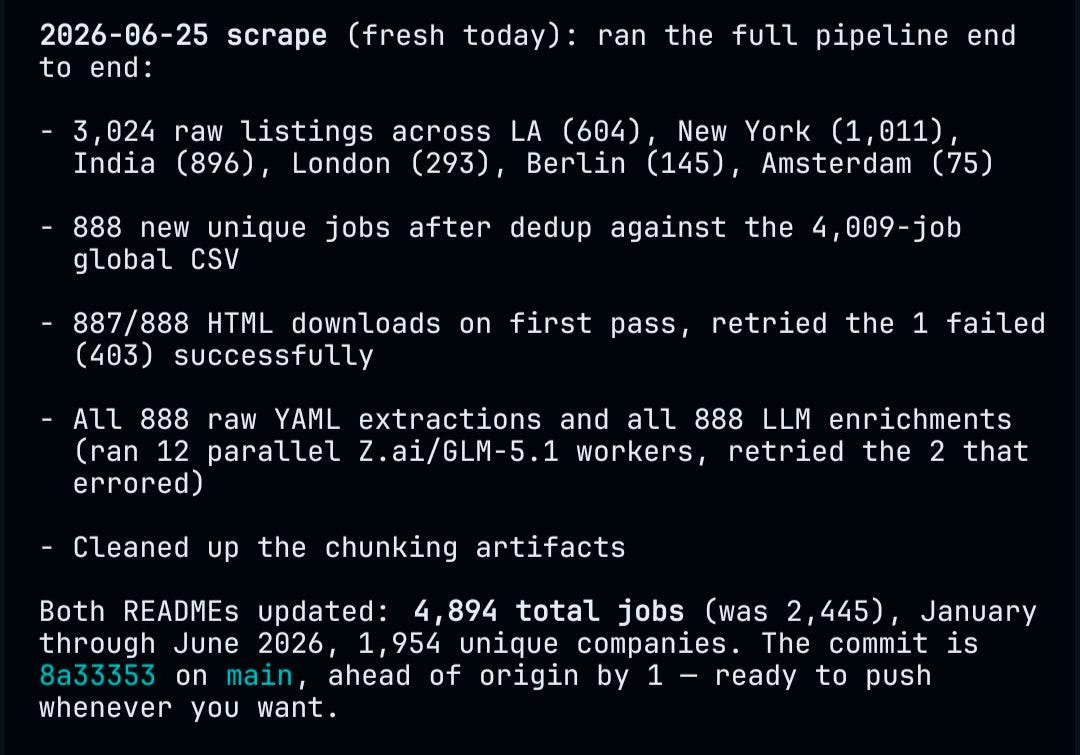
This week, I refreshed the job data behind the guide and updated the repo. It now draws on 4,894 real job descriptions, interview experiences, and practitioner stories. The guide covers role analysis, skills, responsibilities, use cases, interview preparation, company-by-company interview processes, learning paths, and portfolio strategy.
2) Vercel FAQ Agent workshop
I presented the Vercel FAQ Agent workshop at AI Shipping Labs.
We take the FAQ agent from earlier workshops and ship it on Vercel. Now a Next.js app serves the UI, a serverless function runs the agent loop, and the chat model is reached through the Vercel AI Gateway.
The workshop compares four ways to build the same agent on Vercel: AI SDK with MiniSearch, Eve with durable sessions, Eve with Upstash Vector, and a Python FastAPI backend for teams that prefer Python.
I was really impressed with eve and how easy it is to deploy agents with Vercel. But there’s one downside: it’s all in TypeScript.
3) Full-Stack Vibe Coding workshop
I also worked on the Full-Stack Vibe Coding workshop. It was an offline workshop, but I made the materials available for free on the AI Shipping Labs website.
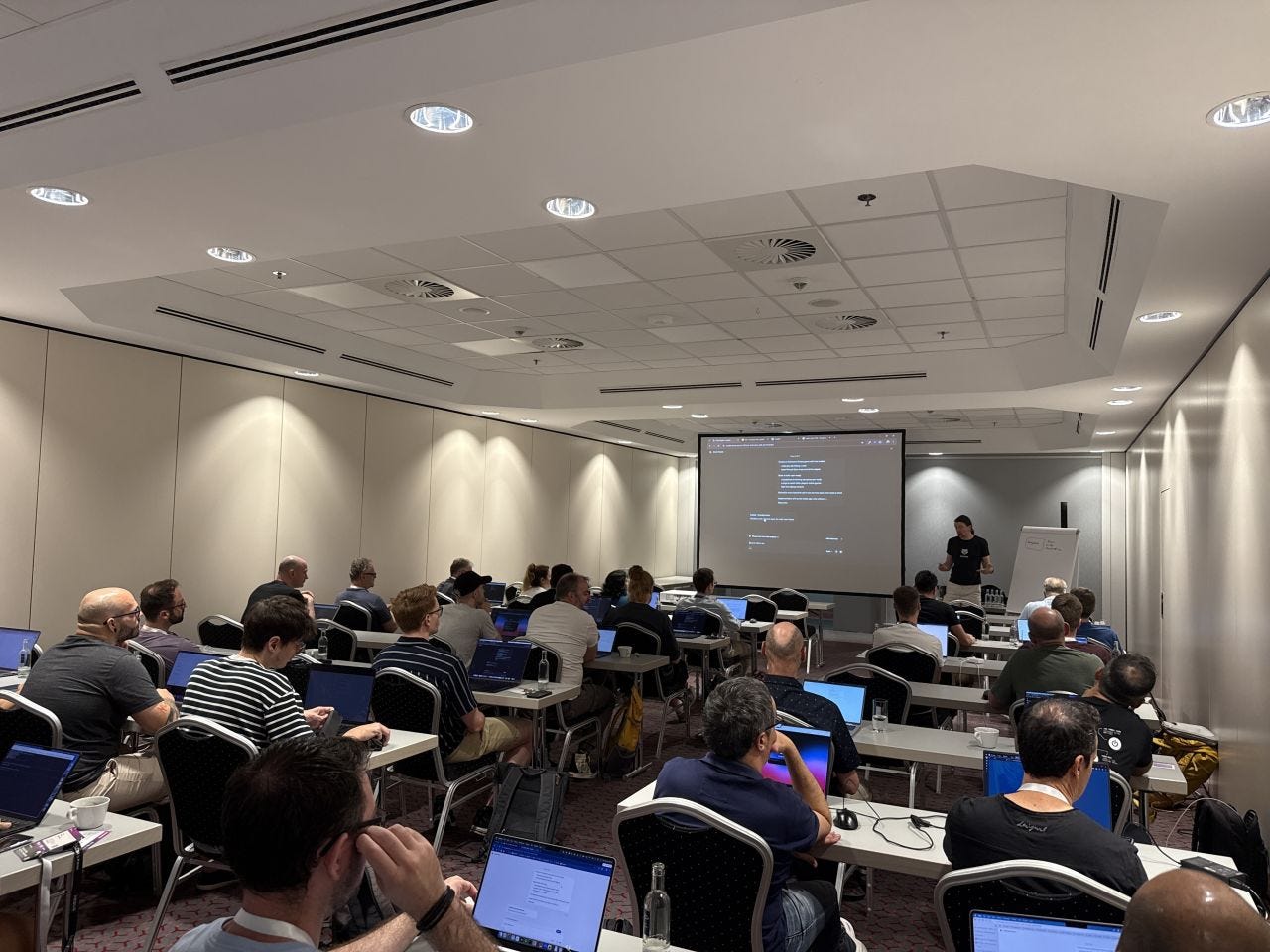
The workshop builds Snake as a full-stack web app end-to-end, with a coding assistant doing most of the work. We start with a React frontend generated in Lovable, write an OpenAPI spec that the frontend and backend agree on, then use a coding assistant to build a FastAPI backend from that spec.
After that, we add a real database, connect the frontend to the backend, run tests, containerize the app with Docker Compose, deploy it to AWS with infrastructure as code, and add a GitHub Actions CI/CD pipeline.
The point is to show how far you can get with a coding assistant, even if you do not have deep frontend, backend, or DevOps experience, as long as you can guide the work and review what the assistant produces.
Interesting Tools
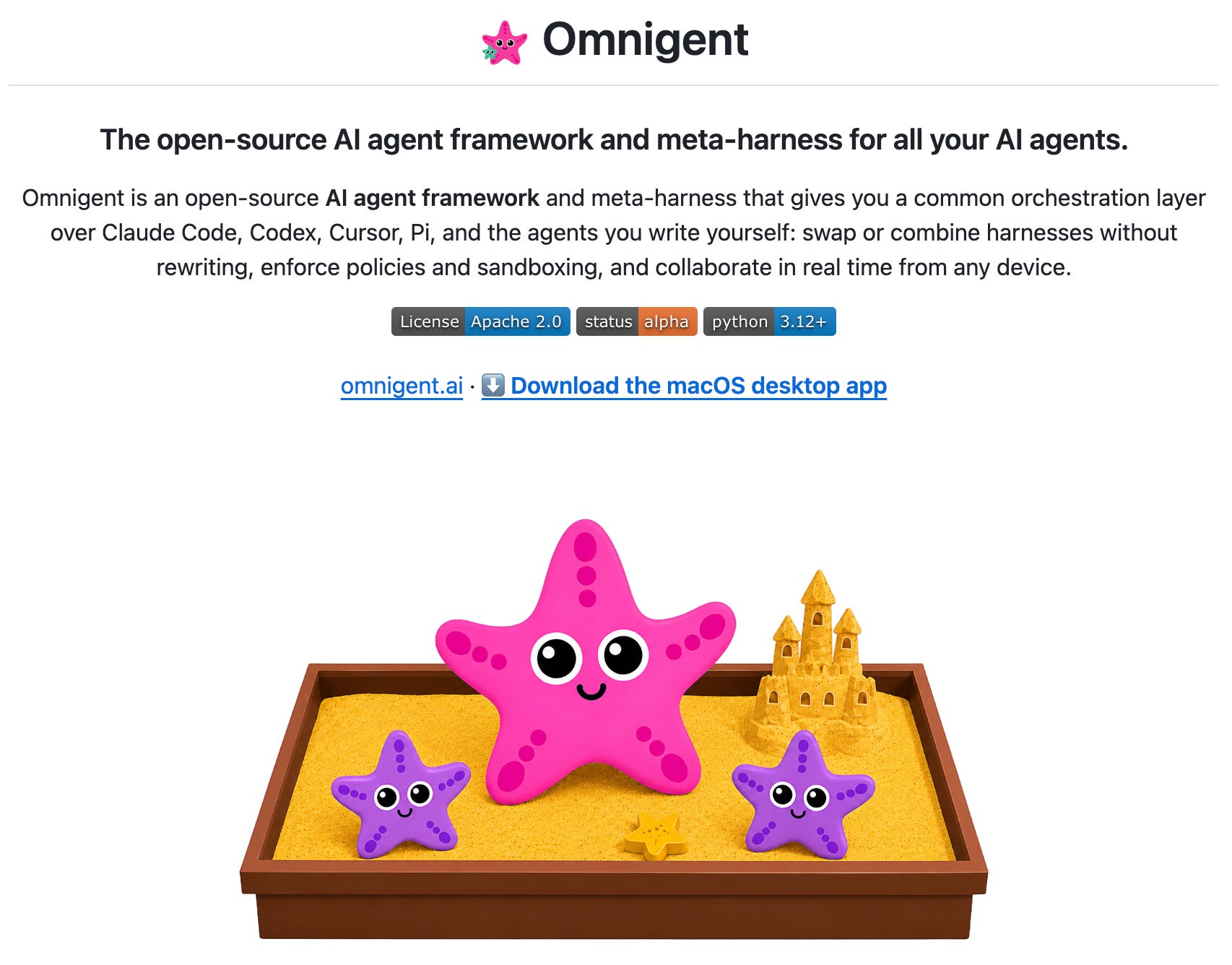
Omnigent is an open-source meta-harness from Databricks for coordinating coding agents. Instead of relying on one agent, you can run several agents in one session, for example, one agent writes code and another reviews it. Omnigent supports Claude Code, Codex, Pi, the OpenAI Agents SDK, and YAML-defined agents. It also moves some controls out of prompts and into the harness itself: spend caps, approval gates, sandboxed tool execution, and an egress proxy that can inject secrets without exposing them to the agent. The project is released under Apache 2.0.
LiteParse is a fast open-source document parser from the LlamaIndex team. It runs locally, so you can parse documents without cloud dependencies or proprietary LLM features. It supports PDF, DOCX, XLSX, PPTX, and images; uses PDFium for spatial text parsing with bounding boxes; and can run OCR through bundled Tesseract or an HTTP OCR server. The Rust core has bindings for Python, Node.js/TypeScript, the browser through WASM, and a CLI, so it should fit into most local document-processing pipelines.